Your Show. Your AI Sidekick.

You're the host. AI is your sidekick.

You are the face of the show. Talk into a microphone and your animated AI cohosts, Sally and Barney, answer back, work the big screen and keep every phone in the game - so you can focus on the room. Trivia, bingo, prize wheels, drawing games and more.

  • No app for guests - just scan the QR code
  • Works in the room, hybrid or fully remote
  • Talk to them, or tap buttons
1 human host: you20+ games and screens2 animated AI cohosts to choose from1 QR code to join0 apps to download
Human-hosted. AI-assisted.

A real host, with a very good sidekick

Game Show Studio is not a robot that runs your party. It is a toolkit that makes the person in charge - you - look like a pro.

You lead the room

You pick the games, set the pace and talk to your guests. The night is yours, and so is the spotlight.

AI does the heavy lifting

Sally and Barney banter between rounds, read out questions, run the screens, keep score and fill every pause.

You can take over any moment

Every command is a button, every approval is yours, and you can step in or hush the cohosts with one tap.

How it works

From empty TV to full room in four steps

No hosting experience needed. If you can open a web page, you can run the night.

  1. Put it on the TV

    Open Game Show Studio on any screen with a browser. The join code and QR appear.

  2. Guests scan to join

    They play from their phone's browser. No app, no sign-up.

  3. Plan or improvise

    Build a running order, ask the AI to build a game, or just start talking.

  4. Press Start The Show

    Sally and Barney host. You steer with Next, Back, your voice or a button.

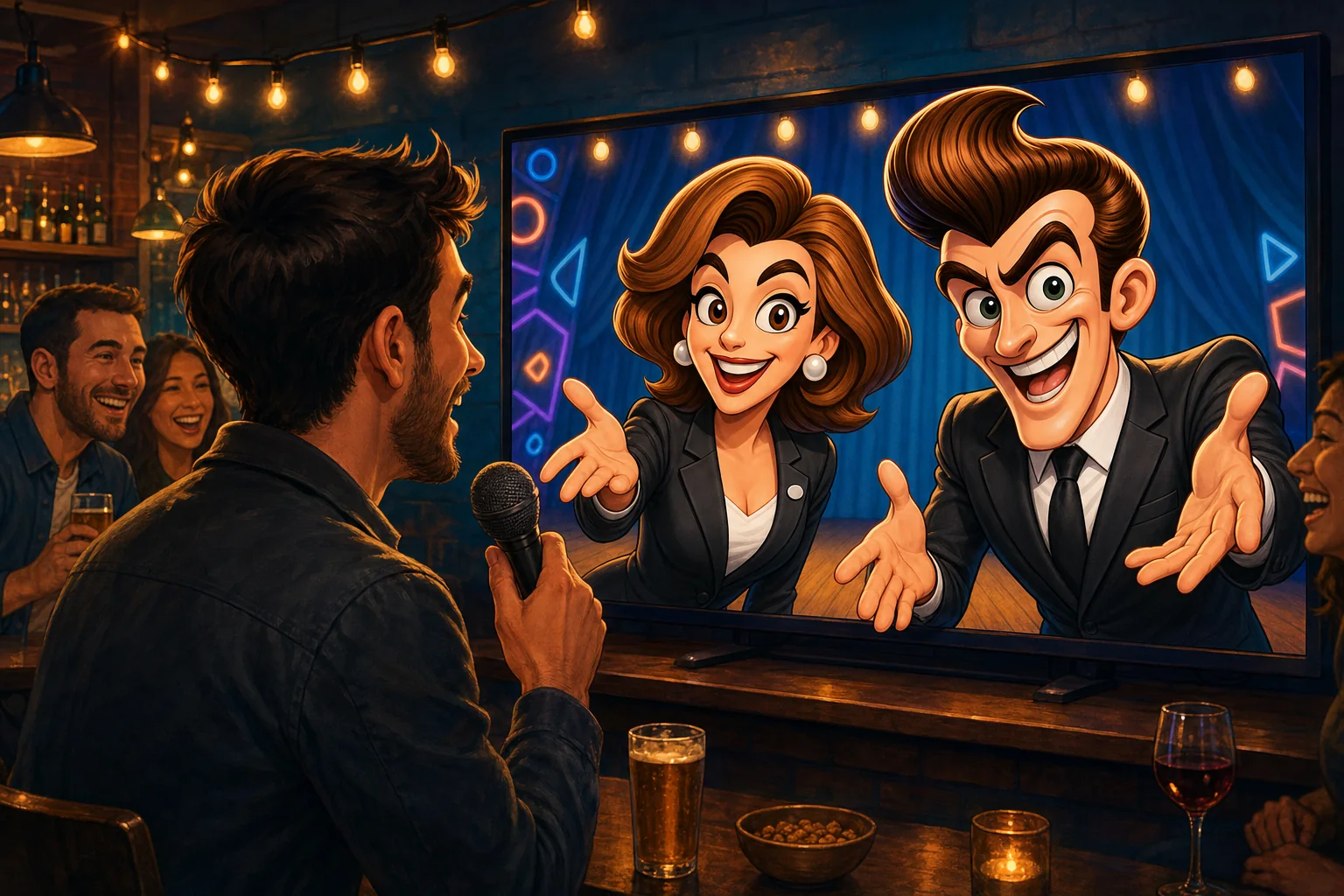
A host talking into a microphone while two animated AI cohosts answer from a bar TV
Real conversation

They talk back. They react. They work the screen.

Sally Sharp and Barney Bartflast are animated cohosts with their own voices and moods. Speak naturally - "next question", "spin it", "start a 30 second timer" - and they get on with it while ad-libbing to the room.

  • Voice or buttons. Every command has a button too, so you are never stuck.
  • They read the room. Reactions, jokes and encouragement between questions - no dead air.
  • You set the tone. Family-friendly, cheeky or corporate-polite.
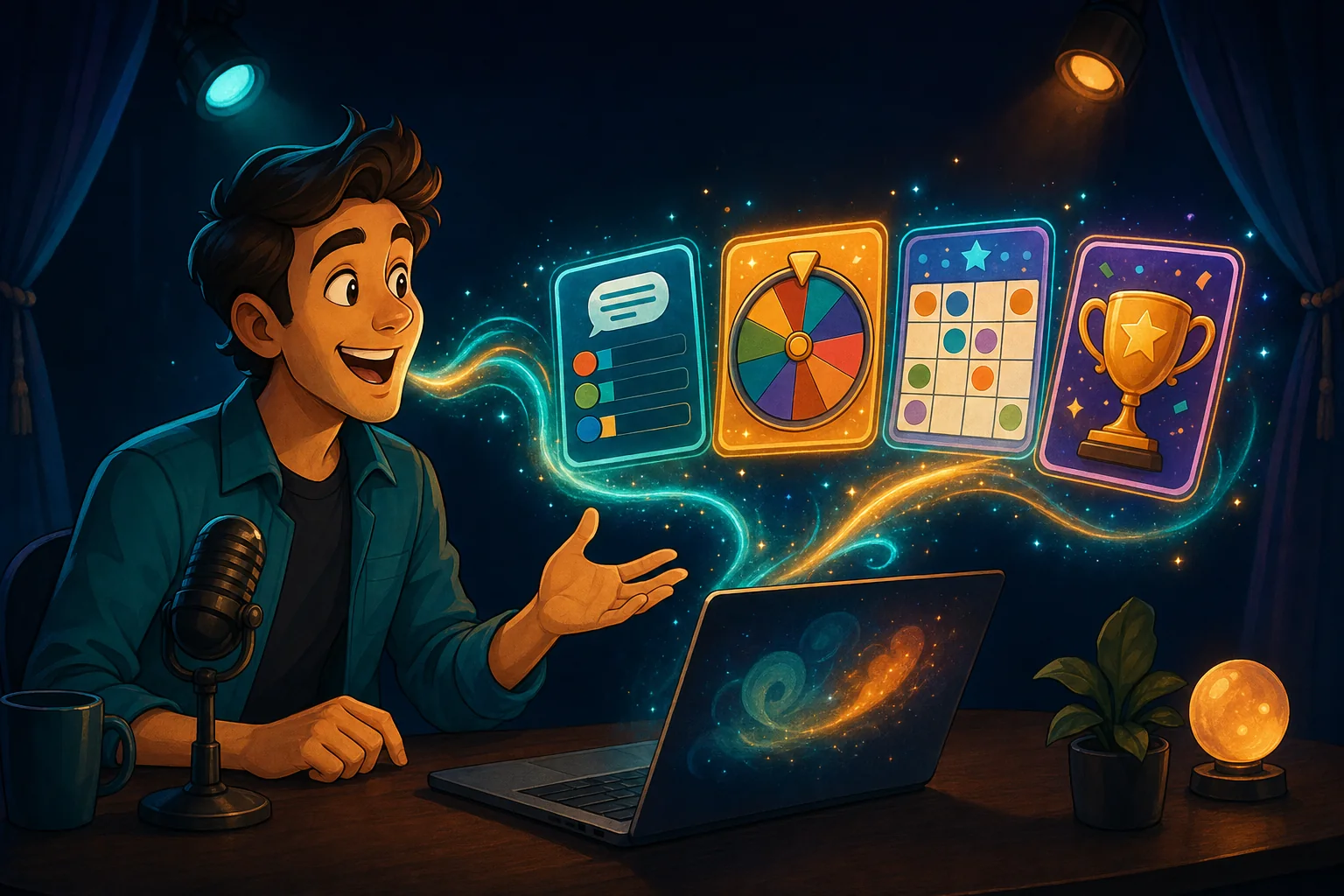
A host describing a game out loud while it assembles itself into a running order of colourful cards
Build with words

Describe the game. The AI builds it.

"Ten trivia questions about space." "Bingo with eighties movies." A stronger AI builder searches for media, writes the questions, sets up the screen and tells the cohosts when it is ready.

  • A running order you control. Plan the whole night in the Rundown, save it and reuse it every week.
  • Change your mind mid-show. Add a screen on the fly - the show keeps its place and one click takes you back.
  • Your questions, pictures and music. Paste, upload, or search the question library.
The games

Everything on the TV, played from the phones

Quiz rounds, party games and crowd-pleasers - every one scores itself.

Trivia

Five kinds of question, one-tap scoring

Multiple choice, say-it-aloud, bluff (players write convincing fakes), majority vote and Survey Says. Add a picture to any question, paste a list in, search the question library, or ask the AI to write a round on any topic. Right answers are scored the moment you reveal.

On phones: Pick an answer, write a bluff, or put answers in order

Bingo

Everyone gets their own card

Call numbers B1 to O75 or play with your own items - movie quotes, office in-jokes, whatever fits the night. Each player daubs their own card on their phone and claims BINGO; the server checks the claim so nobody has to argue. Pay only the first winner, or every player who calls a valid BINGO - with the points you choose.

On phones: A personal card and a BINGO button

Spin Wheel

A wheel that picks fairly

Type the names, prizes or dares and spin. The server picks the winner before the wheel moves, so it is always fair, and the TV animates the landing. Optionally eliminate each result until one is left.

On phones: Watch the big screen

It's Sketchy

Draw, bluff and vote

Every player gets a secret prompt to draw. Then the room bluffs about each drawing and votes for the real one. No artistic skill needed - the worse the drawing, the better the game.

On phones: A drawing canvas, then bluffs and votes

Photo Showdown

You pick the finalists, the crowd picks the winner

Players send a photo from their phone - a live picture or one they already have - and you choose which ones go up on the TV. Then the room votes, and the winning photo is crowned. Or supply the photos yourself and let everyone vote. You can download every photo players sent.

On phones: Camera and voting

Reaction Wall

Cheers, messages and photos, live

Guests send emoji reactions, short messages and photos - a live picture or one from their phone - that float across the TV, over a looping video if you like. Choose whether photos are allowed, need your approval first, or are off, and download every photo afterwards.

On phones: Reactions, messages and photos

Everyone plays

The phones are the controllers

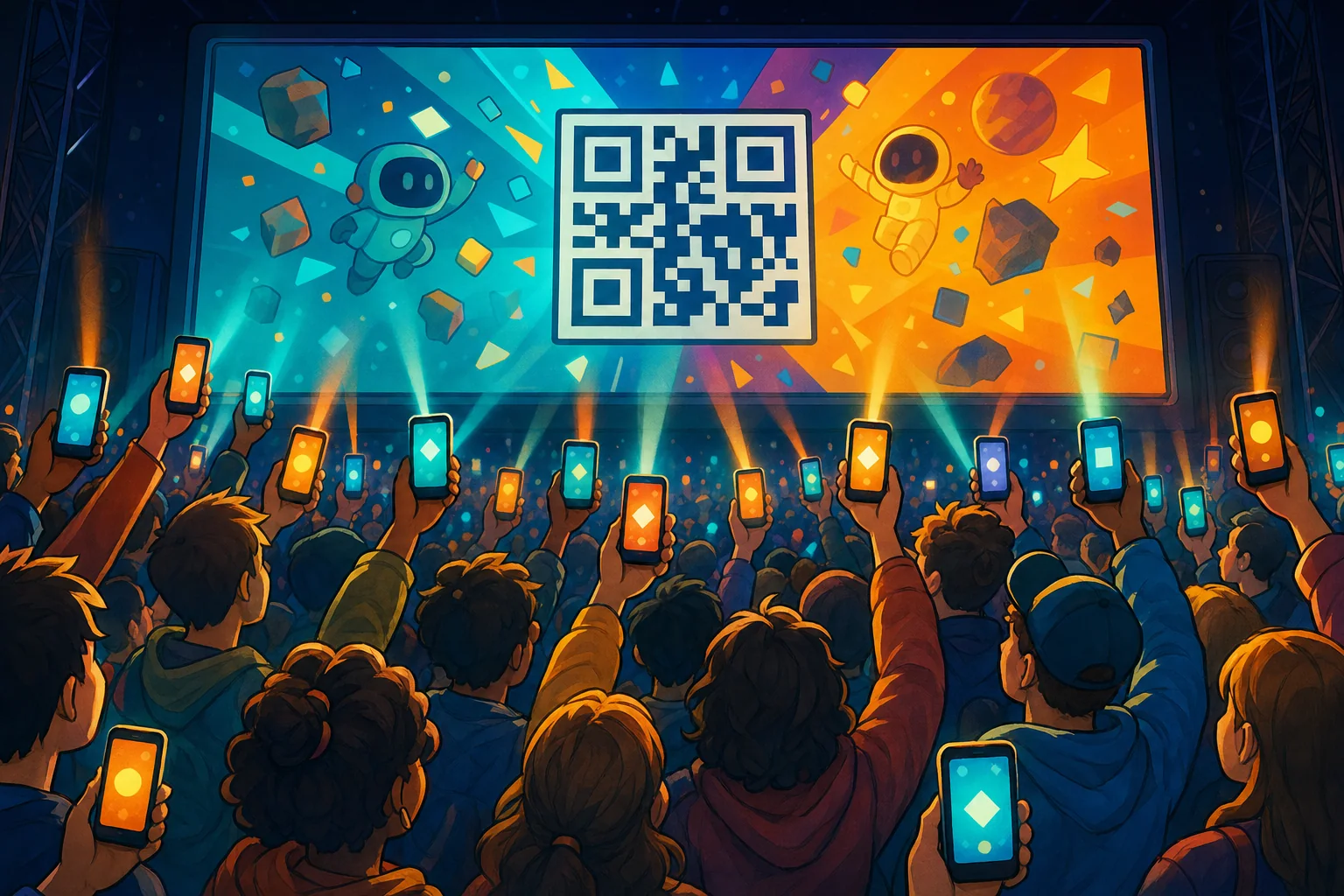
Guests scan the QR code and they are in. Buzz, vote, draw, answer, snap a selfie - whatever the current game needs appears on their phone, and the TV shows the result to the whole room.

  • No download. It runs in the phone's browser on any device.
  • Fair by design. The server picks wheel winners and checks bingo claims.
  • Clean by default. What guests type is cleaned and profanity-masked; photos and the reaction wall can wait for your approval.
  • Scoring is yours. Points are optional in every game: leave them at 0 and score by hand, or set them per game.
A crowd holding up glowing phones toward a huge TV during a game
A TV showing a leaderboard podium with confetti falling over a cheering crowd
Human-hosted. AI-assisted.

The AI assists. You host.

Sally and Barney do the talking and the clicking on your cue, but you decide what happens. Every screen, score and approval passes through your console - and you can take over with one tap.

Questions

Good to know

What is Gig Game's Game Show Studio?

Game Show Studio is human-hosted and AI-assisted: you are the host, and one or two animated AI cohosts - Sally Sharp and Barney Bartflast - back you up. They talk with you through a microphone, work the TV, and keep a room full of phones in the game. Together you can run trivia, bingo, a prize wheel, drawing games, photo challenges and more.

Is it a real host or just an AI?

It is human-hosted and AI-assisted. You are the host: you choose the games, set the pace and talk to your guests. Sally and Barney are your animated AI sidekicks - they banter, read out questions, run the screens and keep score on your cue, and you can step in or quiet them at any moment.

Do my guests need to download an app?

No. Guests scan the QR code on the TV, or go to giggame.app and type the code shown on screen. They play in their phone's browser.

What do I need to run a show?

A TV or projector with a web browser (or any laptop connected to one), a microphone if you want to talk to the cohosts, and a Gig Game host account. Your guests need only their phones.

Do I have to talk to the AI, or can I just use buttons?

Both work. The console has a button for everything, and you can talk to the cohosts naturally. Clear spoken commands such as 'spin it', 'next question' or 'start a 30 second timer' are recognised straight away.

Your Show. Your AI Sidekick.

Your next game night, hosted

Open Game Show Studio, put it on the TV, and let Sally and Barney take it from there.

Included with every Gig Game membership. Guests join free from their phones - no app, no account.