- Home
- Features
Everything a great host does, handled
Two AI sidekicks, a planner, a builder, twenty-plus games and a room full of phones - one console, one TV, no setup headaches.
Talk to your cohosts
Speak naturally through any microphone. They answer, joke, and work the screen on your cue.
A running order
Plan the whole night as a Rundown of steps, save it, and reload it for next week.
AI game builder
Describe a game in plain words and the AI assembles the questions, screen and media.
Phones as controllers
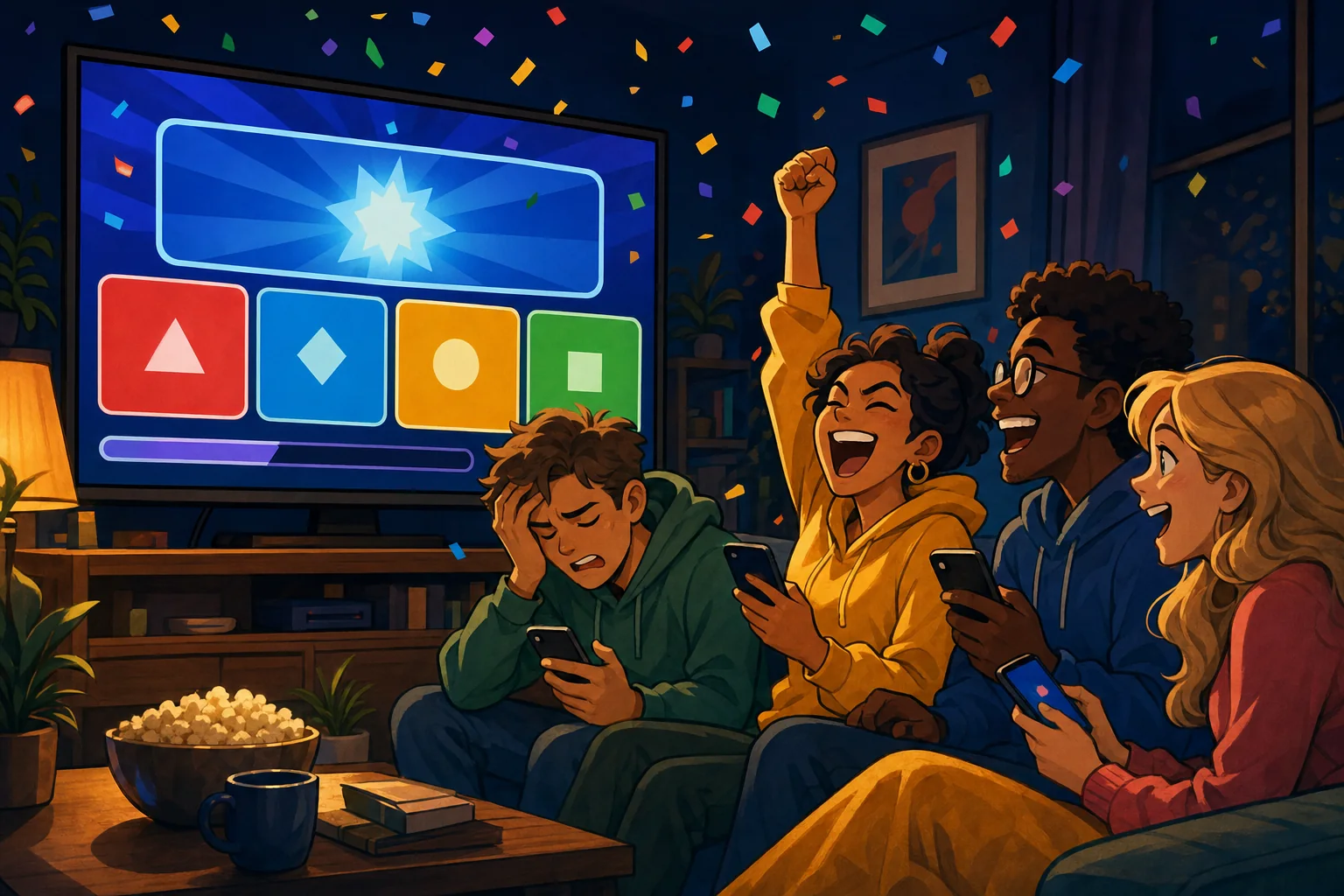
Guests join with a QR code and play from their browser. Nothing to install.
Music, sounds & video
Ready-made game-show music, 30 sound effects (and your own Foley sounds) and hundreds of looping backgrounds.
Moderation built in
Typed text is cleaned and masked. Photos and messages can wait for your approval - or be switched off.
Photo showdowns
Players send photos, you pick the finalists for the TV, the crowd votes. Or supply the photos yourself.
Photos from the crowd
A live picture or one from the phone - on the Reaction Wall, in a challenge or a showdown. Download them all.
Scoring you control
Every game's points are optional and start at 0. Leave them to score by hand, or set points per game, per question, even for every bingo winner.
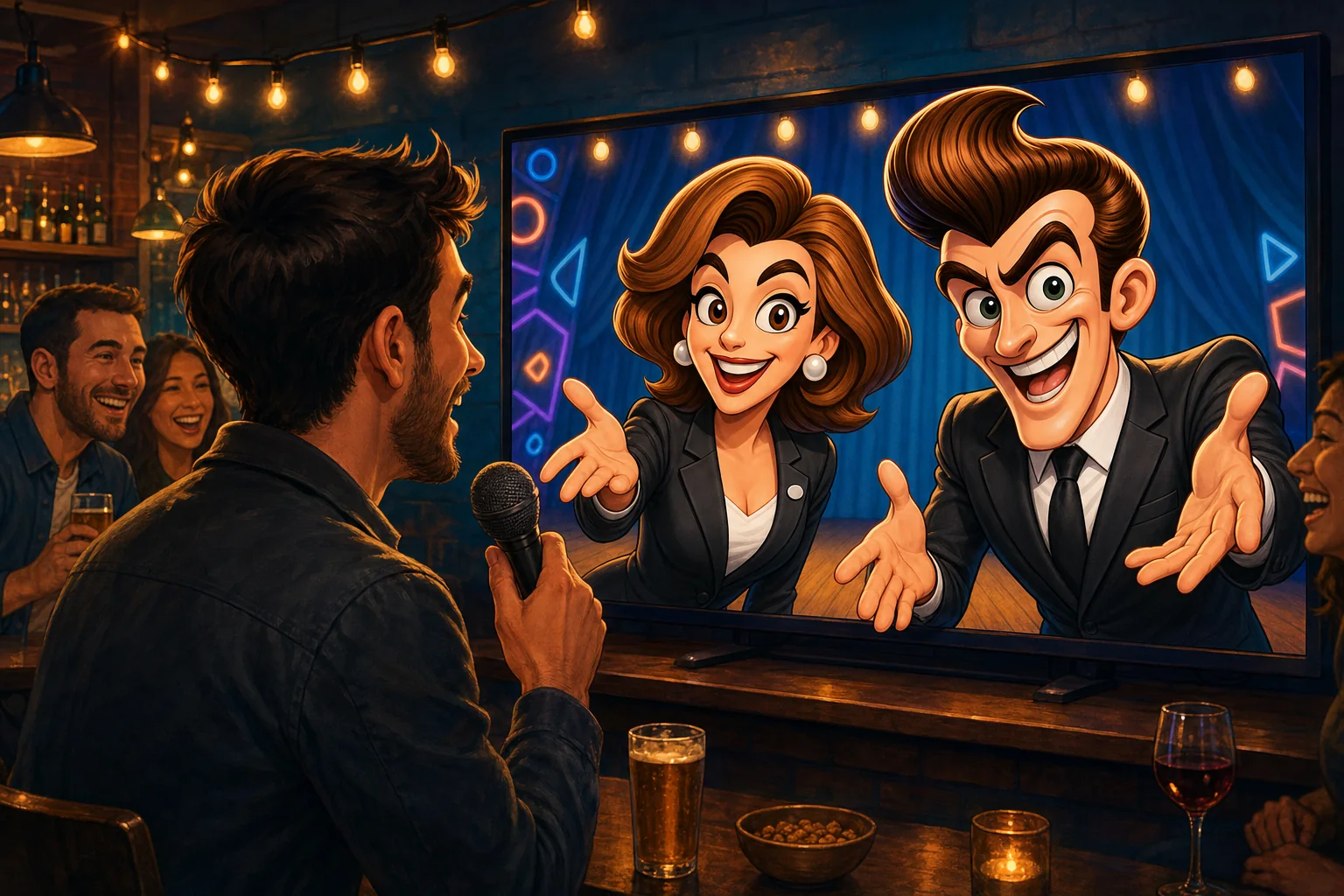
Animated hosts with real personality
Sally Sharp and Barney Bartflast have their own voices, faces and moods - delighted, smug, worried, confused, laughing - that follow what is happening in the room.
- Full screen or in the corner. Pin a cohost over any game so they are always there.
- No hosts, one host or two. Start with Sally, add Barney, or run the night yourself with no AI hosts at all. Choose names on air and how chatty they are.
- Voice behaviour you control. Game mode, chat mode, or short replies to clear instructions.
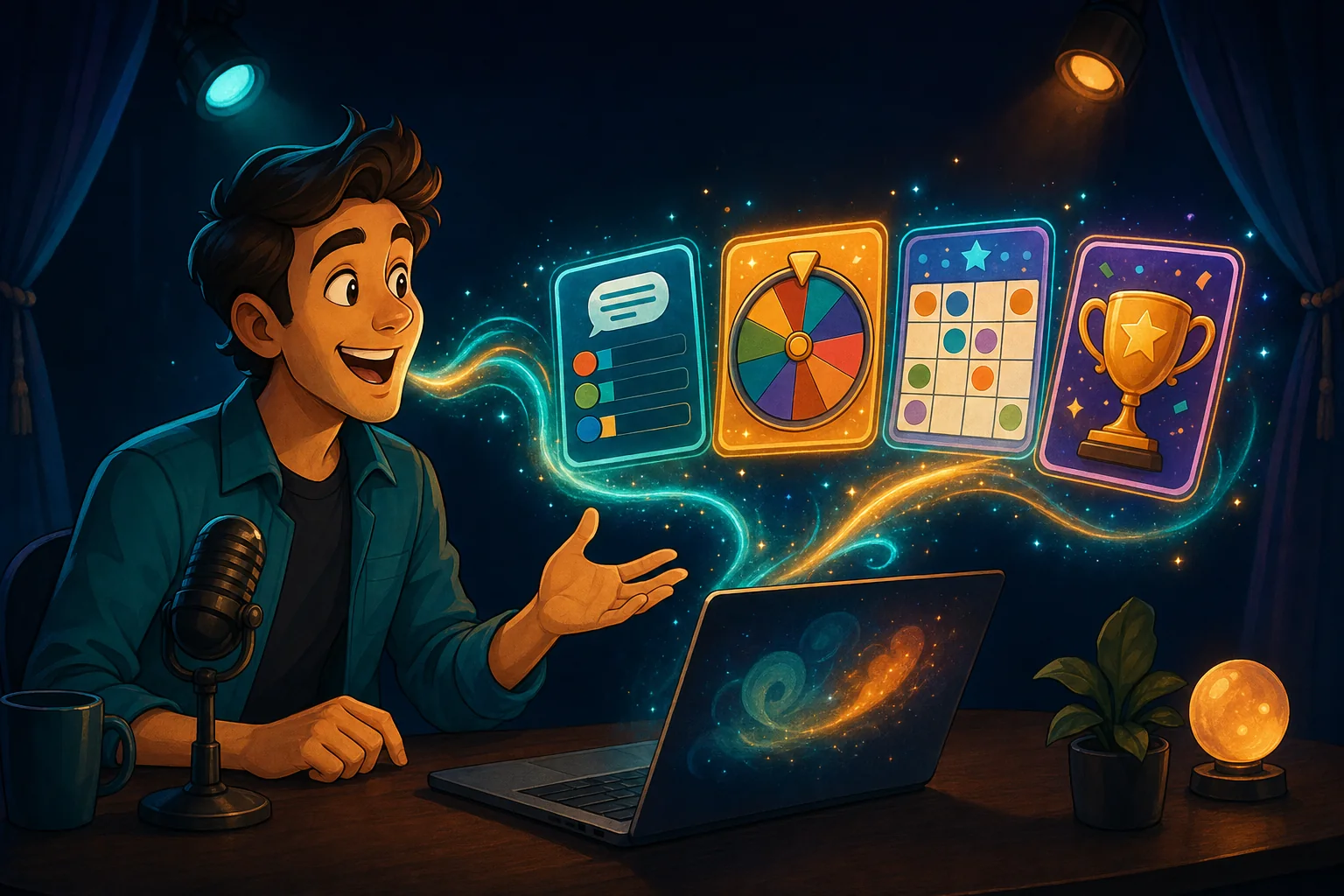
Say it. Done.
Clear commands are recognised the instant you say them, so the show never waits on a slow reply.
- Spoken shortcuts. "Spin it", "reveal the answer", "next question", "open the buzzers", "start a 30 second timer", "show the scores".
- Cues. Teach it a phrase - "drumroll" - that plays a sound, shows the timer and builds the suspense.
- Build from a sentence. Ask for a trivia round, a bingo card or a screen; the builder works in the background and the cohosts announce it.
- An AI round writer. Give it a theme and get a ready-made set of questions to review and edit.
A show you can plan - and bend
The Rundown is your running order: a welcome, a trivia round, teams, a wheel, bingo, the winners. Build it once and run it any night.
- Ready To Start check. Steps that are not set up yet are flagged before you go live.
- Start The Show, then Next and Back. Or jump to any step in the list.
- Add a screen on the fly. Poll the room, spin a wheel, open a buzzer - it runs on top of the show, keeps your place, and one click puts you back.
- Side games on reserve. Keep a few spare screens ready for when the room needs a lift.
- Saved shows and setups. Your hosts, cues and prepared games load with one click.
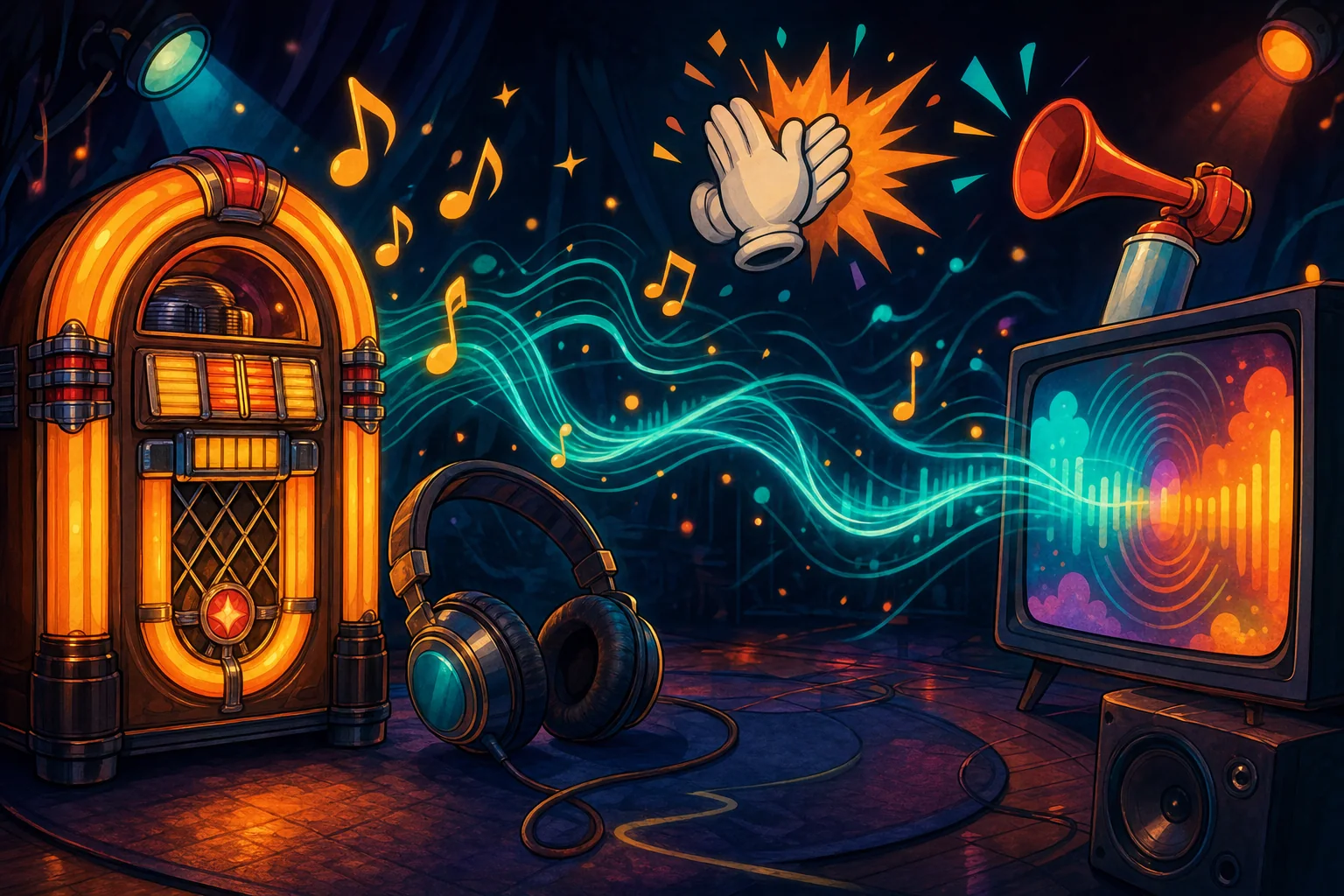
Make the TV look like your night
- Hundreds of backgrounds. Looping videos and pictures, or ask the AI to make a custom background.
- Game-show music. Ten ready-made tracks - round start, thinking music while players answer, lightning round, final round, winner, a lobby bed - that the cohosts can play by name.
- Sound effects and Foley. Thirty ready-made sounds - applause, airhorn, drumroll, crickets, rimshot, record scratch - on a dock that is always one tap away. Add your own in Foley SFX and the cohosts find them by name.
- Your own media. Upload logos, pictures, promo videos and songs; the cohosts can find them by name.
- Show cards. Titles, rules, announcements and thank-yous in your words.
- AI drawings on demand. "Draw a dragon in a party hat" - and it is on the screen.
Bring your questions - or find some
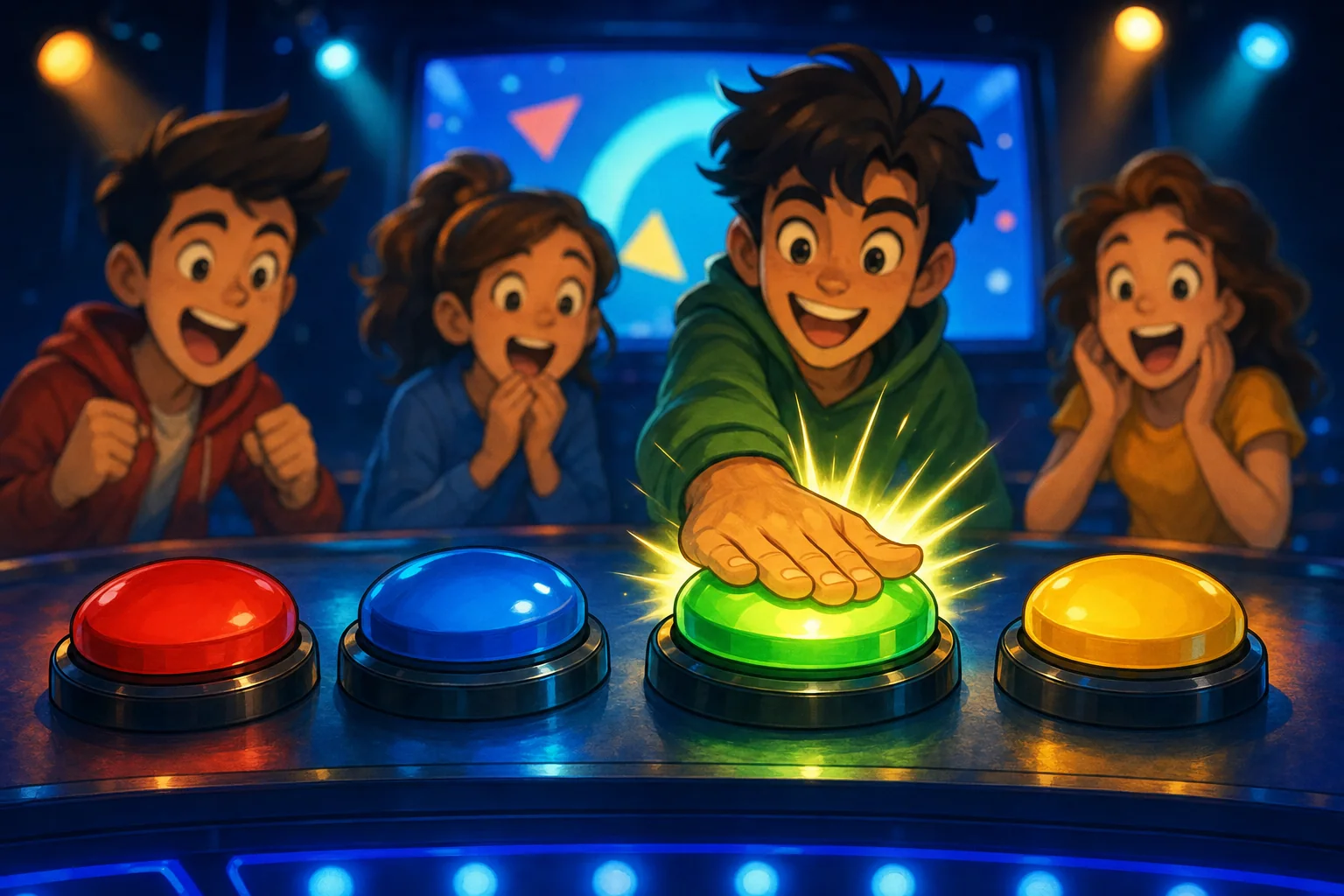
- Five question styles. Multiple choice, say-it-aloud, bluff, majority vote and Survey Says.
- A searchable question library. Filter by topic and difficulty, pull a random sample, or save your own bank.
- Paste it in. Drop in a list from a spreadsheet or document and it becomes a round.
- Scoring you control. Points are optional in every game and start at 0: leave them and score by hand, or set the points per game, per question, or for the first - or every - bingo winner. Players and teams show on the leaderboard whenever you ask.
You decide what reaches the screen
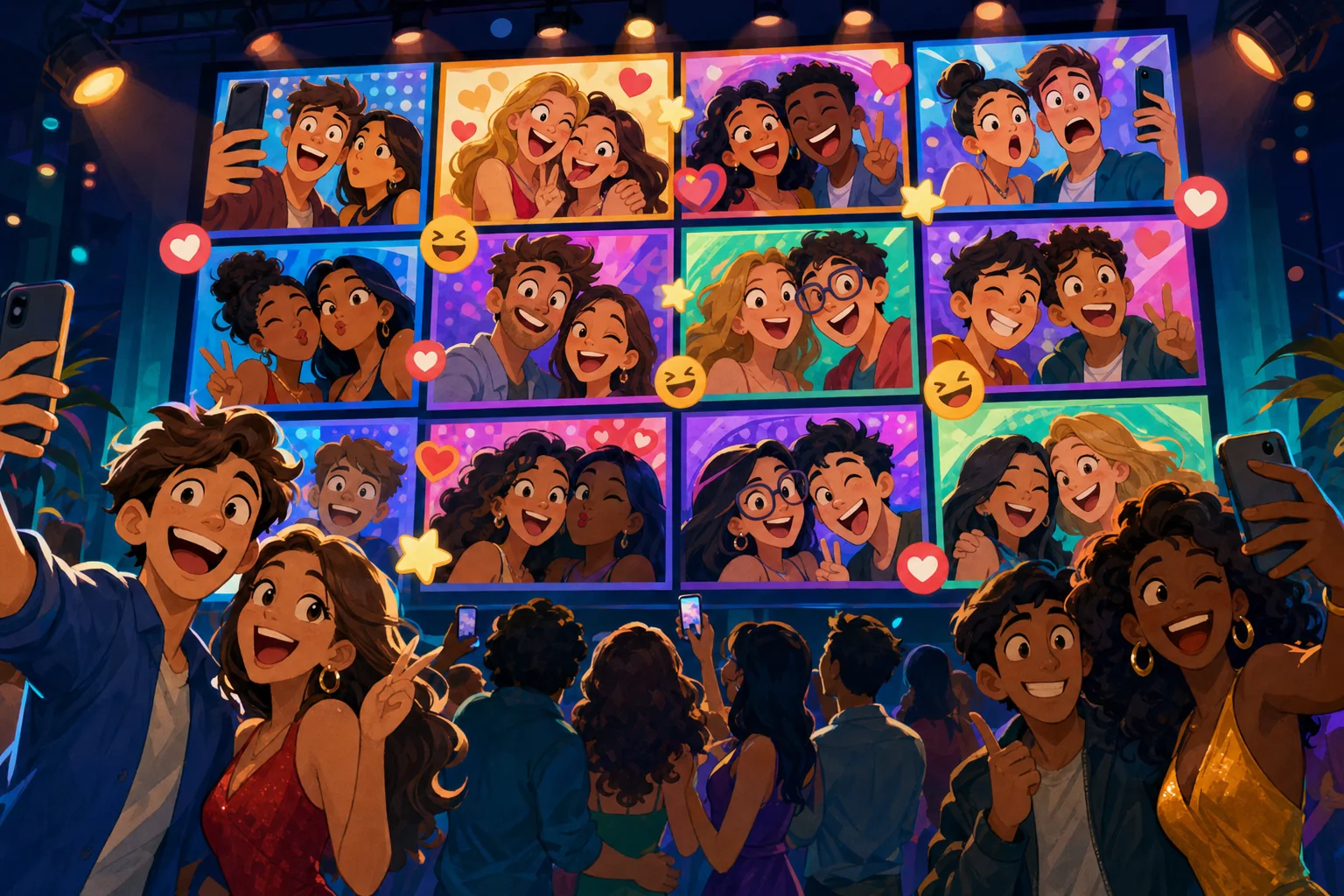
- Moderation. Photos and messages can wait for your approval - or be switched off - and nothing appears until you say so. In a Photo Showdown nothing goes on the TV until you pick it.
- Photos you can keep. Look at every photo guests send and download any of them, or all of them as one zip, while the show runs.
- Clean text. Everything players type is cleaned, length-limited and profanity-masked.
- No money, ever. Game Show Studio never handles payments, wagers or prizes.
- Remote friendly. The TV is a web page, so share it in a meeting or stream it and let remote guests play along.
You pick the finalists. The crowd picks the winner.
A photo vote you curate - with photos from your guests, or from you.
1. Guests send photos
Each guest takes a live picture or chooses one from their phone. Nothing goes on the TV yet.
2. You pick the finalists
Look at everything that came in and tap the ones you want: they appear on the big screen. Remove any you do not like, and download the lot.
3. The crowd votes
Everyone votes from their phone - never for their own photo - and the winner is crowned on the TV. Prefer your own photos? Supply them and let guests just vote.
See it for yourself
Start a show in minutes and meet your cohosts.
Included with every Gig Game membership. Guests join free from their phones - no app, no account.