- Home
- Get started
Host your first show in minutes
Gig Game's Game Show Studio is included with every Gig Game membership and runs inside your account - the same place your players join from.
Create your host account
Sign up at Gig Game. It is where your games, players and settings live.
Open Game Show Studio
Launch it from Gig Game. You land in the console - Setup, Rundown and Live.
Put the TV on
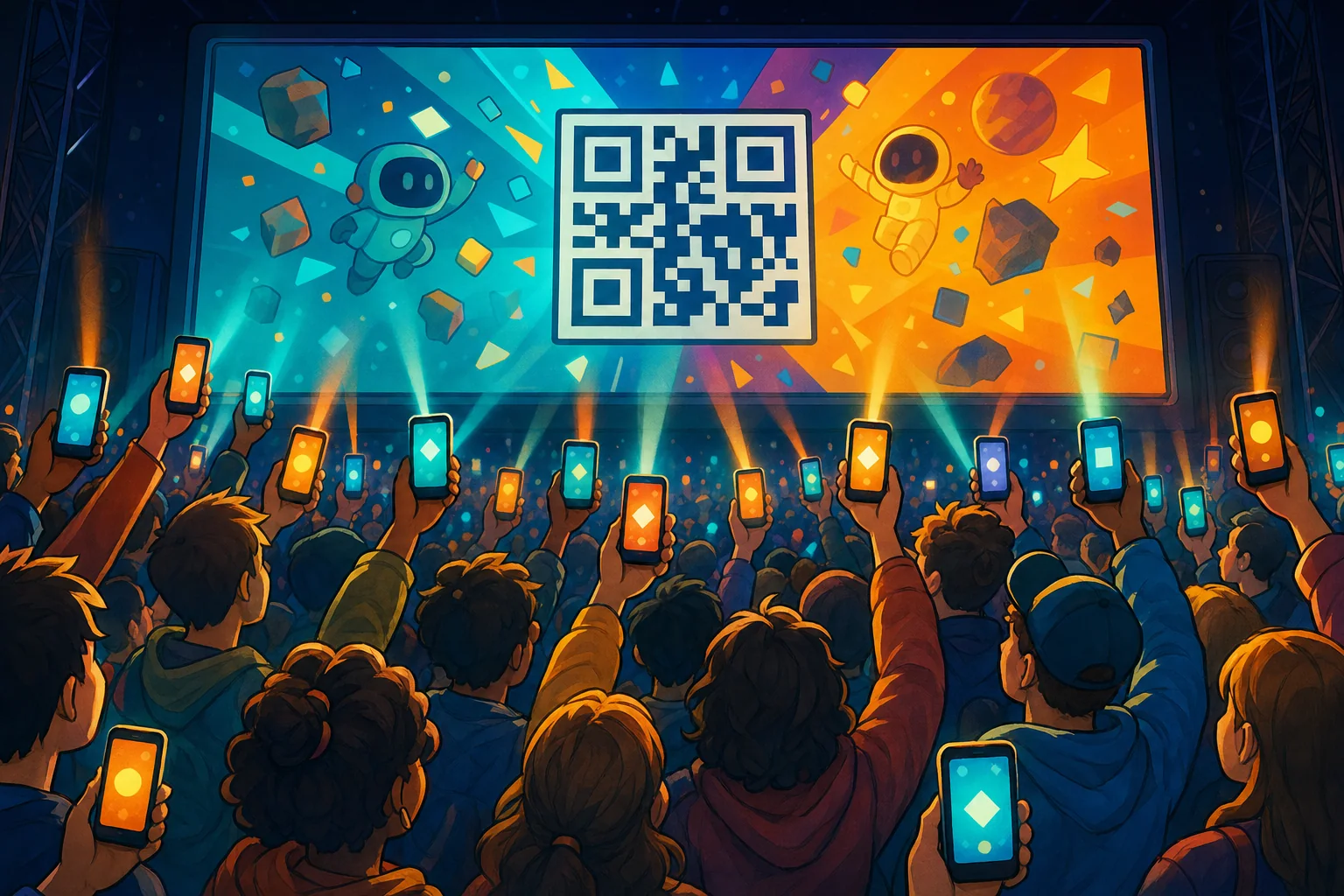
Open the TV link on your screen. The QR code and join code appear.
Press Start The Show
Build a quick running order, or just start talking to your cohosts.
Before your first night
A short checklist
- Screen: a TV, projector or laptop with a web browser - sound on, and click the TV once so the browser allows audio.
- Microphone: optional, but it is where the magic is. Every command also has a button.
- Questions: bring your own, search the library, or let the AI write a round.
- Guests: tell them to bring their phones. That is all they need.
Your Show. Your AI Sidekick.
Your cohosts are waiting
Sign in to Gig Game and open Game Show Studio.
Included with every Gig Game membership. Guests join free from their phones - no app, no account.