Watch: A Tour of the Parts (3:13) · All videos
Setup, Rundown, Live
Setup is for things that stay the same from show to show. The Rundown is tonight's show, written as a list of steps. Live is where you run the night.
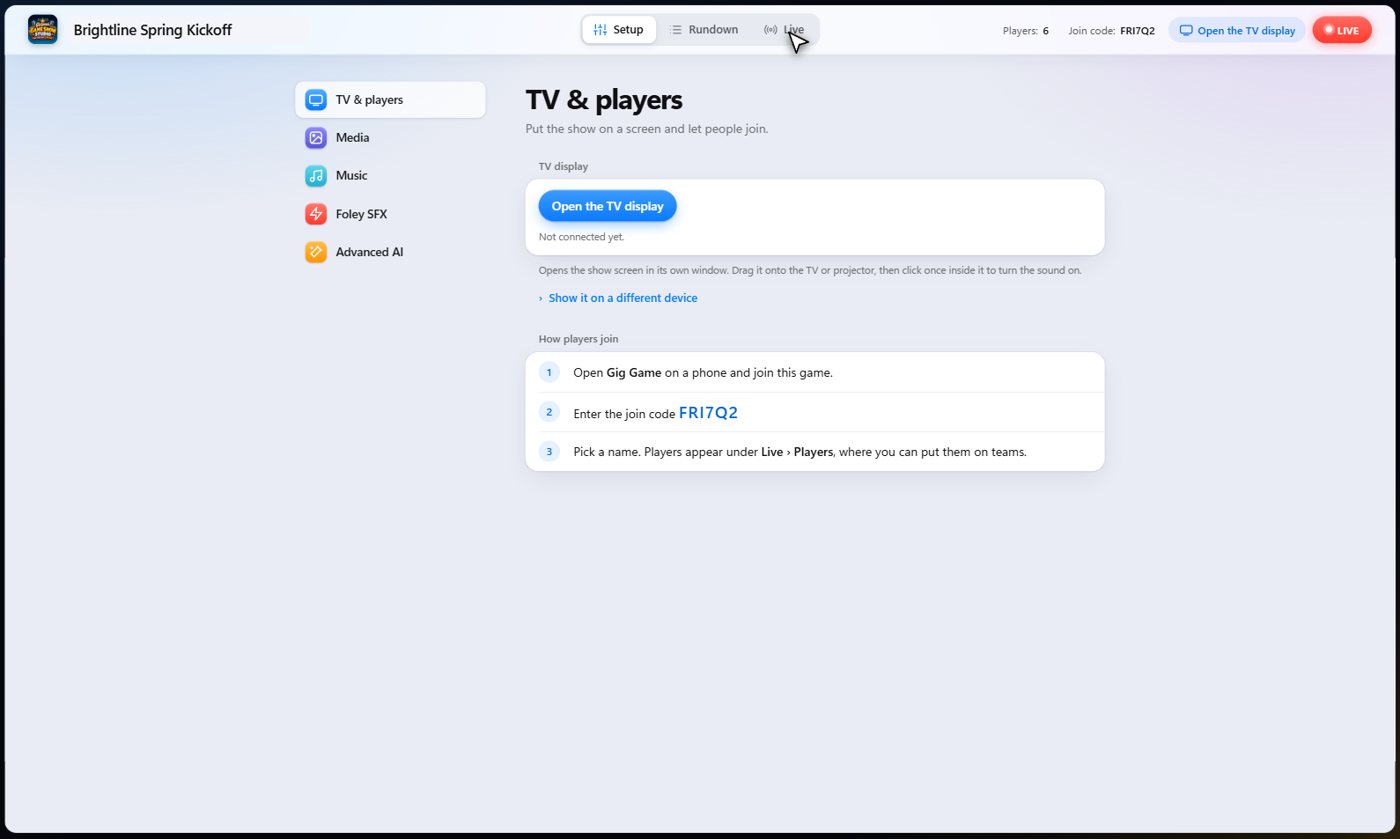
Setup: what stays the same
Open the TV display here, and see how players join. Keep your own libraries: pictures and videos in Media, songs in Music, and sound effects in Foley, so you can grab the right clip fast.
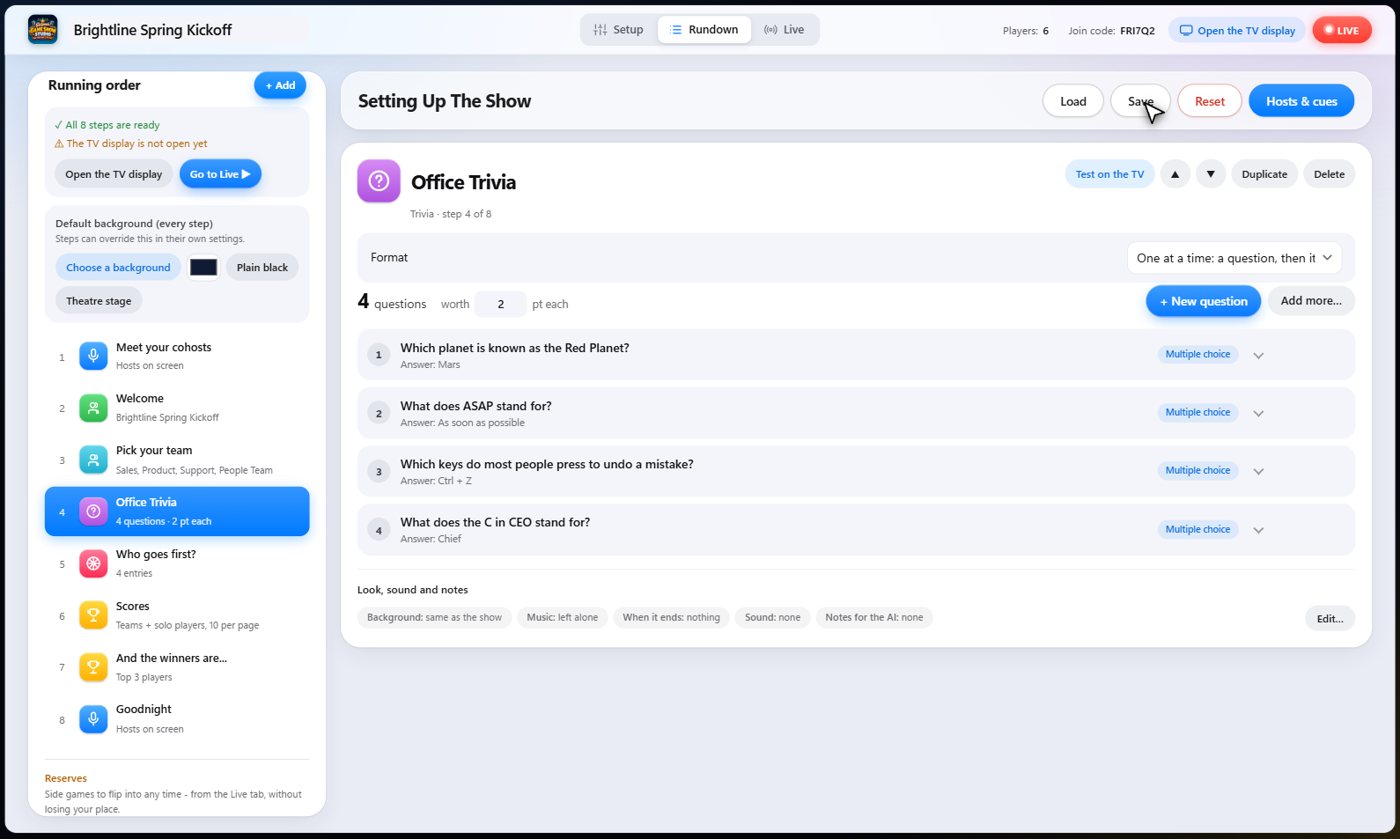
Rundown: tonight's show
The Rundown is your show as a list of steps: a welcome, teams, a trivia round, a wheel, the winners. Add steps from the Add menu, change a step's settings on the right, and save the whole show to use again.
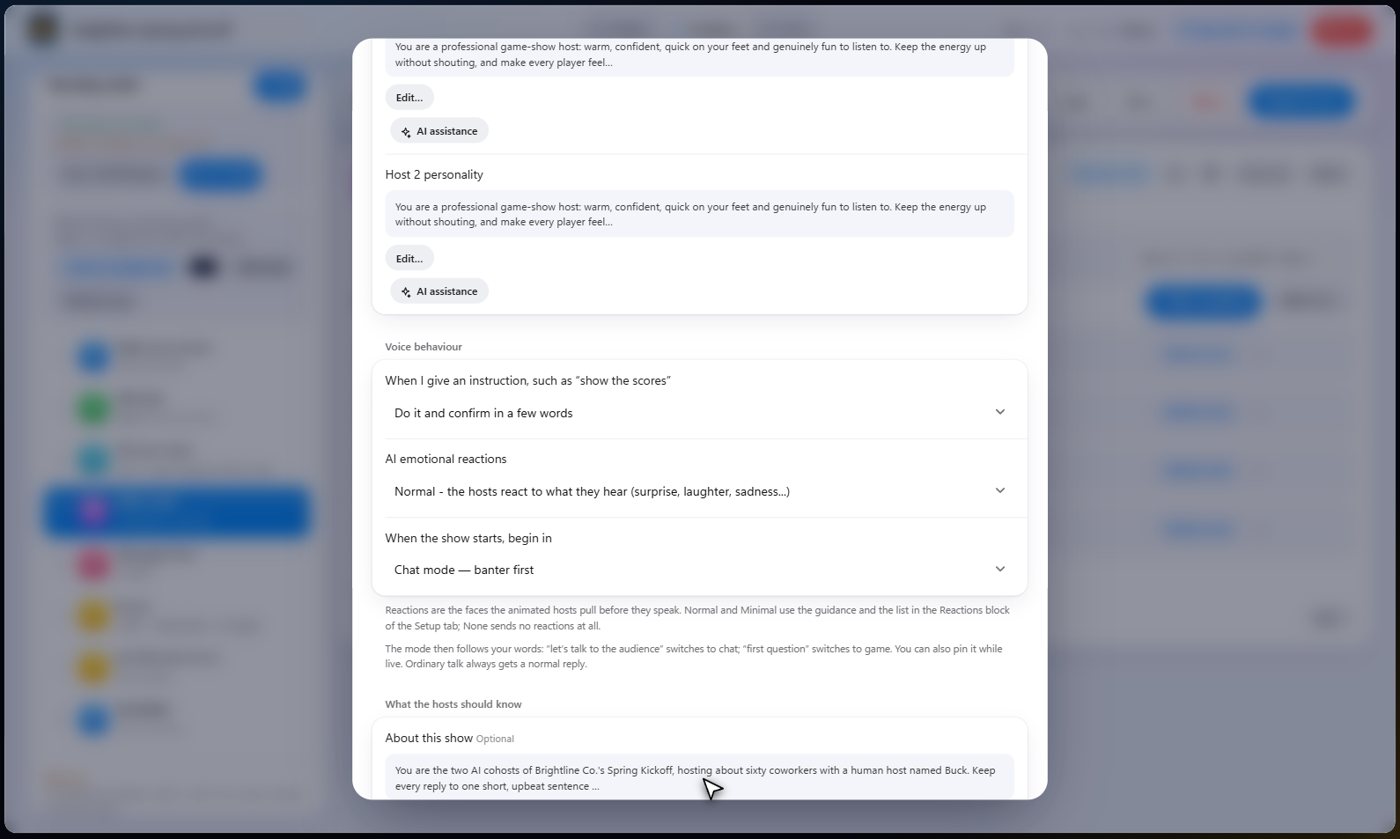
Hosts and cues
Hosts and cues is where you set up your AI cohosts. Choose no hosts, one, or two. Pick their voices, give them a personality, and tell them what the show is about so they sound like they belong at your event.
Cues
Cues are shortcuts. One name can fire off one or more things at once, like a drumroll, or a Big Win that plays applause and shows the scoreboard. Tell the AI when to use a cue, and use it yourself too.
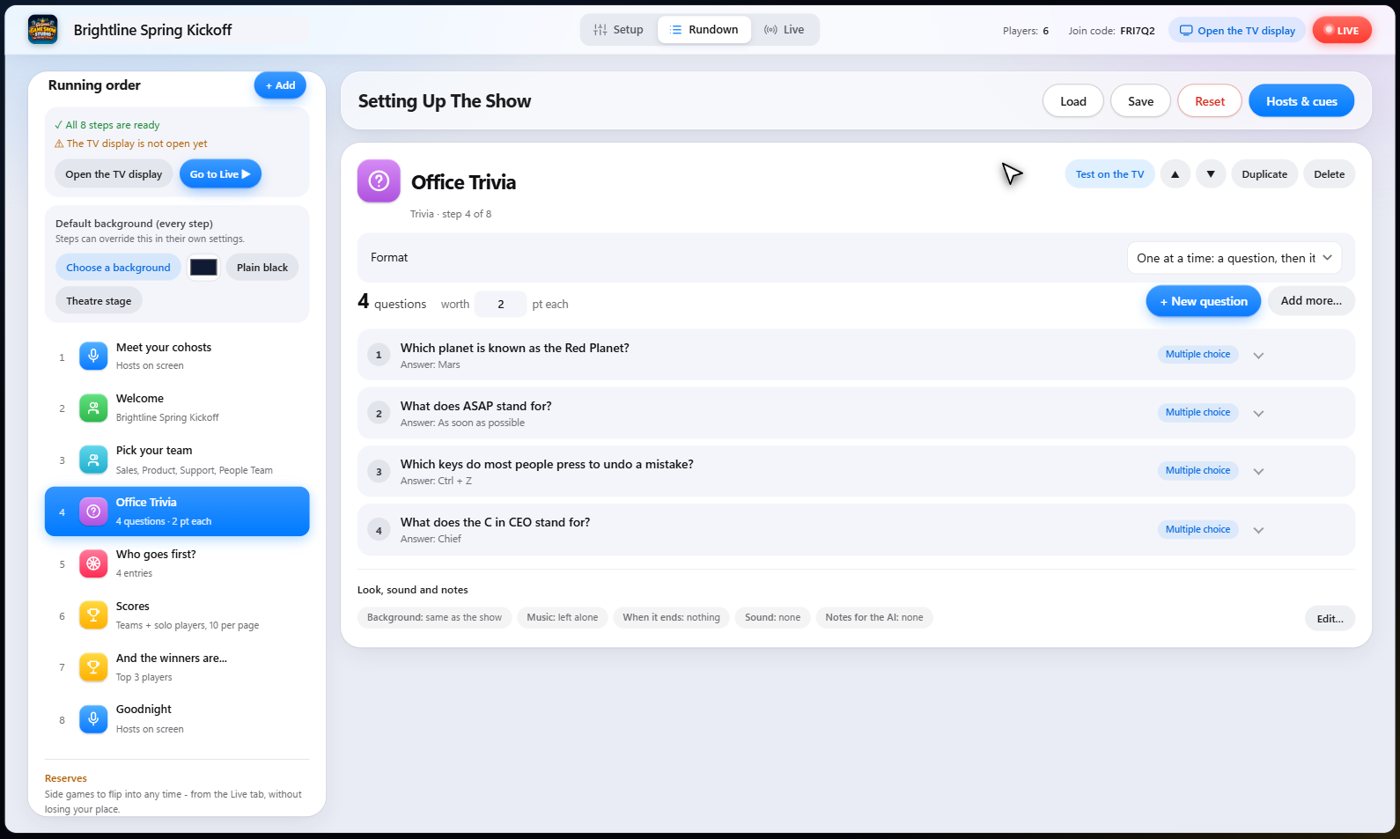
Live: run the night
Your steps are along the top of the Live tab, with Back and Next. The panels below show the step that is on, who has answered and who has joined, so you can keep the pace just right. Sound effects and music sit along the bottom, and you can talk or type to your cohosts at any time.
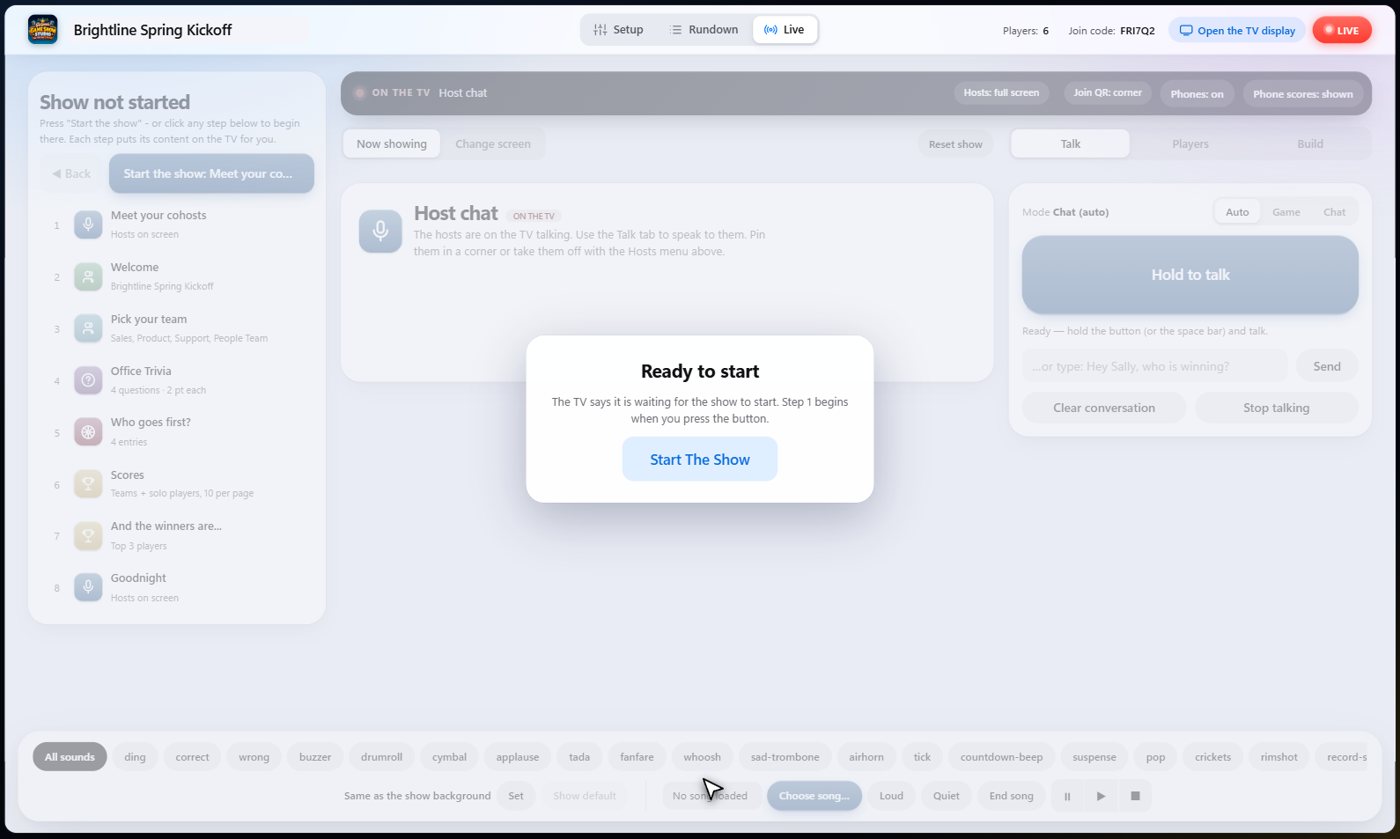
Off Air
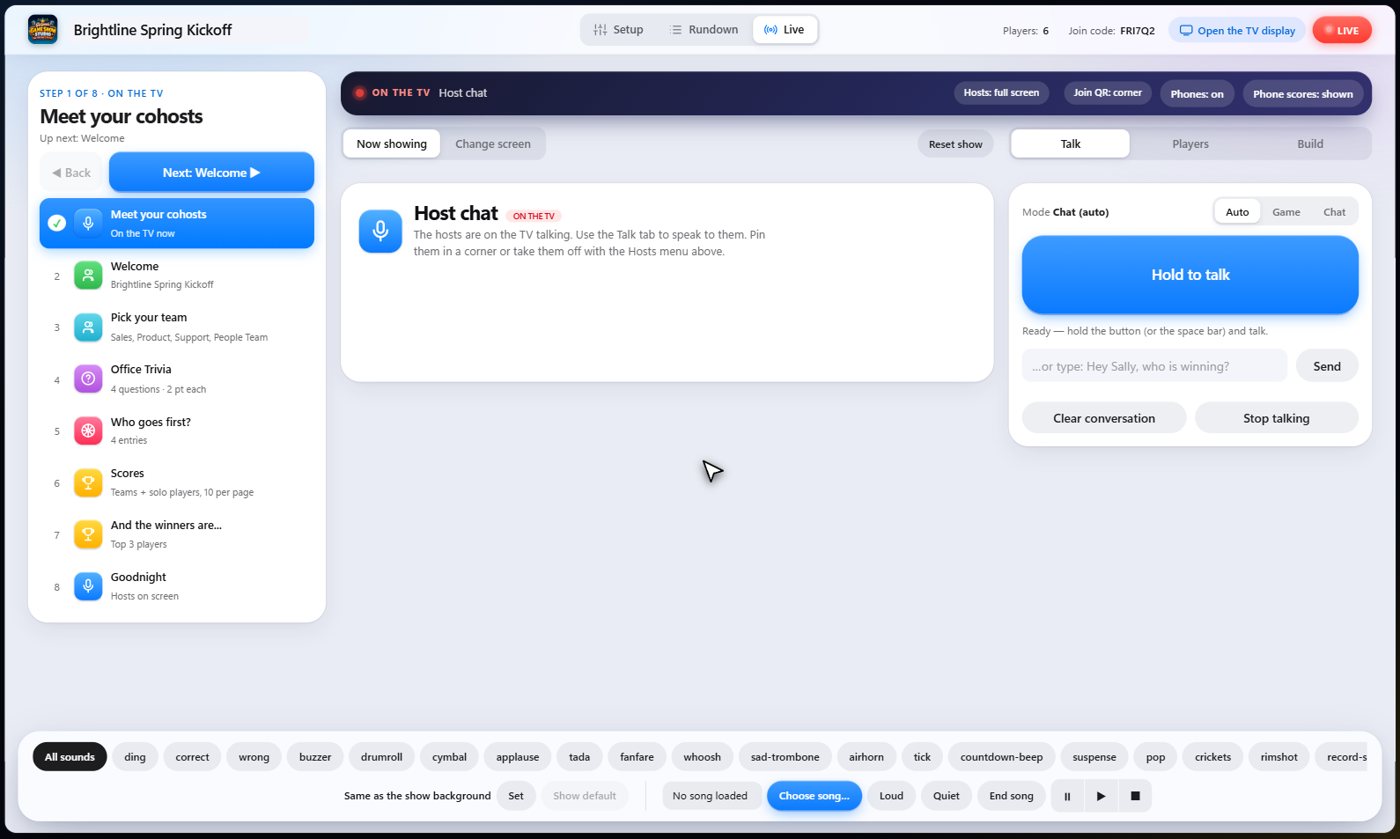
Nothing reaches the TV until you go live. The Off Air button is the switch. Set everything up, and even rehearse, while the room sees nothing.
The TV and the phones
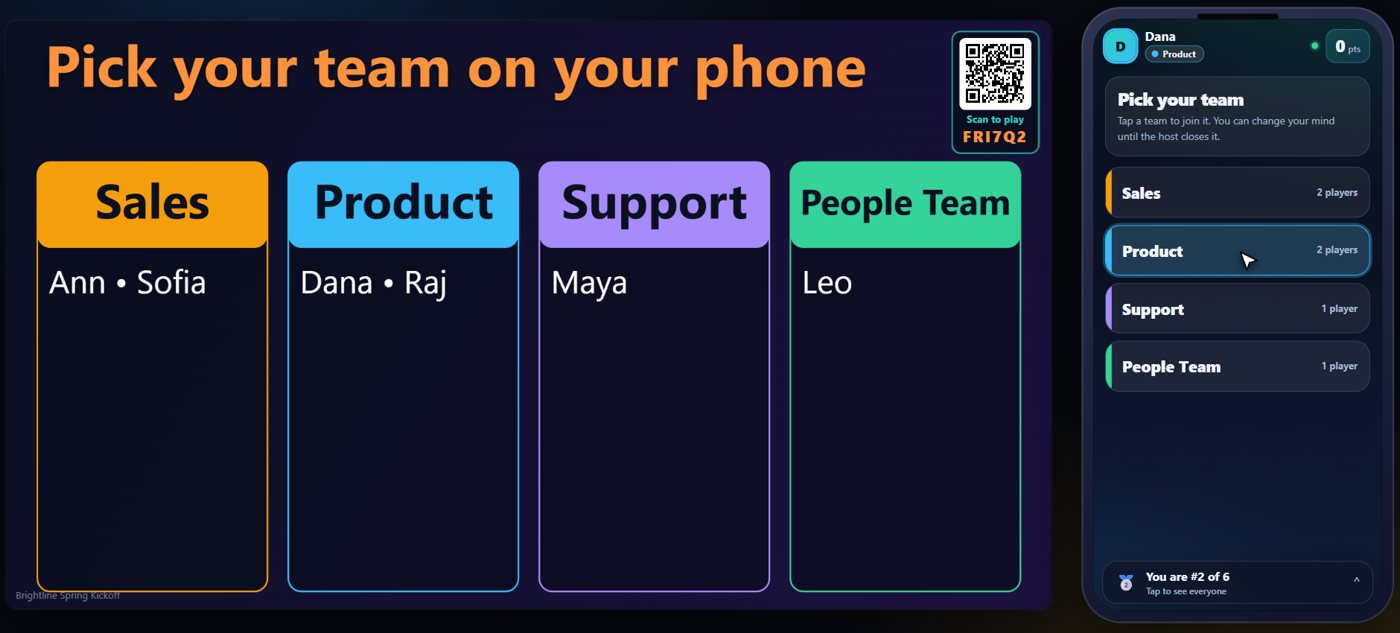
The TV, sometimes called the display, shows your cohosts, the questions, the scores and the winners. When a step with a join code is on, guests see it on the TV, join on their phones, and then every question, button and drawing board they need shows up on their own screen.
Something missing or unclear? Check the FAQ or browse all guides.