Watch: Trivia (2:48) · All videos
Fill the round
Trivia is one step in your Rundown. When you add it, it starts empty, with four ways to fill it: find questions in the library, write them with AI, paste your own, or type one by hand. You can mix them in the same round.
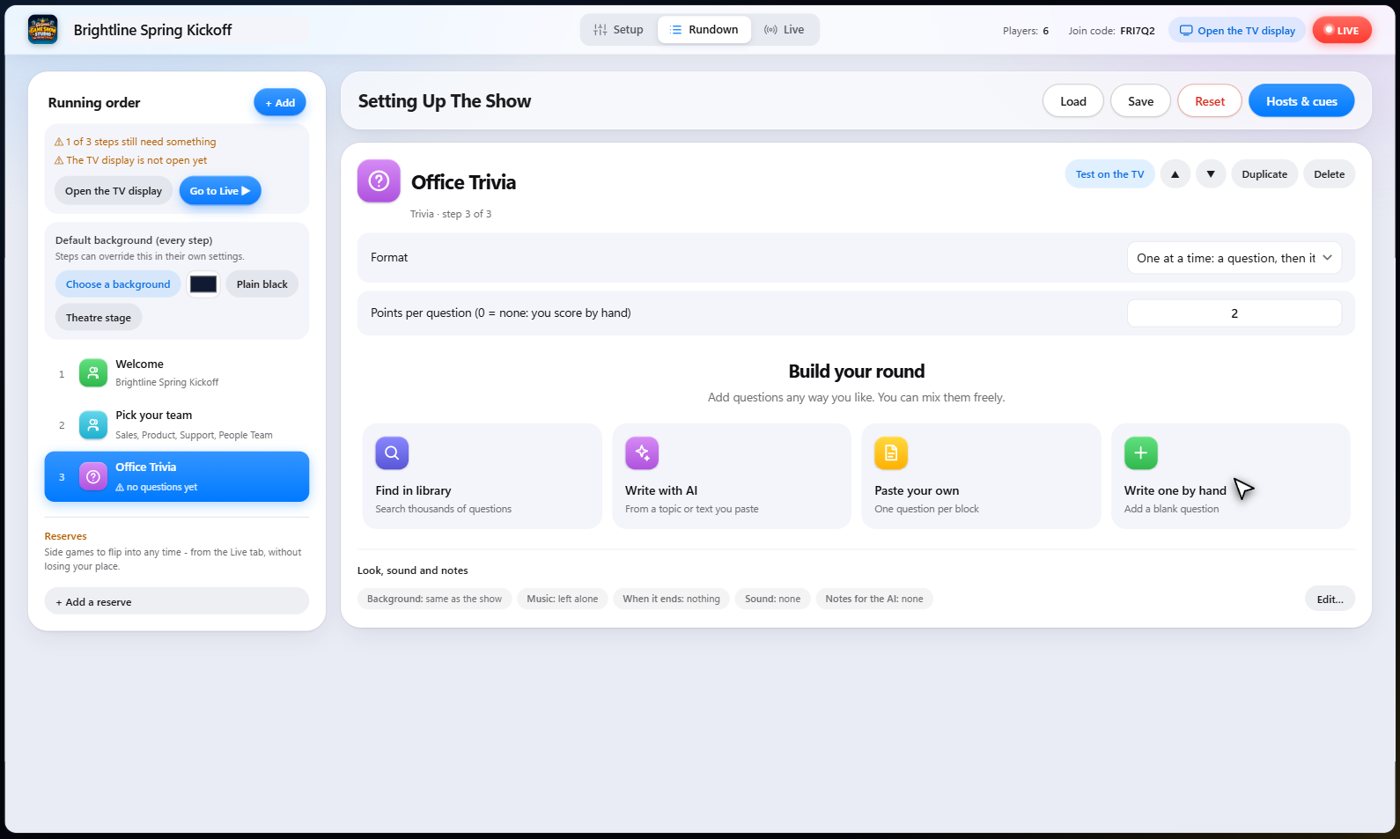
Paste your own
Give it one question per line: the question, the right answer, and the wrong ones. It adds them exactly as you wrote them, so nothing is reworded.
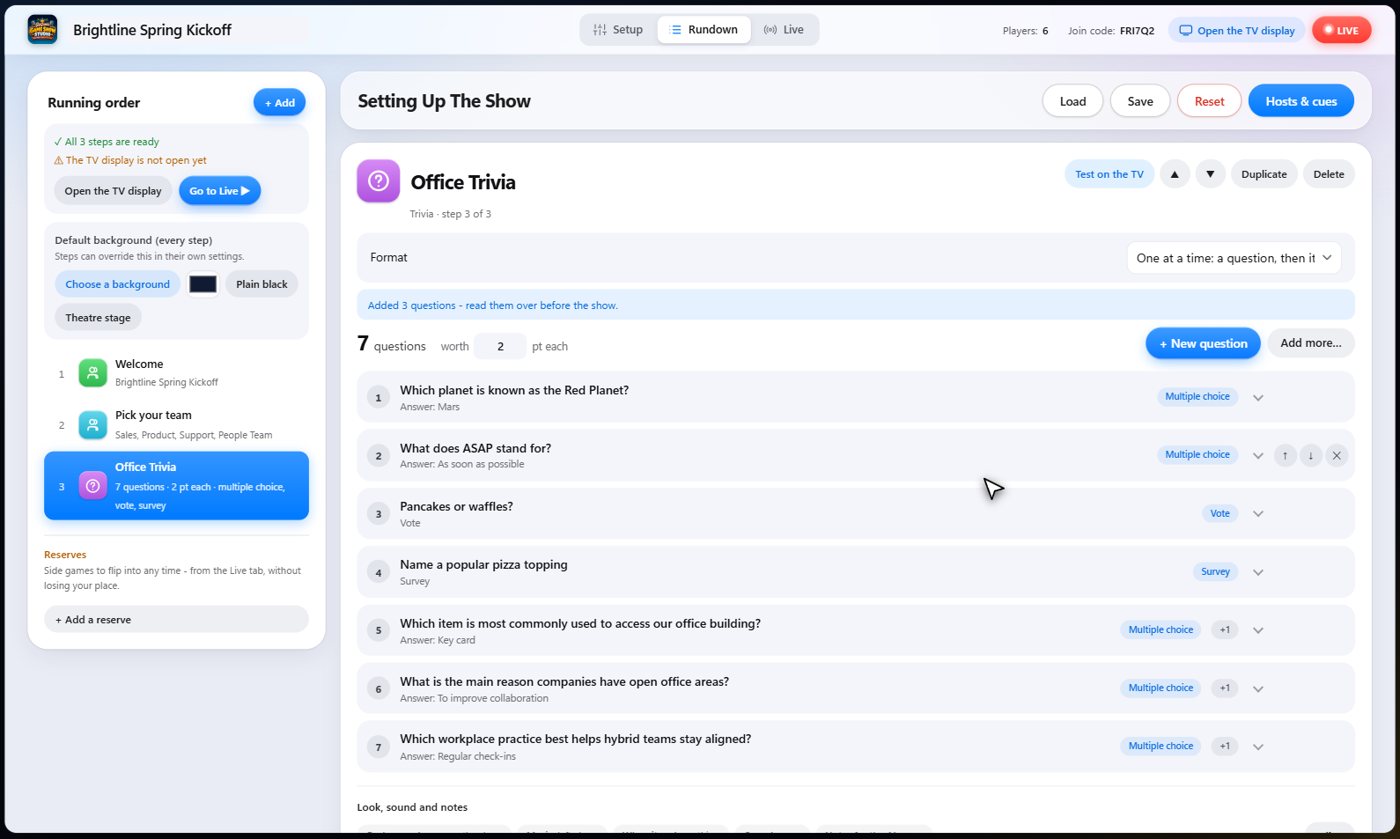
Write with AI
Give it a topic, how many questions and a level, and it writes them in a few seconds. You can even paste your own text, and it only uses facts from that. Read the questions over before the show.
Search the library
The library has thousands of ready-made questions. Search by topic, tick the ones you want, and add them. Your own saved questions work the same way.
Five kinds of question
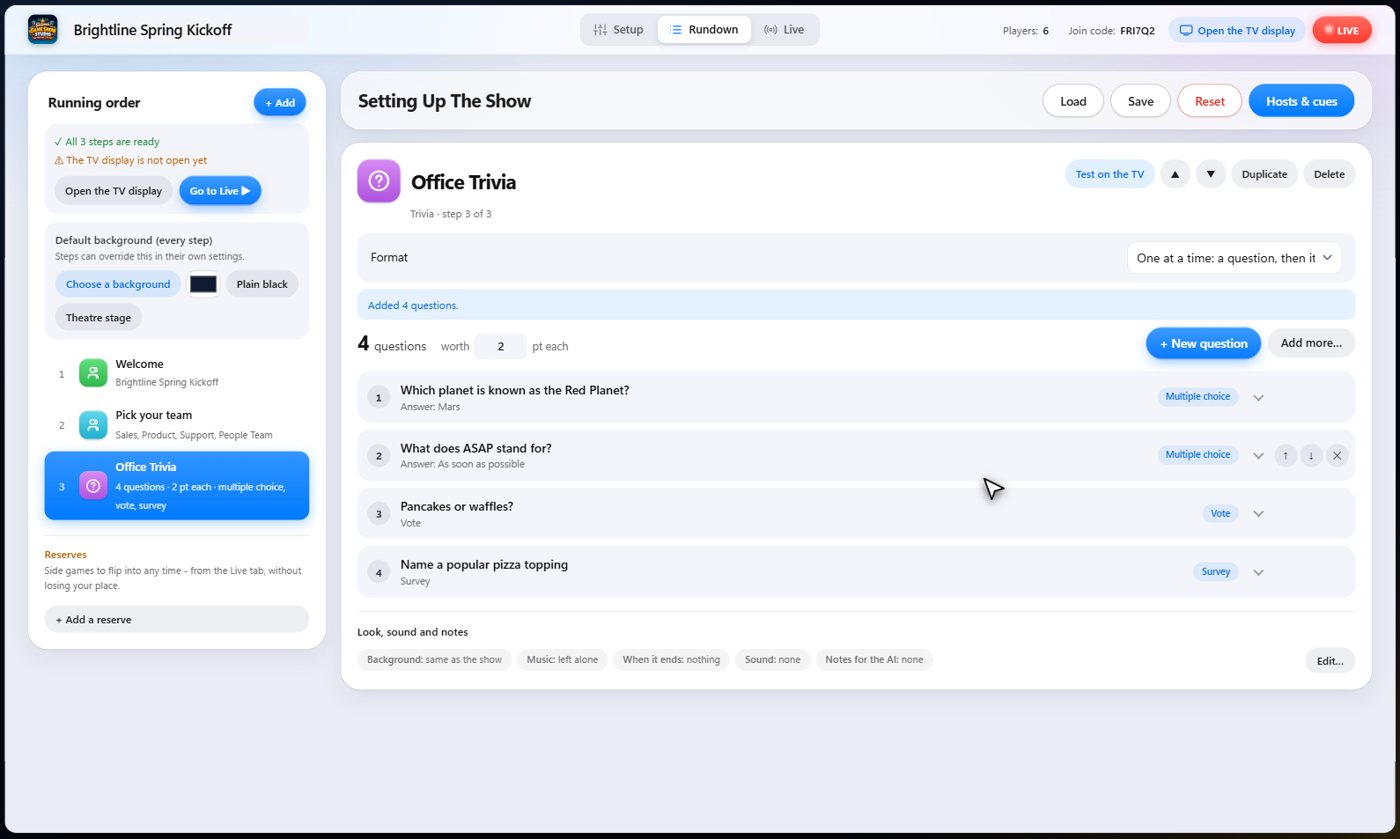
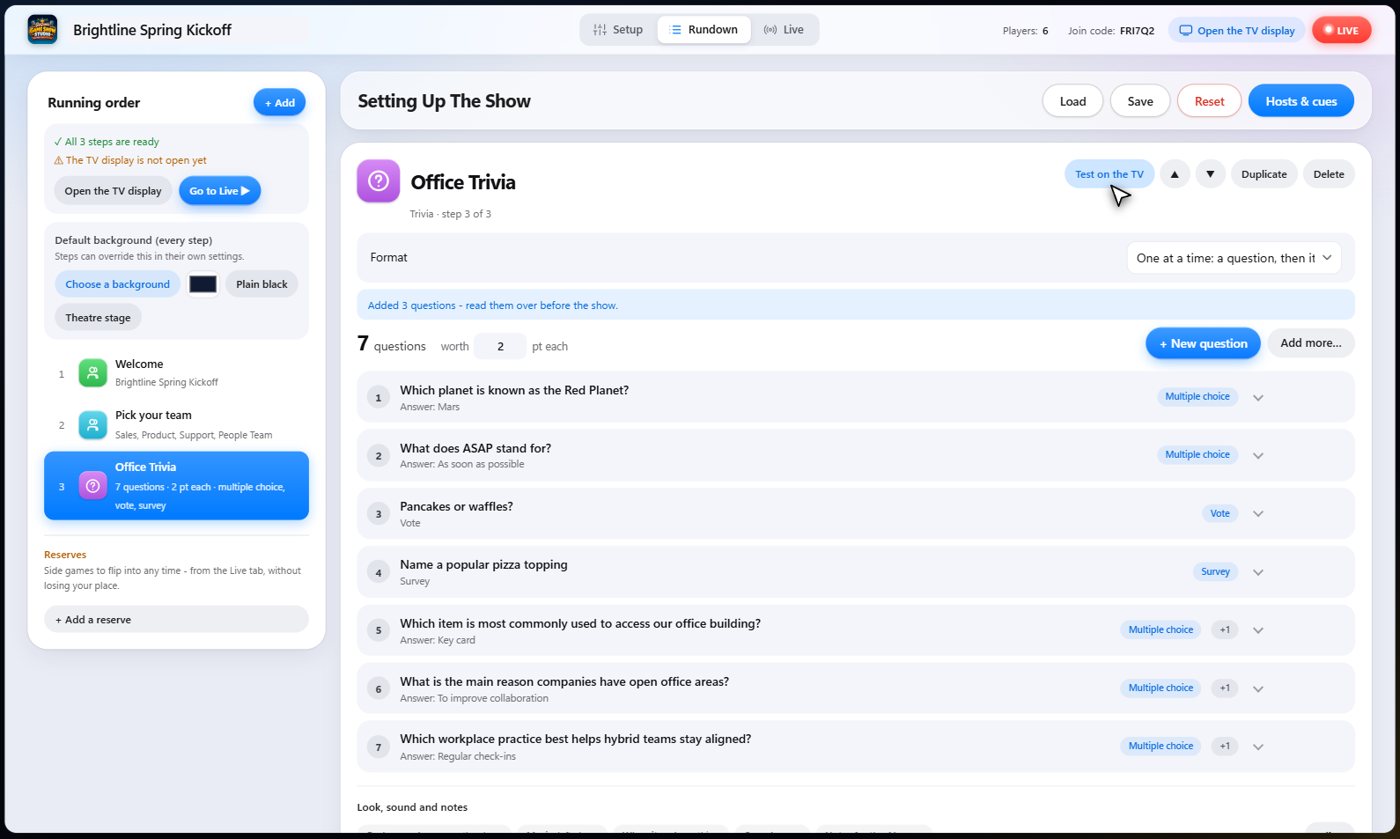
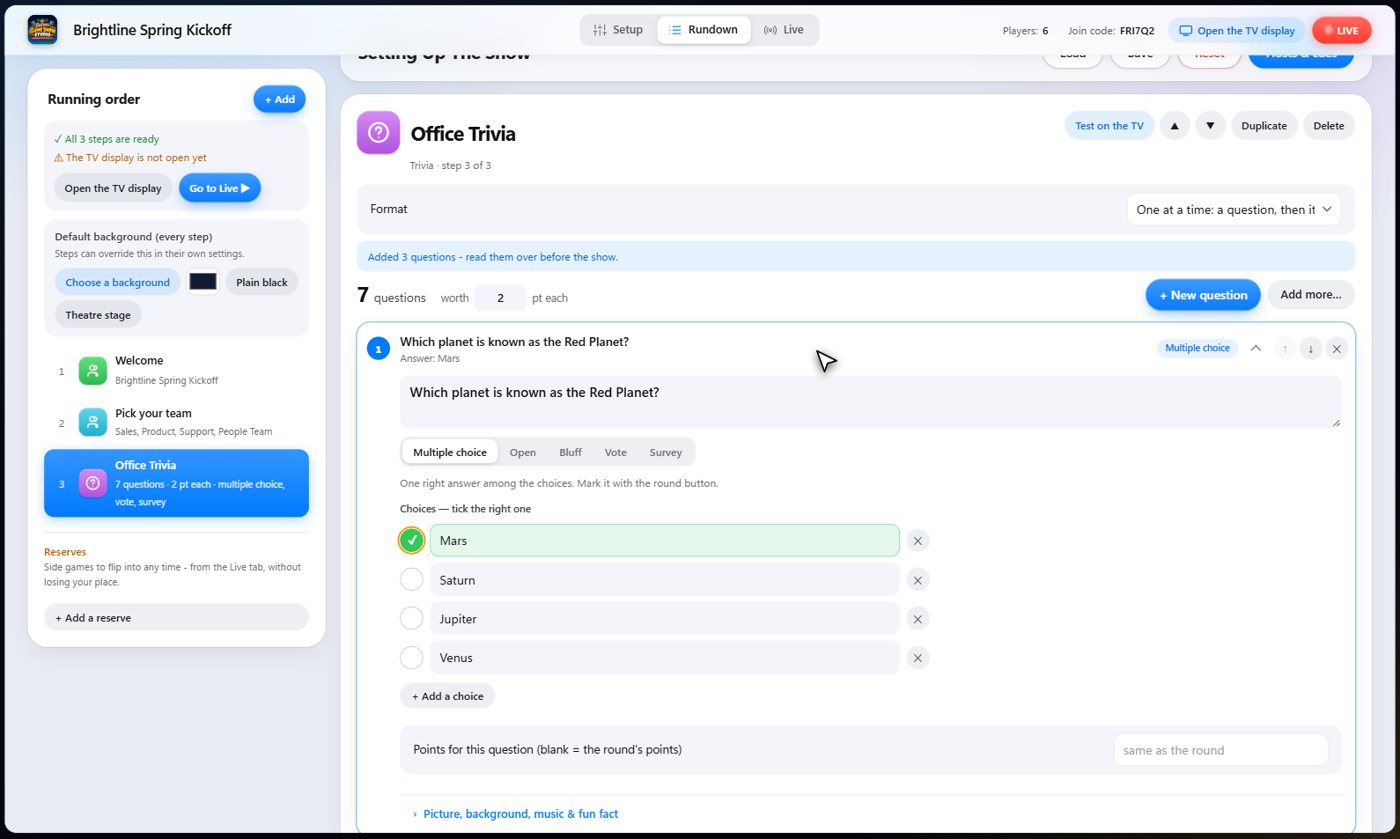
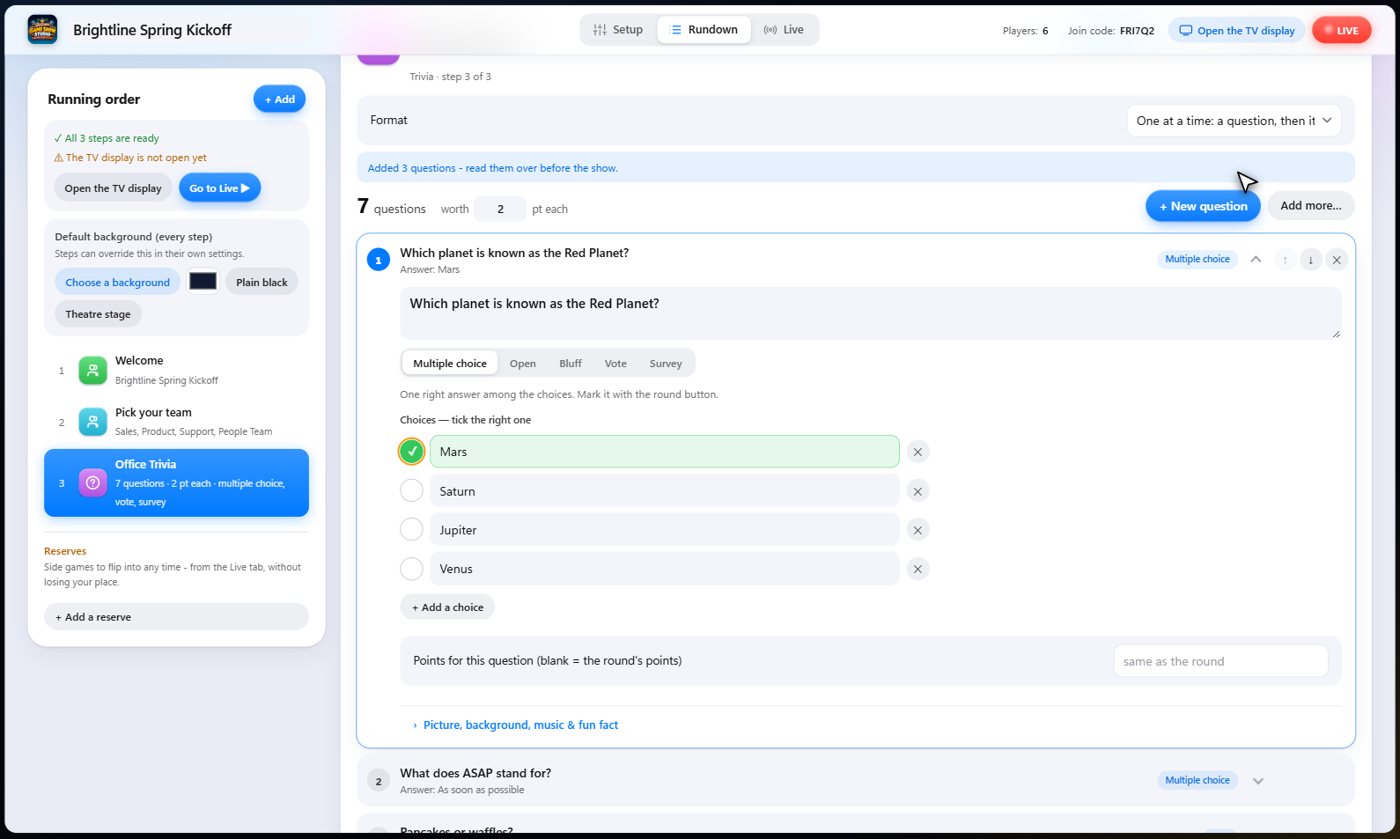
Open any question to edit it. There are five kinds: multiple choice; open questions; bluff, where players write fake answers; majority vote; and Survey Says, where answers are ranked. You can add a picture, a background, music or a fun fact for the cohosts to mention to any question.
How the round runs
Choose one at a time, which asks a question, shows the answer and moves on. Or choose all the questions first, then all the answers, and players can even go back and change their answers before they submit. Set the points for each question, or leave it to the round.
Run it
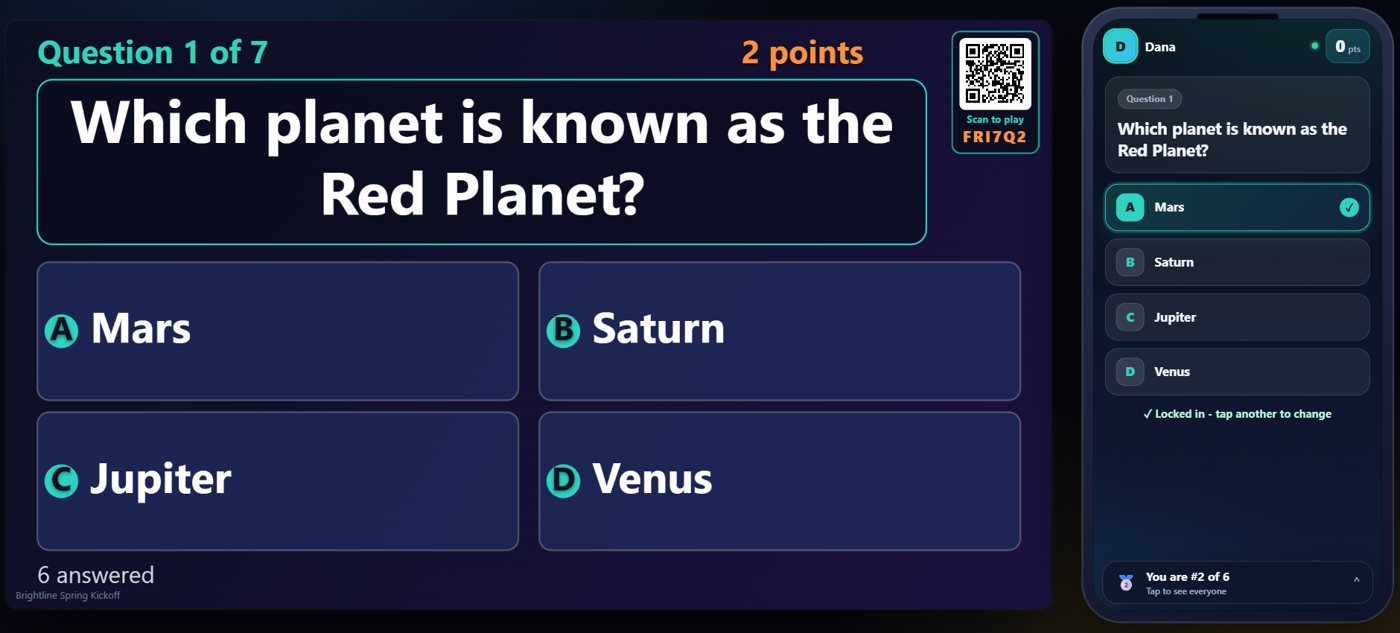
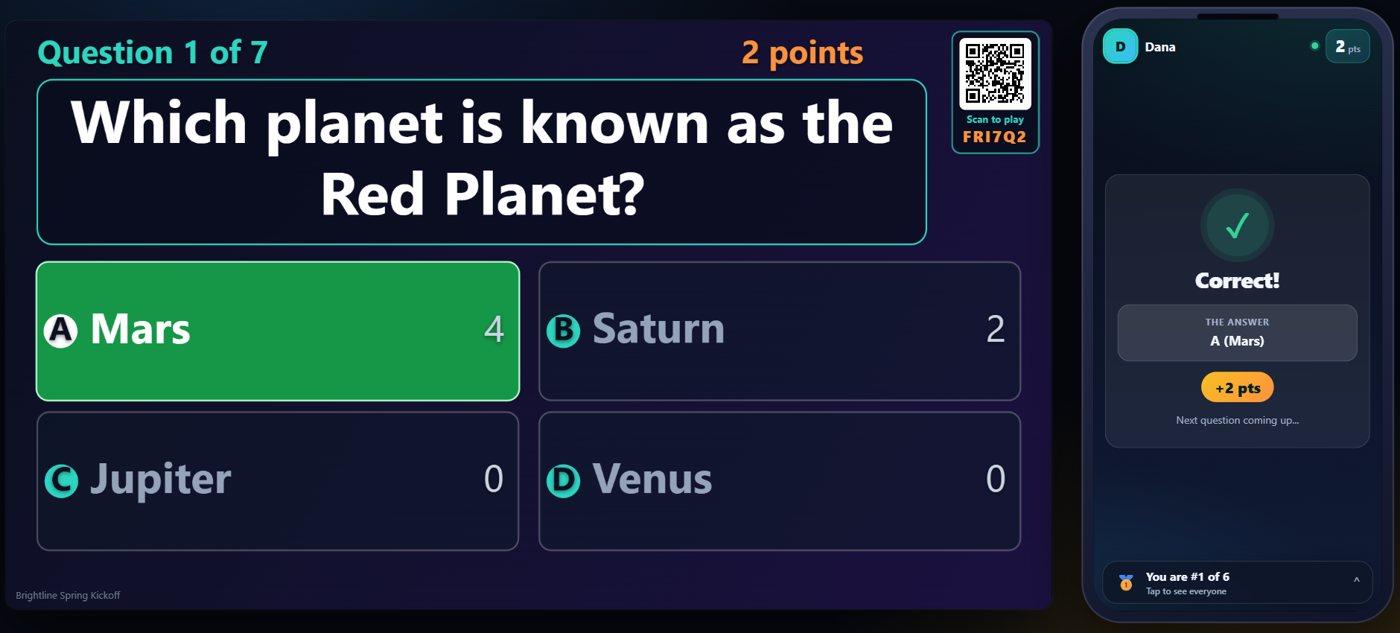
On the Live tab, start the show and move to the trivia step. The question is on the TV, and the choices appear on every phone. Players tap their answer, and teammates share a team score.
See who answered what
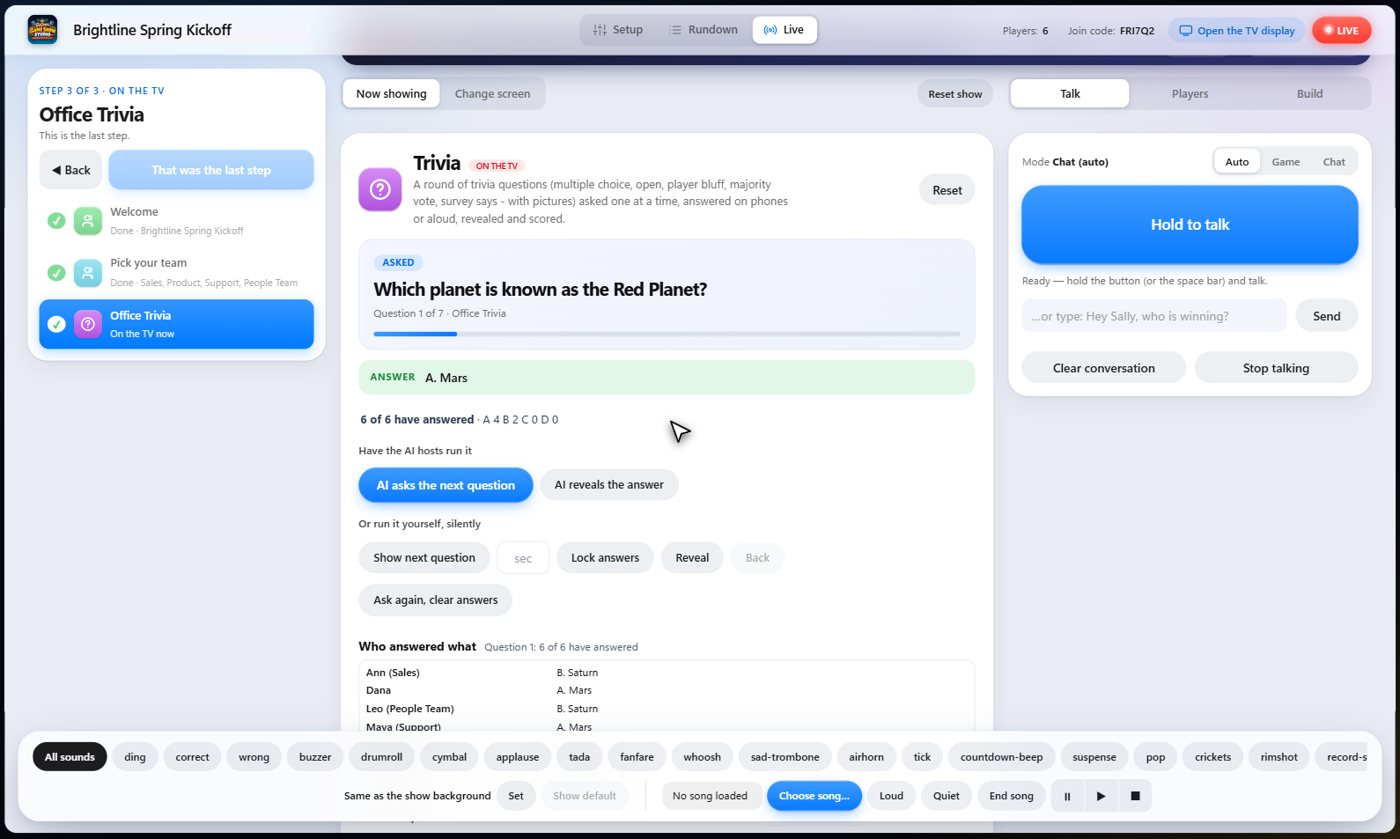
On your console, the Live tab shows how many have answered, and who picked what. This panel is for the host only. It never appears on the TV or on the phones.
Reveal and score
When you are ready, reveal the answer. The right choice lights up on the TV, each phone shows whether it was right, and points go to the teams automatically. The scoreboard shows who is ahead.
Tip Prefer to keep score by hand? Leave the points at 0 and add points yourself from the scoreboard.
Something missing or unclear? Check the FAQ or browse all guides.