Watch: What Is Game Show Studio? (3:25) · All videos
What you need
A TV or projector with a web browser (or a laptop connected to one), a Gig Game host account, and guests with a phone each. A microphone is optional: it lets you talk to your AI cohosts, but every control also has a button.
Tip Guests need no app and no account. They join from their phone's browser.
Tip Game Show Studio is included with every Gig Game membership; there is no separate subscription.
Open the host console
Sign in to Gig Game and open Game Show Studio. Everything you run happens on the host console, which has three tabs: Setup, Rundown and Live. The next guide, A tour of the parts, explains what each is for.
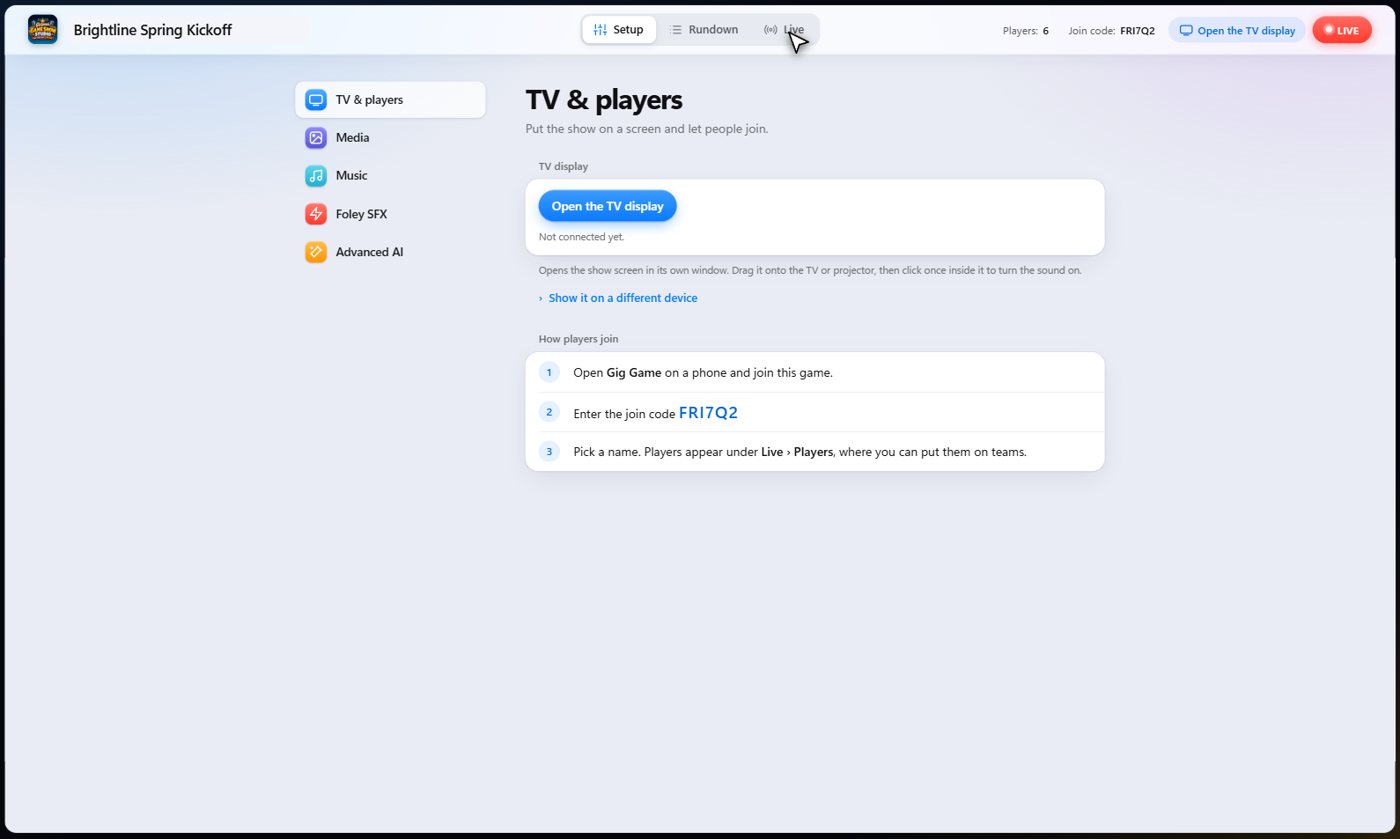
Put the show on the TV
The TV display is just a web page. On the Setup tab, press Open the TV display, then put that window on the TV or projector, or share it in a meeting or a stream. If you can open a web page on the screen, it works.
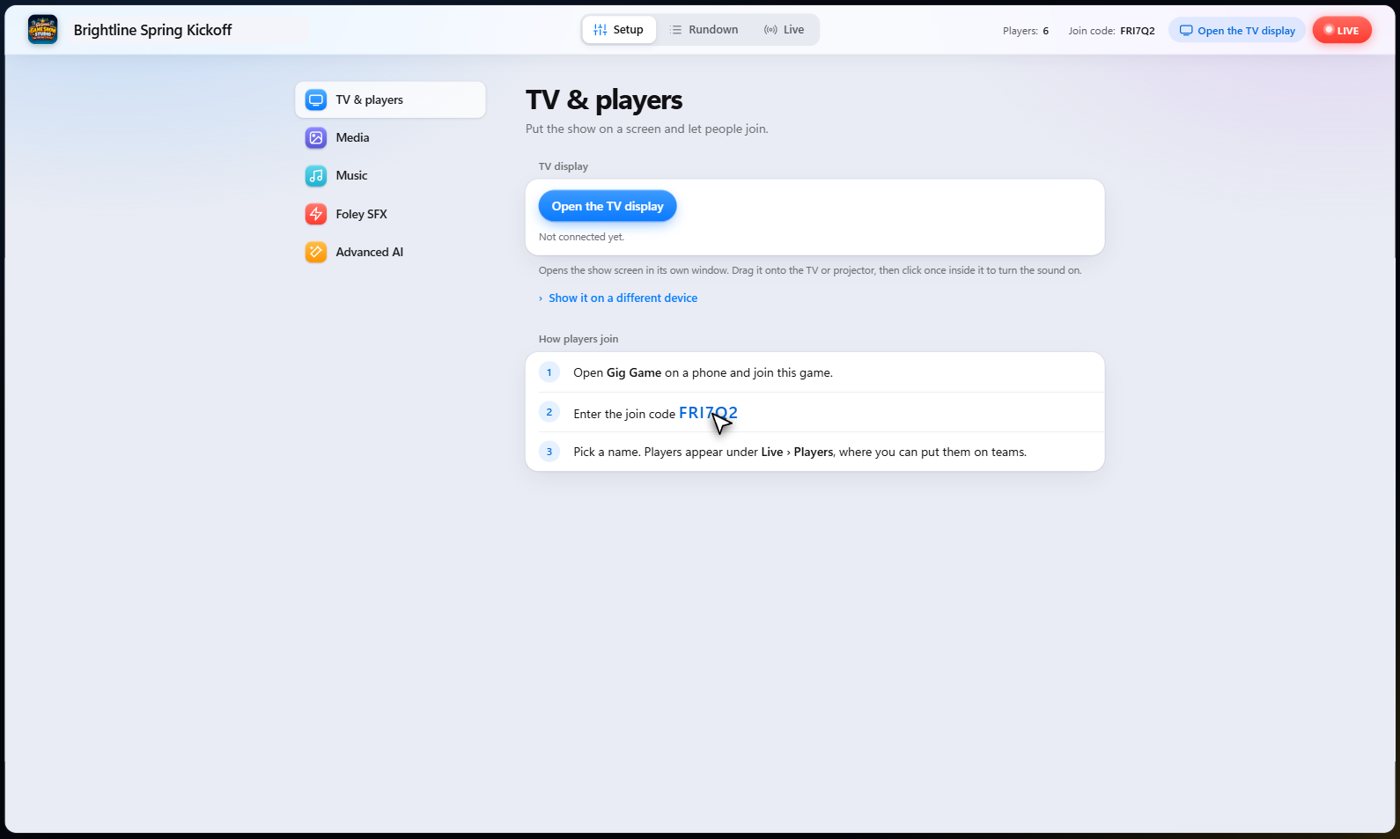
How guests join
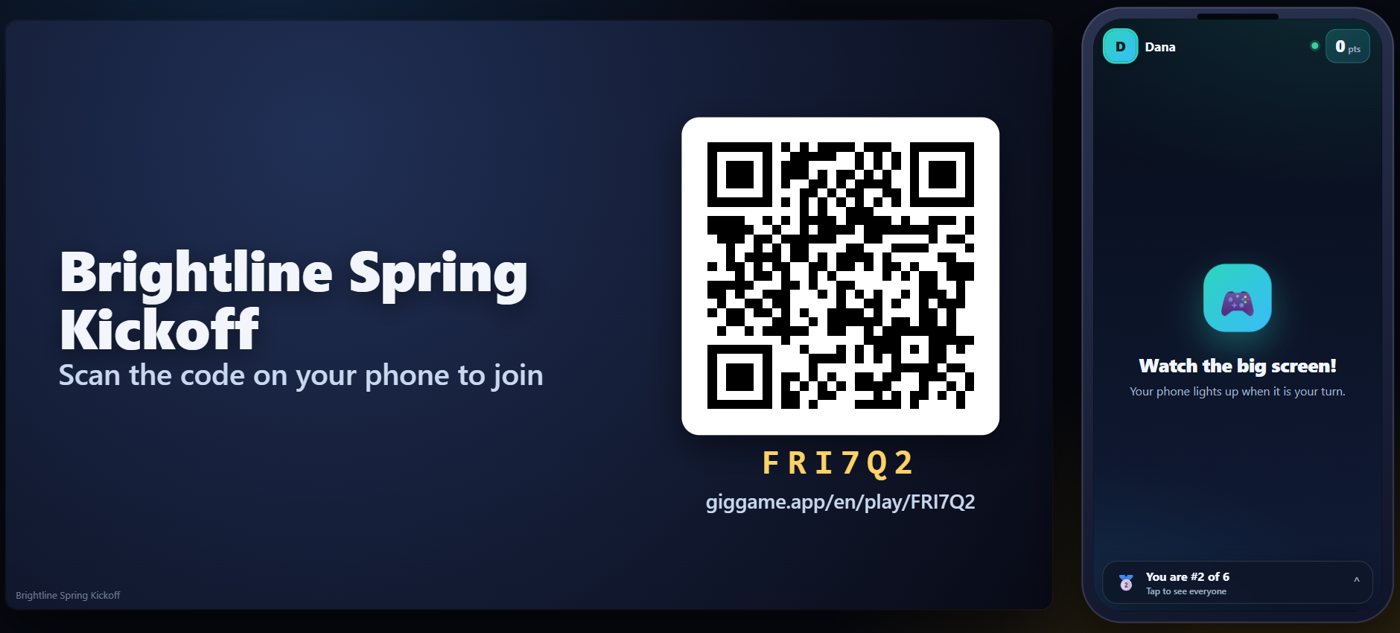
Guests scan the QR code on the TV, or go to giggame.app and type the join code shown on screen. They pick a name and they are in, in the room or from anywhere else.
Run your first show
The quickest way to learn it is to run one. Follow Build and run a complete show: you add a handful of steps, check them, save the show and run it.
- On the Rundown tab, press Add and choose a Welcome step.
- Add a Teams step, then a Trivia step, and finish with a Winners step.
- Press Go to Live, then Start The Show.
- Press Next to move through the steps; guests follow on their phones.
Something missing or unclear? Check the FAQ or browse all guides.