Watch: Run the Night by Voice (3:08) · All videos
Talk or type
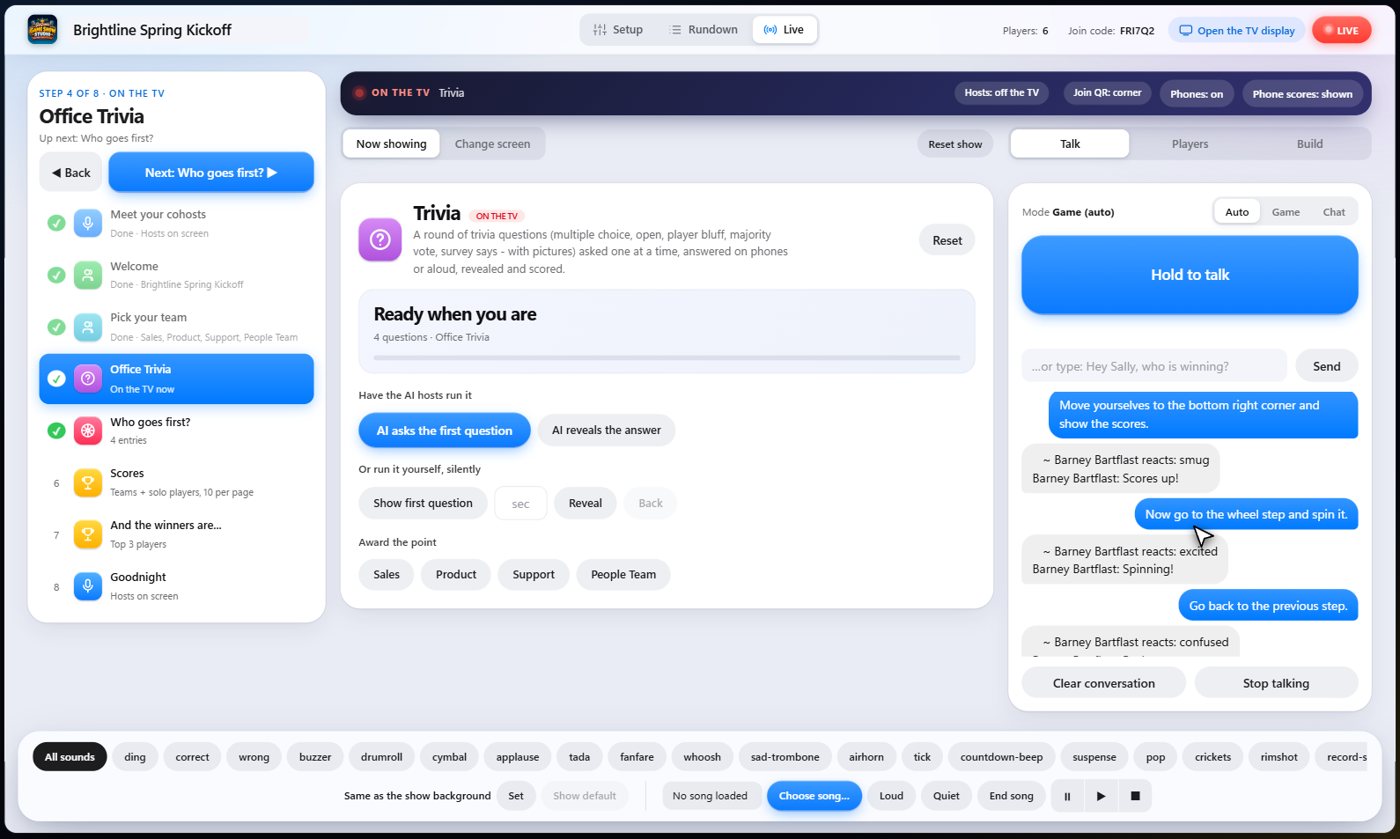
You can run your whole night by talking. Hold the talk button and speak, or type in the message box, and your cohosts do what you ask. They can change screens, ask questions, reveal answers, play sounds and move around your Rundown.
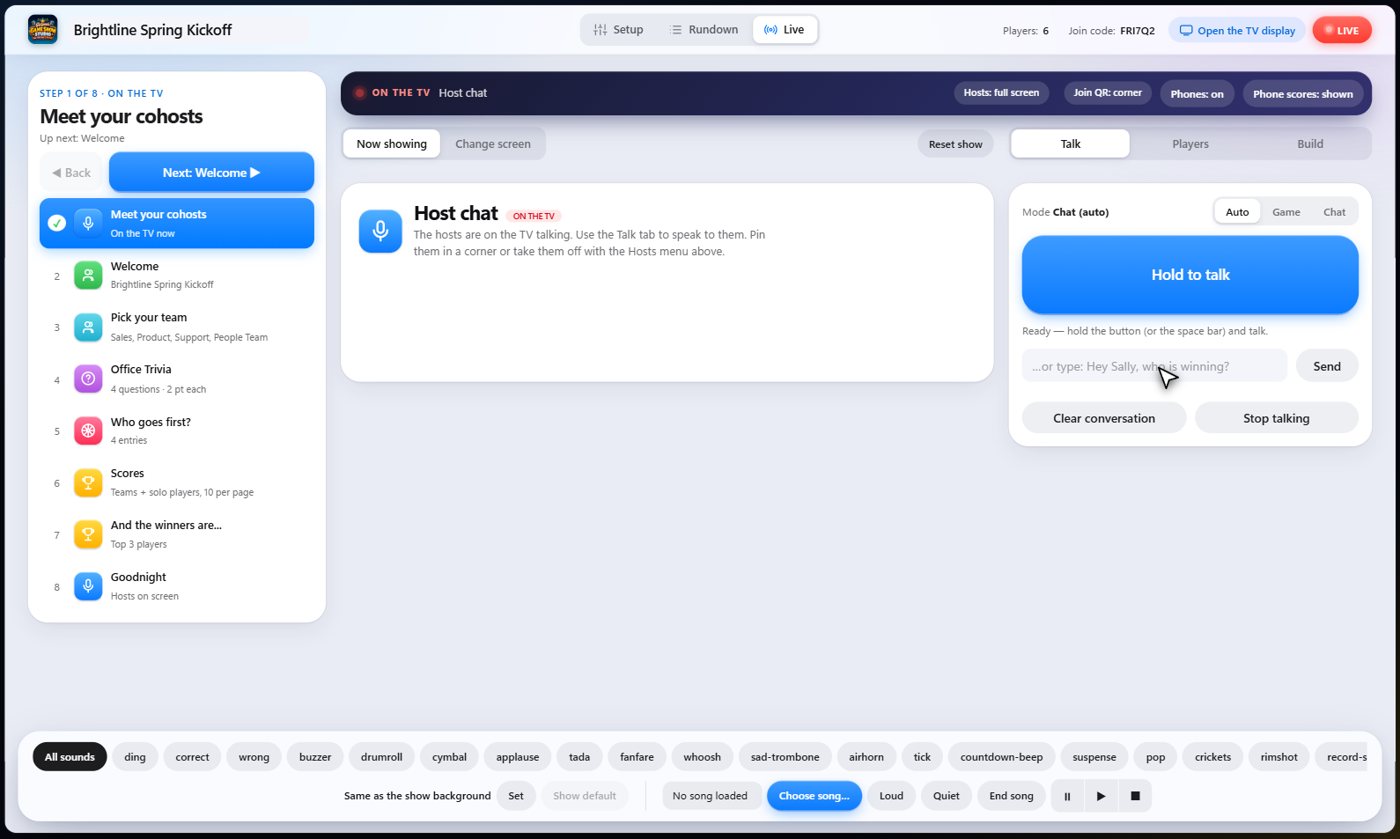
Ask for a screen
Say what you want, in your own words, and the cohosts understand: 'Sally, put the welcome screen on the TV.'
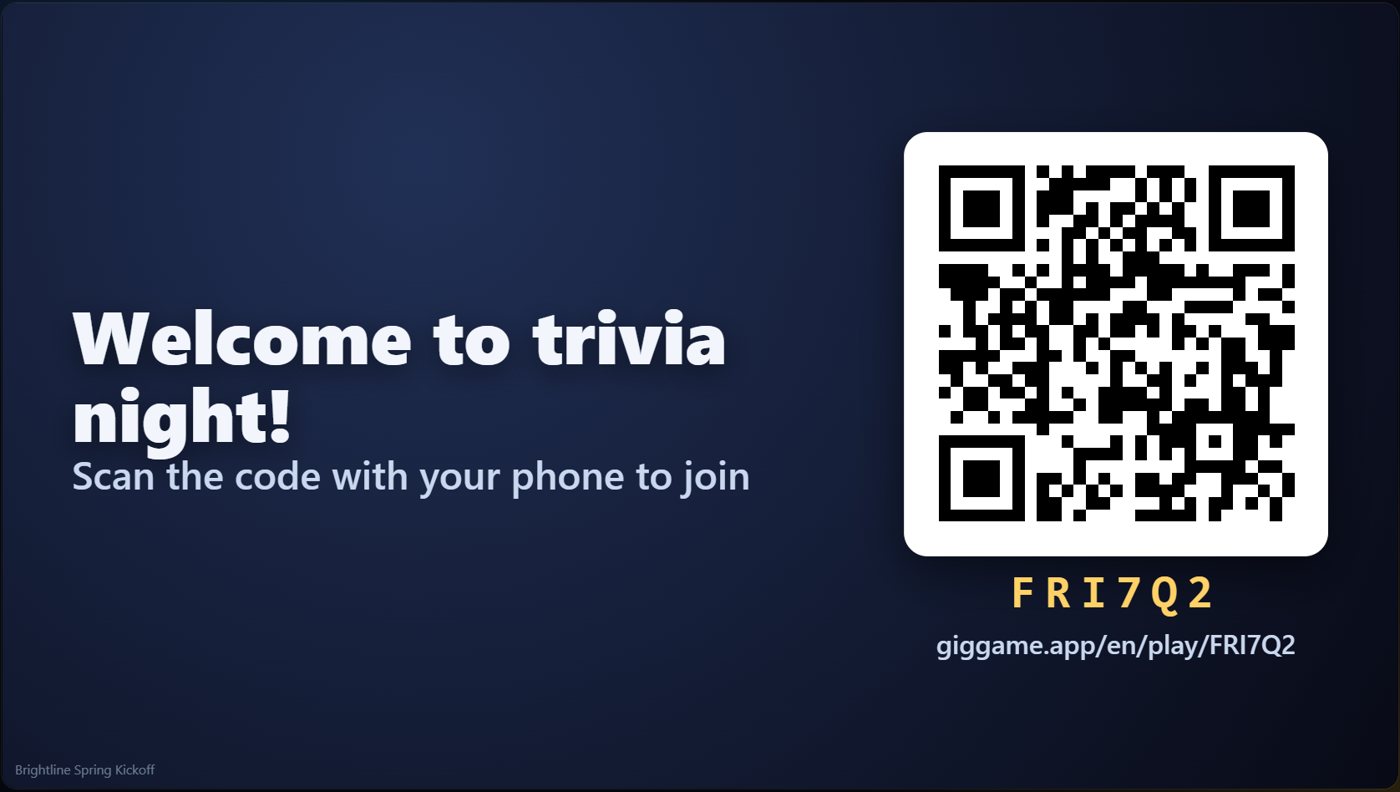
Go to a step
Name any step in your Rundown, and they jump to it, with the phones following along. Say 'Go to the team step', 'Start the trivia round', or 'Go back to the previous step'.
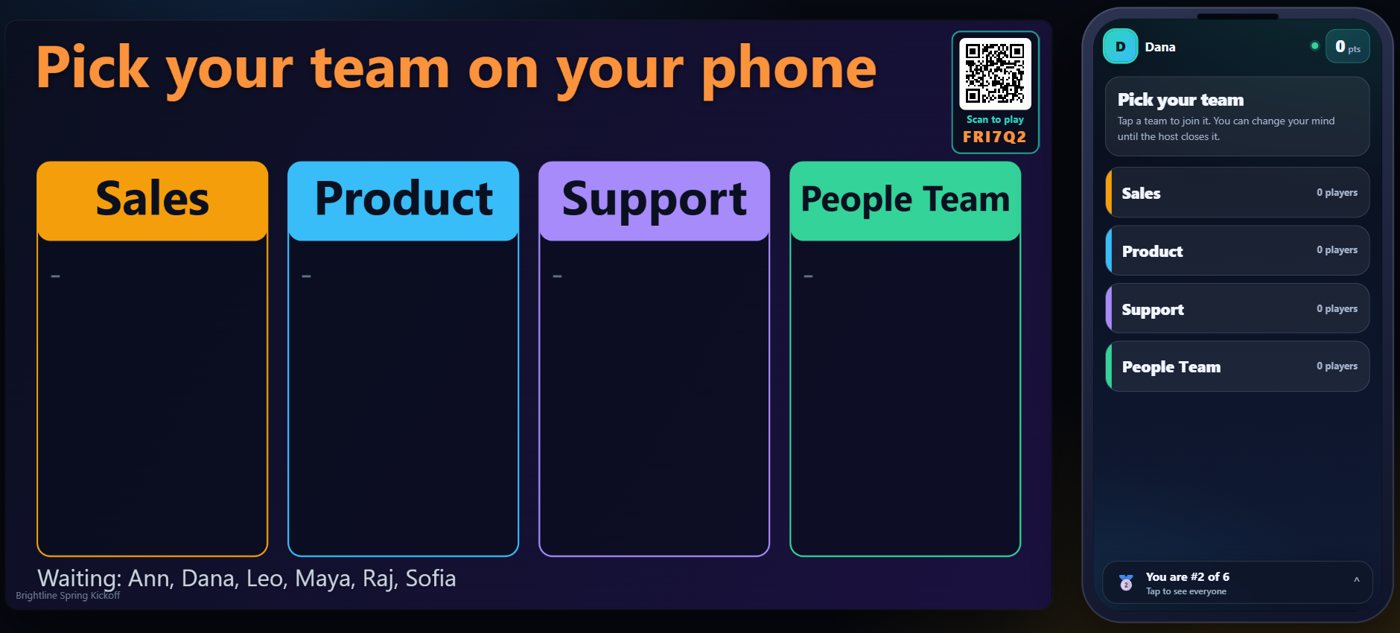
Questions and reveals
Say 'Now ask the first question' and then 'Reveal the answer, please'.
Sounds and music
Sound effects and music work the same way. Ask for applause, a drumroll or a song, and it plays.
Move the hosts, show the scores
'Move yourselves to the bottom right corner and show the scores.' The cohosts can sit in a corner while a game is on.
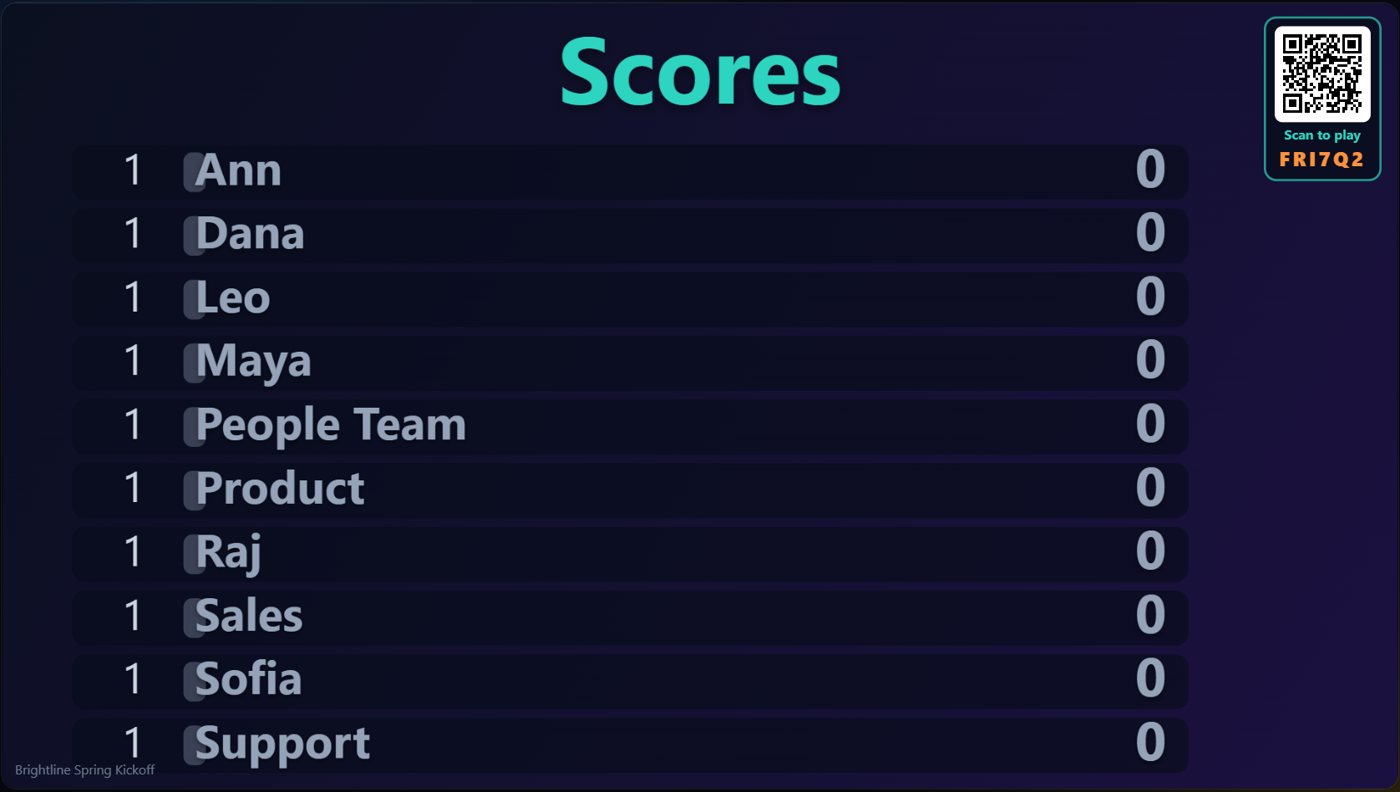
Or press the buttons
You can always use the buttons instead. Your steps sit along the top of the Live tab, with Back and Next, so you can mix voice and buttons however you like. If you turn AI Game Control off, your cohosts only talk, and the buttons do the work.
Ask the AI to build a game
Describe what you want, such as 'a ten-question trivia round about space', and a more powerful AI builder assembles it, then the cohosts announce it when it is ready. You can also add a new screen on the fly from the Live tab; it runs on top of the show, the show keeps its place, and one click puts you back where you were.
Something missing or unclear? Check the FAQ or browse all guides.