Watch: Show Cards, Announcements and Winners (2:52) · All videos
Steps that frame your night
A welcome screen, title, rules and break cards, announcements, the scoreboard and the winners sit in the Rundown beside your games.
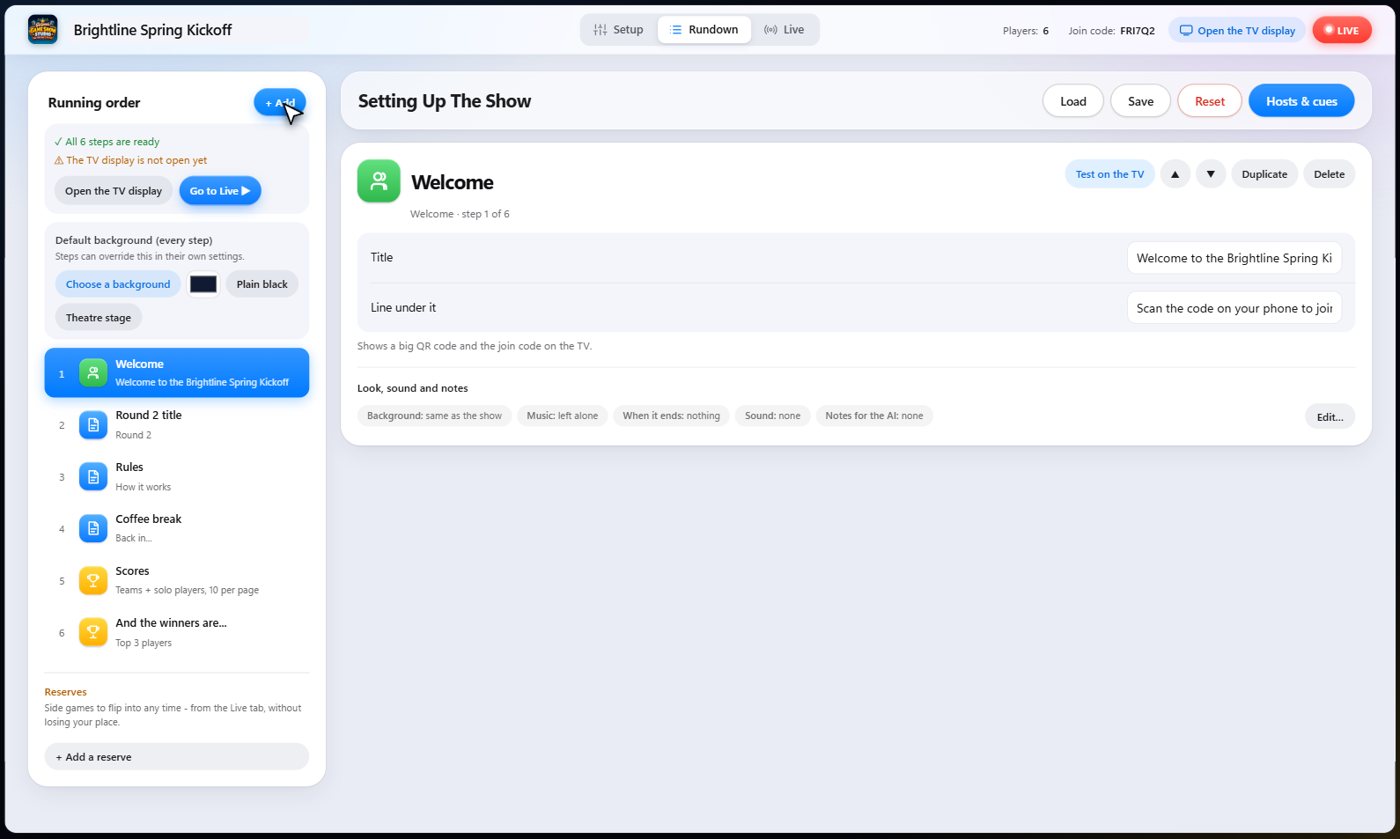
The welcome screen
The welcome step has a title and one line under it. It shows a big code to scan, and the join code, on the TV. Guests scan it with their phones, and they are in.
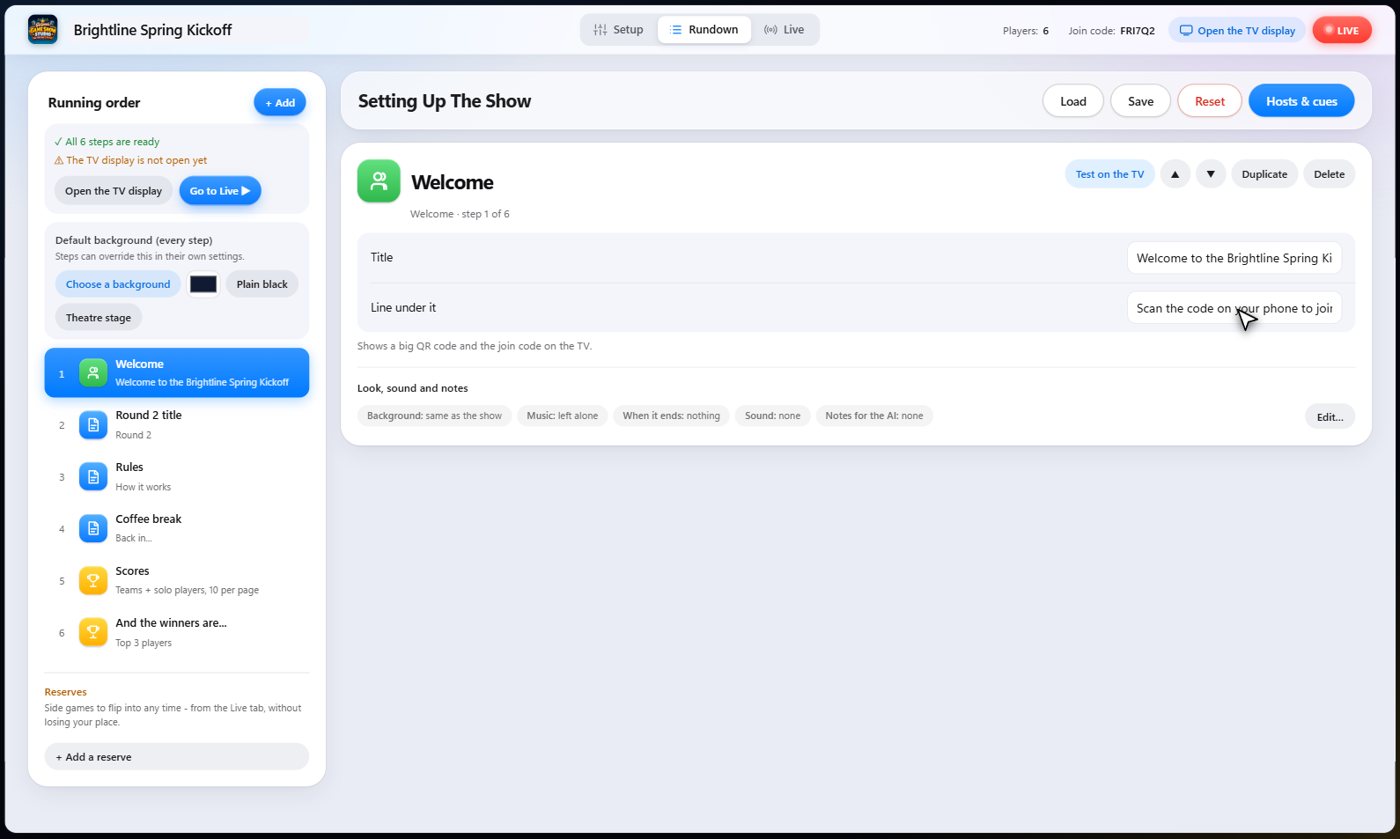
Cards
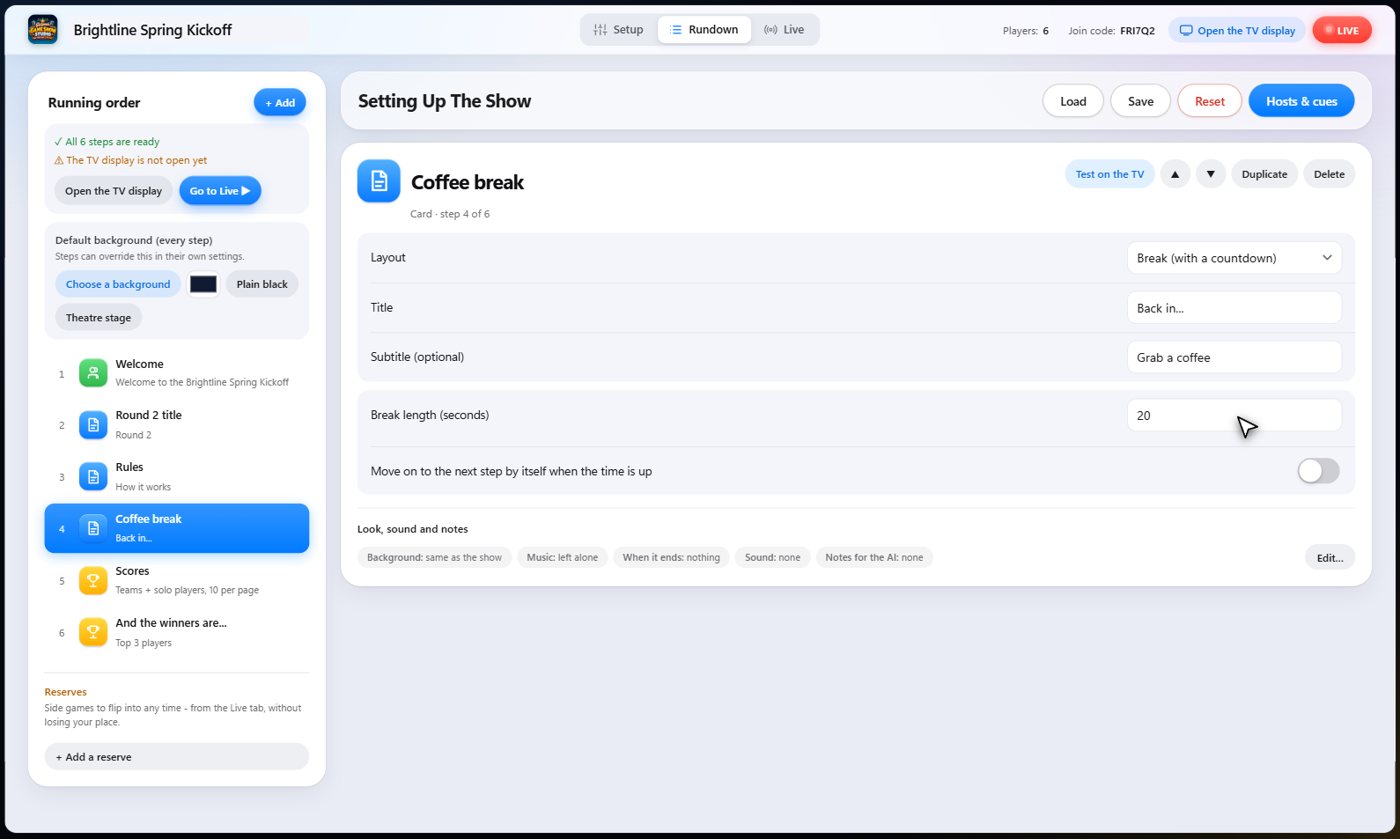
Cards put words on the screen. A title card announces a round. A rules card lists up to eight lines. A break card shows a countdown, so everyone knows when you are back. A card can also move on by itself when its time is up.
Tip A card with no time set waits until you press Next.
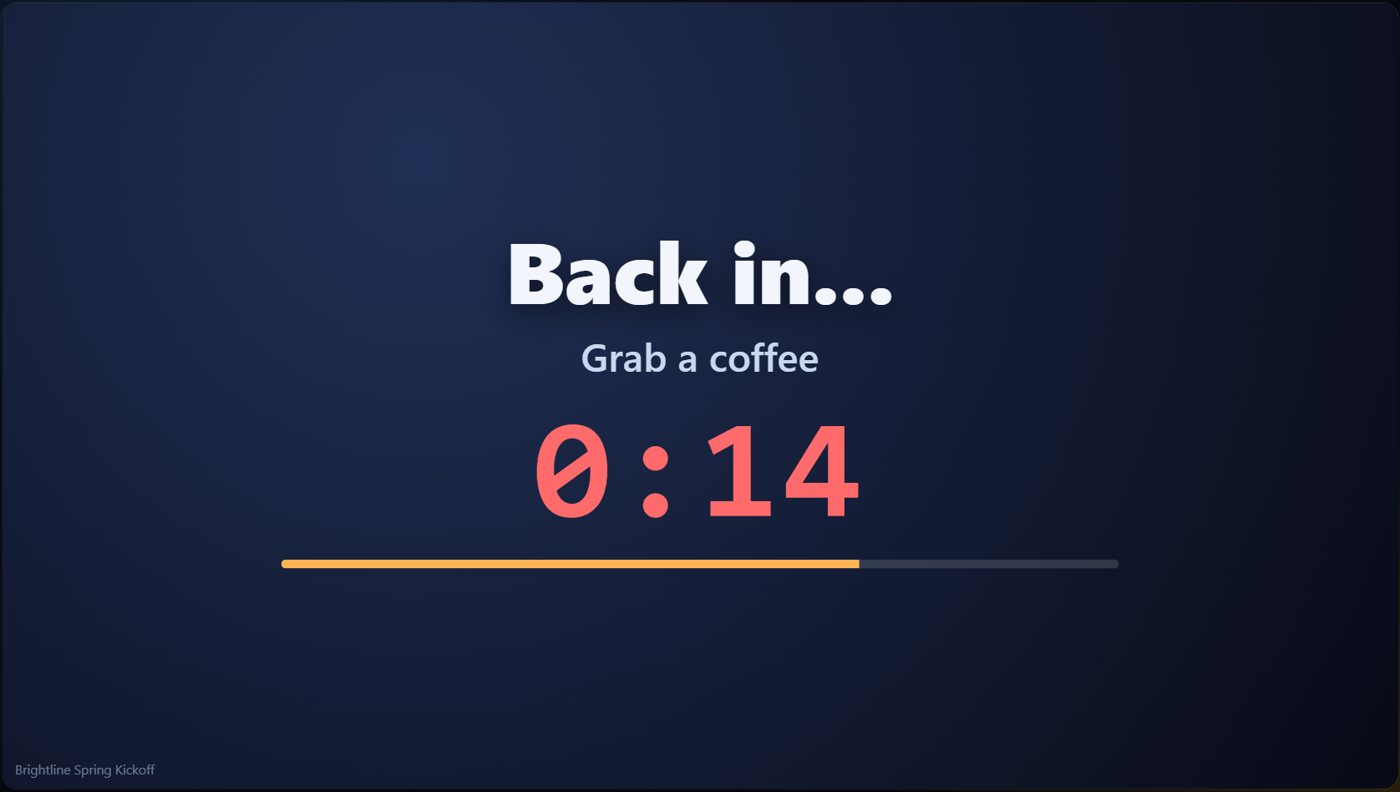
Cards on the TV
The title card, the rules card and the break card with its countdown.
Announcements
An announcement shows a picture with a caption, like a thank you to a sponsor, and the cohosts can say a line about it.
The scoreboard
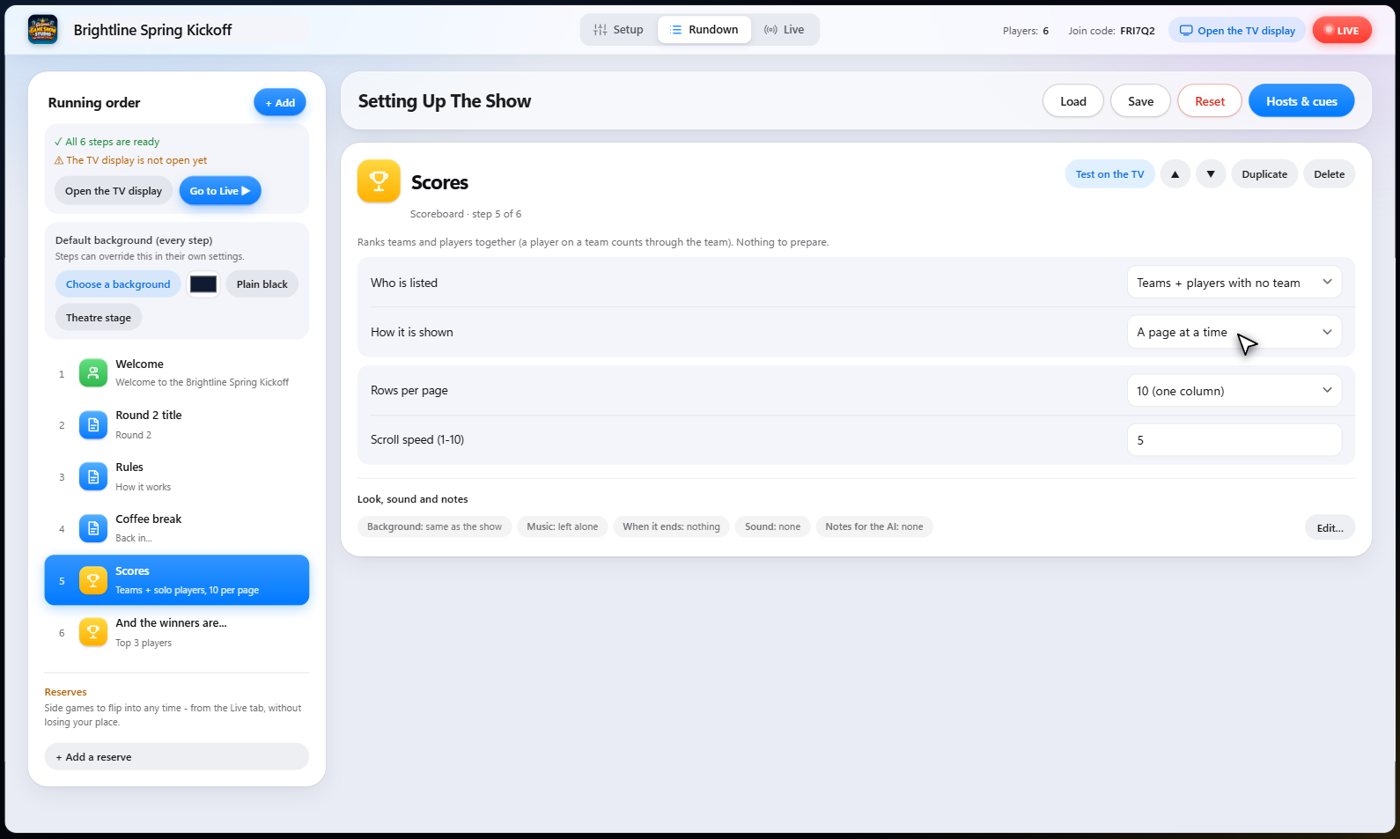
The scoreboard ranks teams and players together. You choose who is listed, and whether it shows a page at a time, or scrolls like credits. Show it any time, between games, to keep the room in the race.
The winners
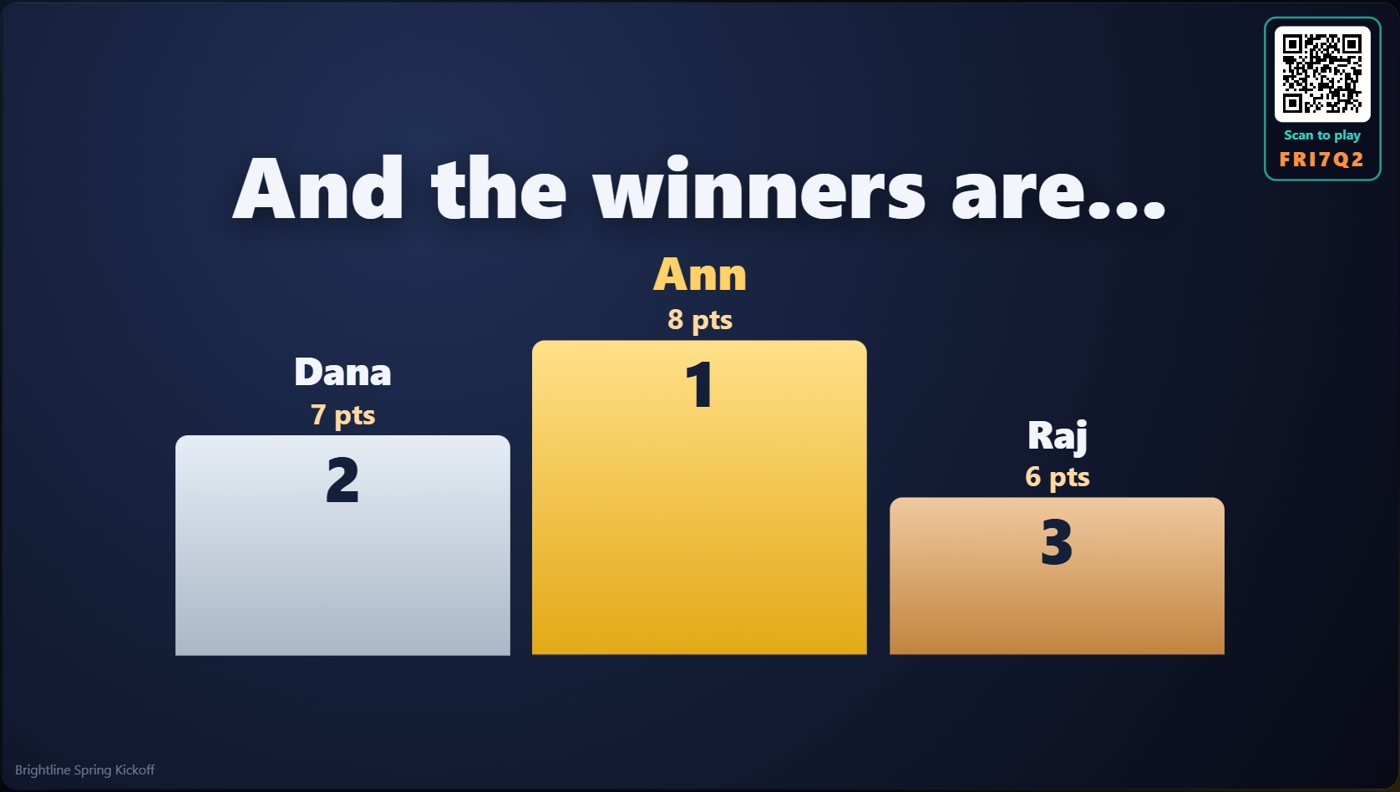
The winners step ends the night. Choose a title, whether to rank players or teams, how many places to show, up to eight, and whether there is confetti. It ranks by score at the moment it starts, so put it after the games.
Something missing or unclear? Check the FAQ or browse all guides.