Watch: Photos and the Reaction Wall (3:37) · All videos
Search the video library
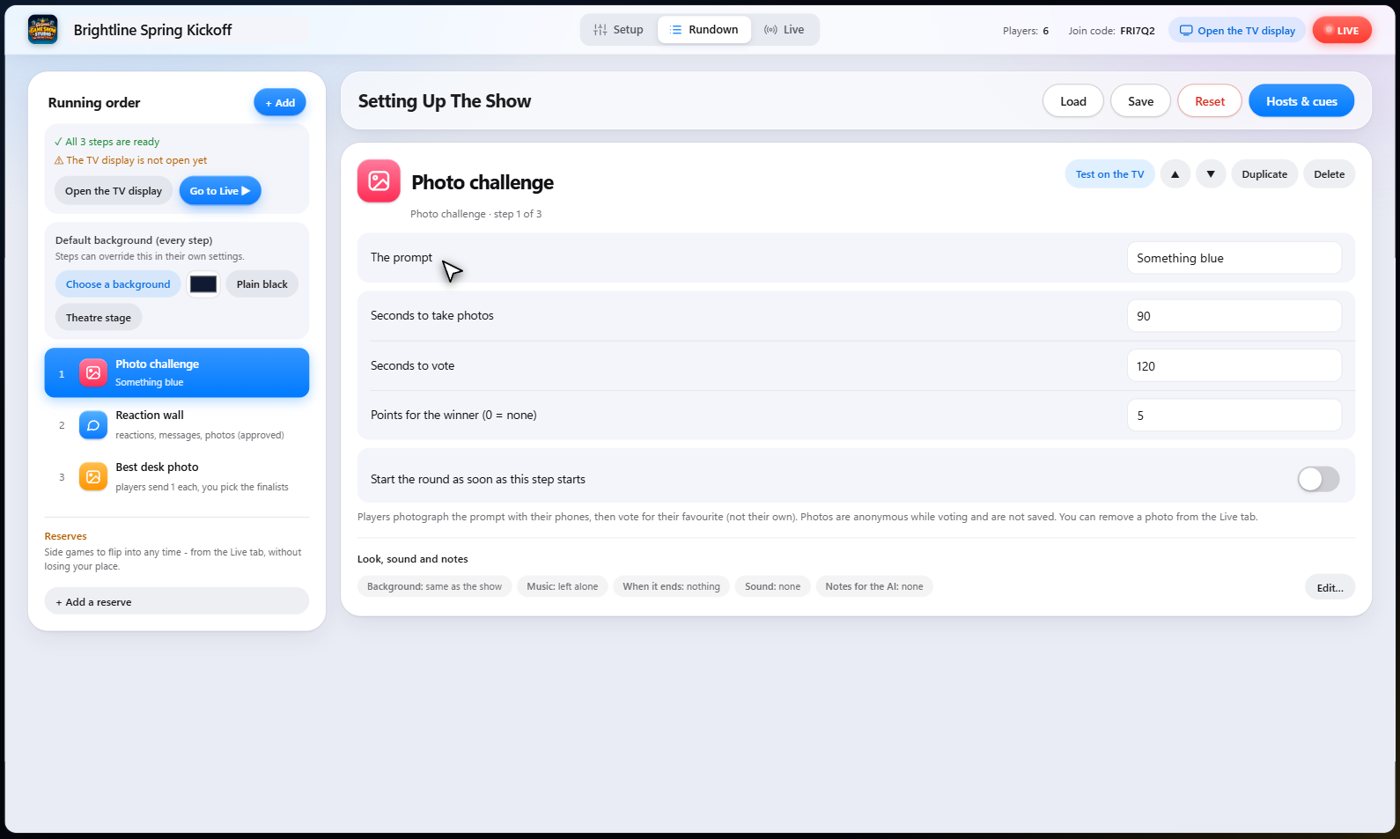
Press Choose a background, open the Background videos tab and type a word. Type birthday and the birthday videos appear. Hover over one to watch it, then press Use and it plays behind every step.
- In the Rundown, find Default background (every step) under the step list.
- Press Choose a background and open the Background videos tab.
- Type what you want in the search box, such as birthday, beach or space.
- Hover over a video to watch it, then press Use.
Where else to look
The chooser has tabs: your own videos and pictures (My videos & pictures), Themes (a matching scene for each part of a show), Background videos and Pictures. Choose a theme to set each step's background to the matching scene.
Tip A background can be the show's default, or belong to one step only, or even one trivia question.
What it looks like on the night
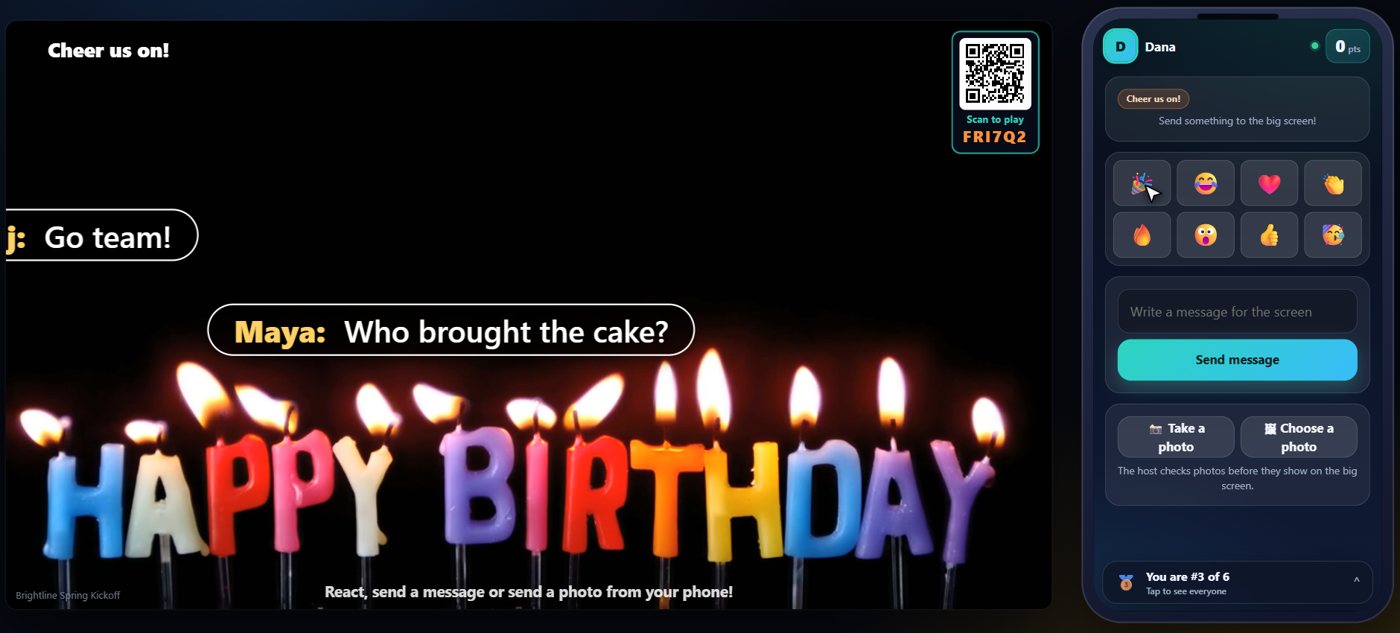
The background plays behind whatever is on the TV. Reactions, messages and photos on the reaction wall sit on top of it, so a looping video makes the wall far more fun.
Your own pictures and videos
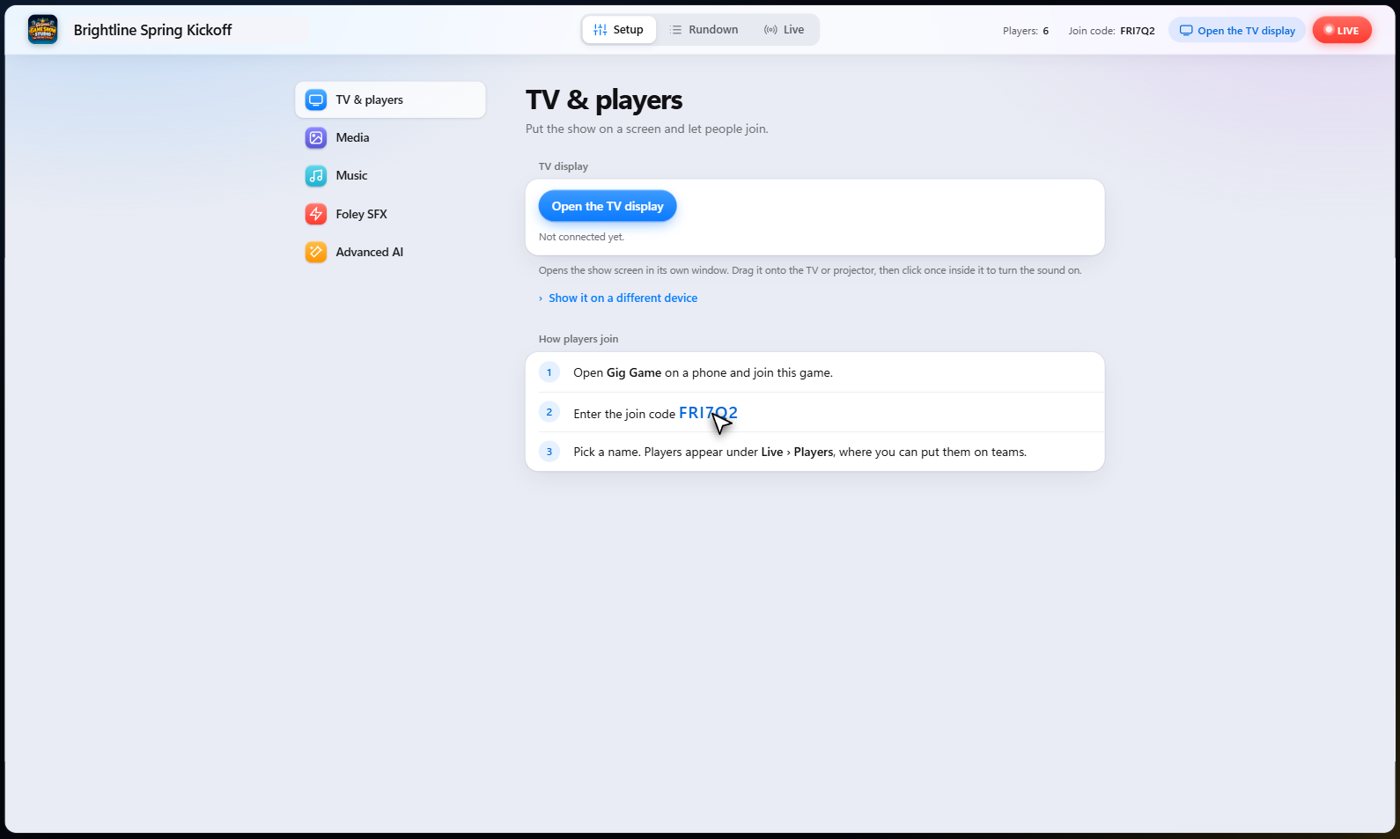
Setup keeps your own libraries: pictures and videos in Media, songs in Music, and sound effects in Foley. Upload promos, logos, sponsor videos and pictures there, and pick them from any step. Music from your own computer stays on your computer; nothing is uploaded.
Music and sound effects
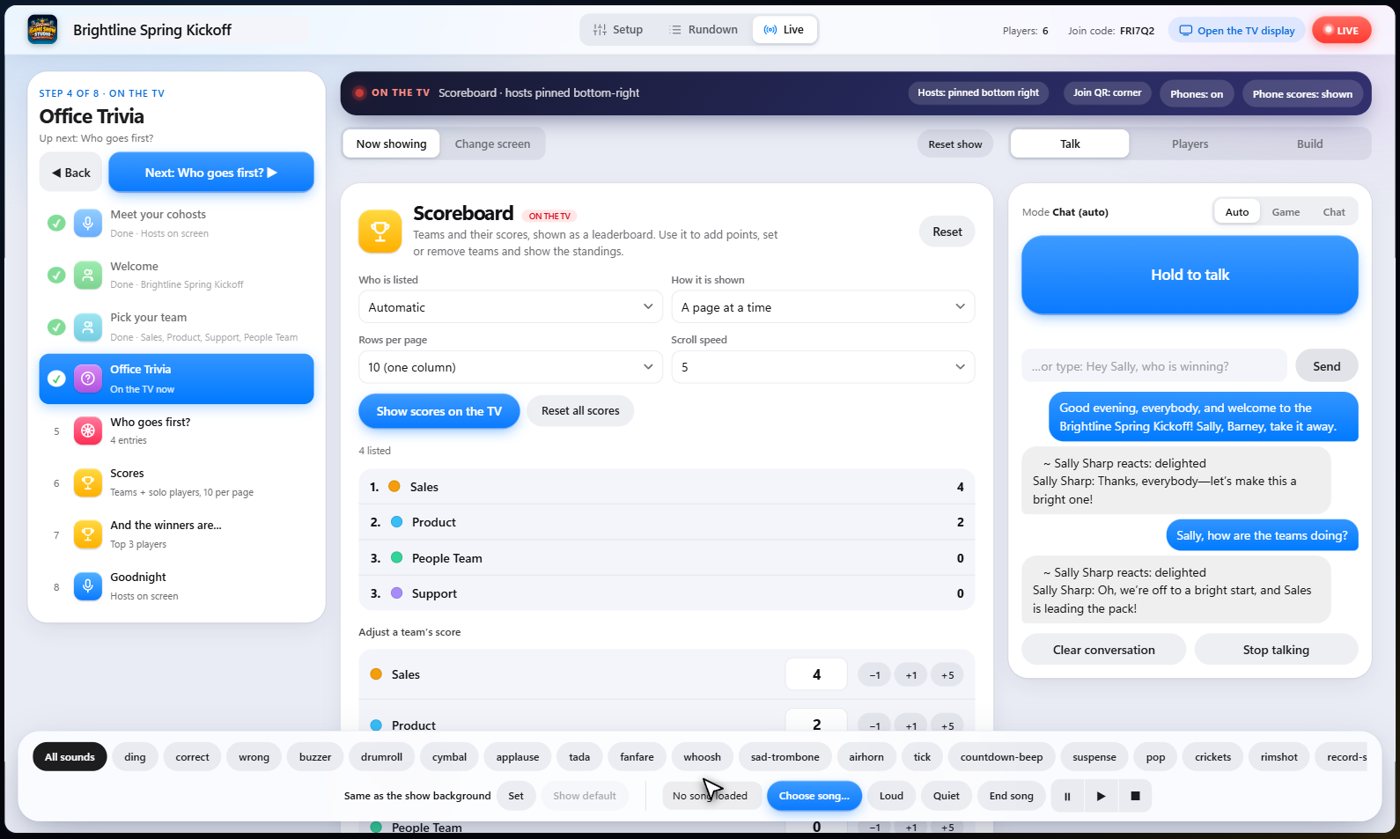
Ready-made game show music and thirty sound effects come with the app. A step can start a sound as it begins, and the sound bar along the bottom of the Live tab plays any of them on demand. Ask a cohost for applause, a drumroll or a song and it plays.
Something missing or unclear? Check the FAQ or browse all guides.