Watch: Working With Your AI Cohosts (2:43) · All videos
Choose how many
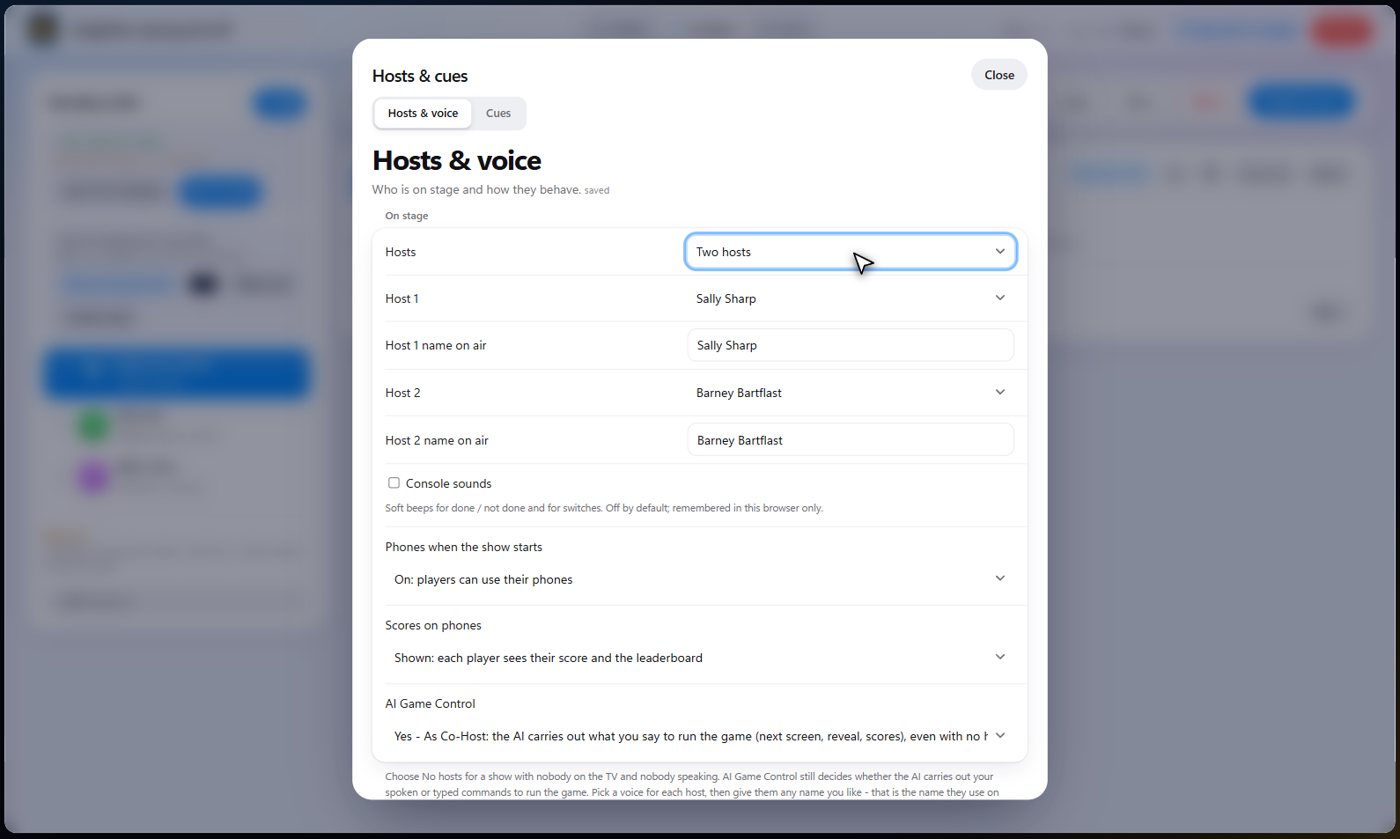
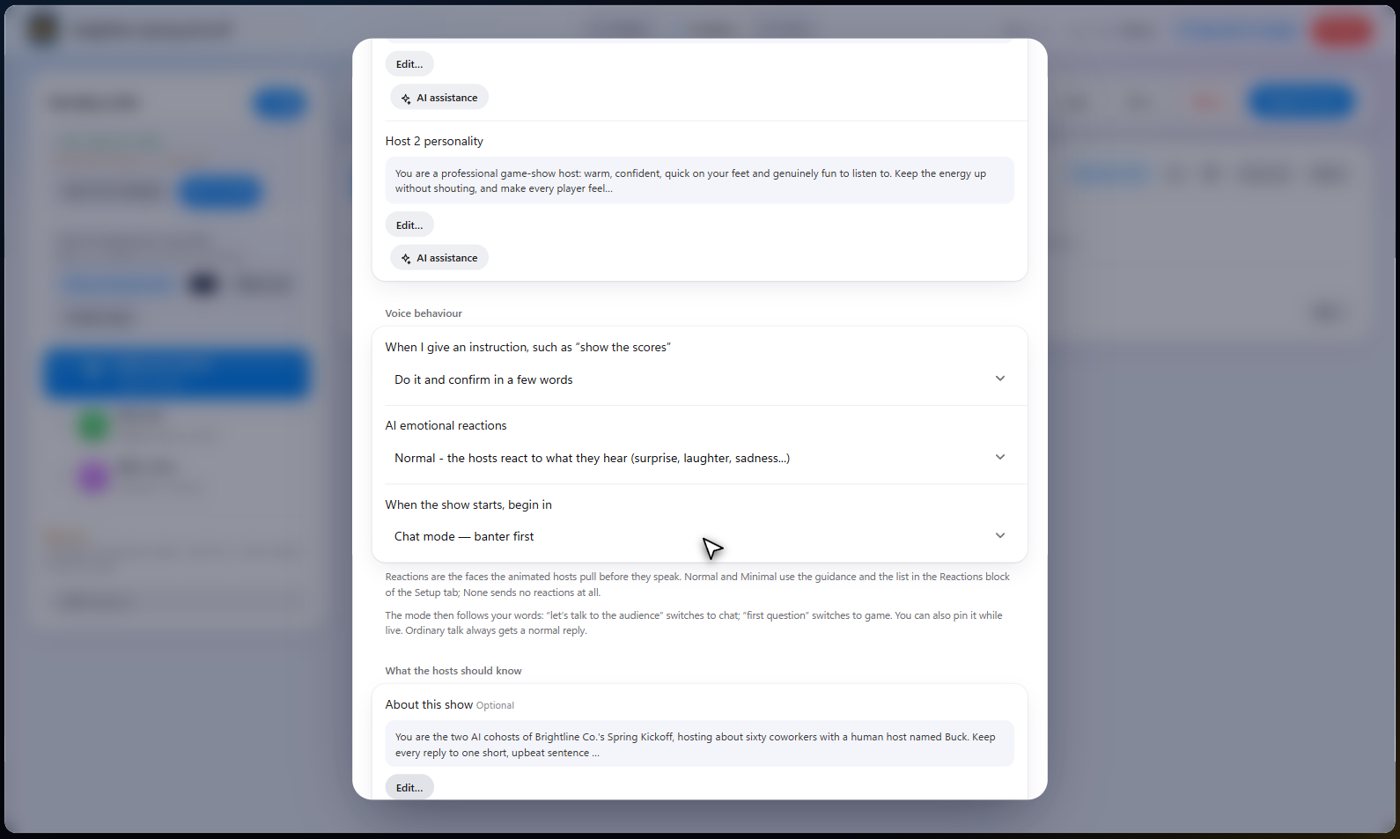
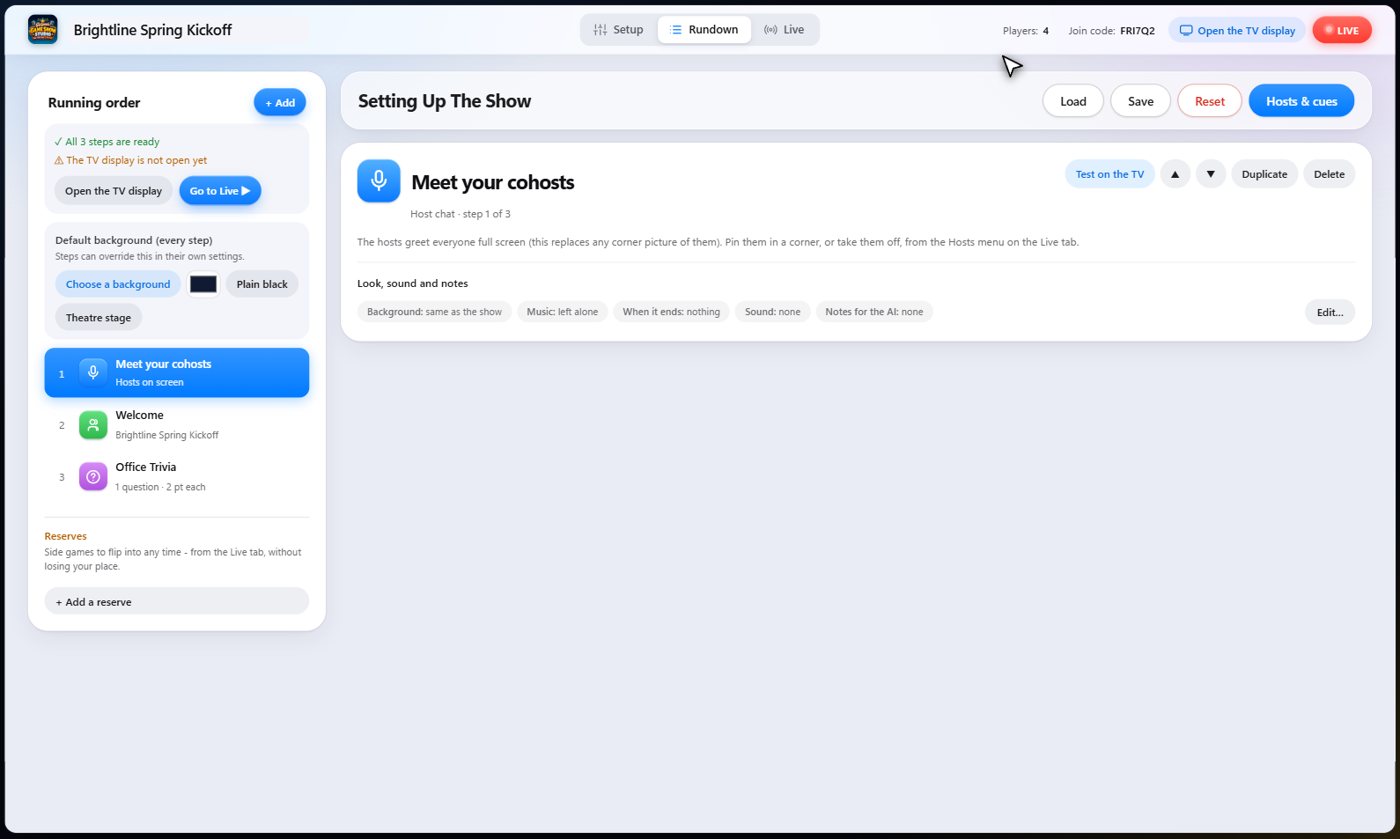
Your AI cohosts are set up in one place: Hosts and cues, on the Rundown. First, choose how many: no hosts, one, or two. With no hosts, the TV has nobody on it and nobody speaks.
Voices and names
Pick a voice for each host, and give each one the name you want them to use on air.
Describe their personality
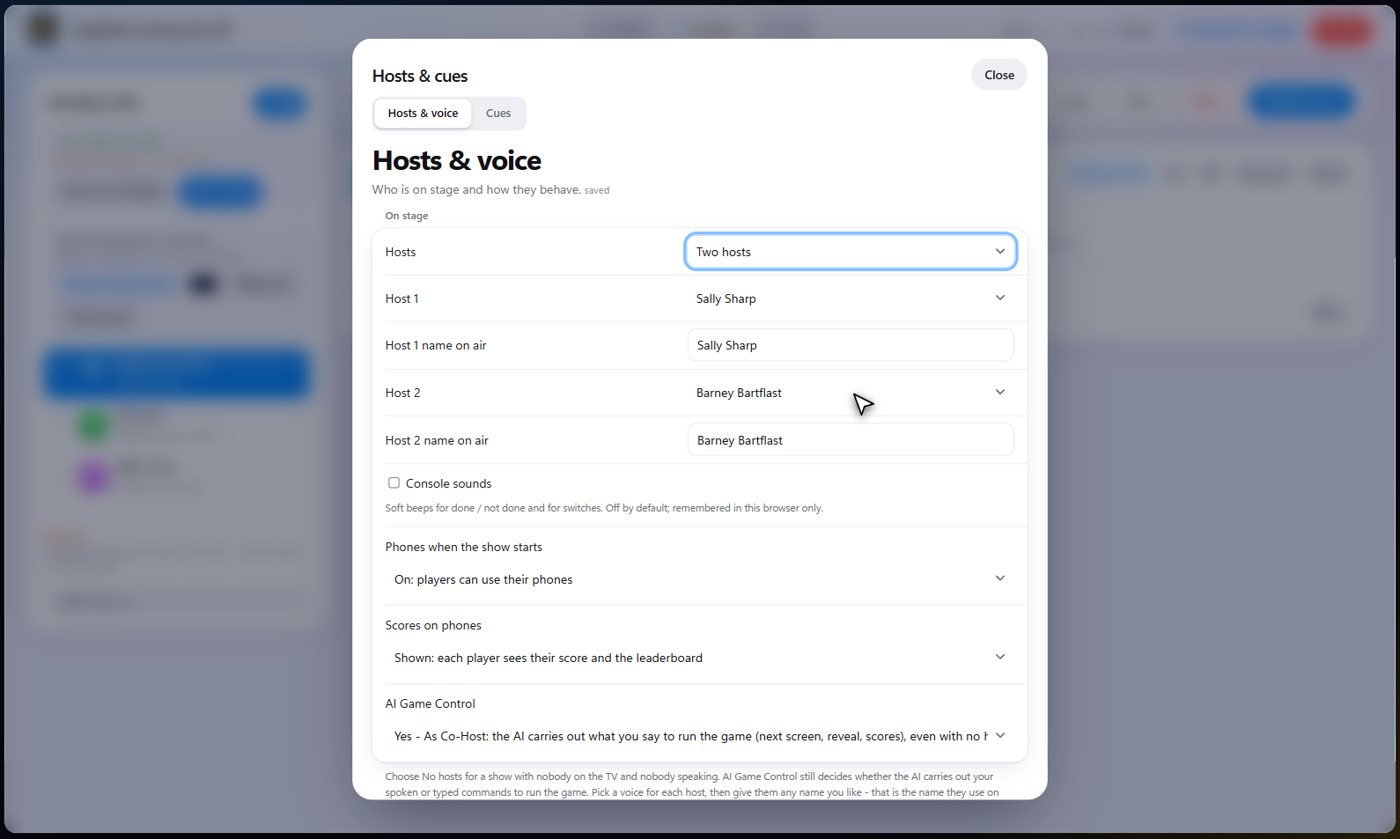
Say it in your own words, for example a warm, quick host who loves a good pun and cheers on the quieter players. The AI turns it into a few good sentences. Read it over, and use it. You can edit it any time.
- Open Hosts and cues and find the host's personality.
- Press the AI assistance button and describe the host in a few words.
- Press Write it, read the result, then press Use this.
Tell them about the show
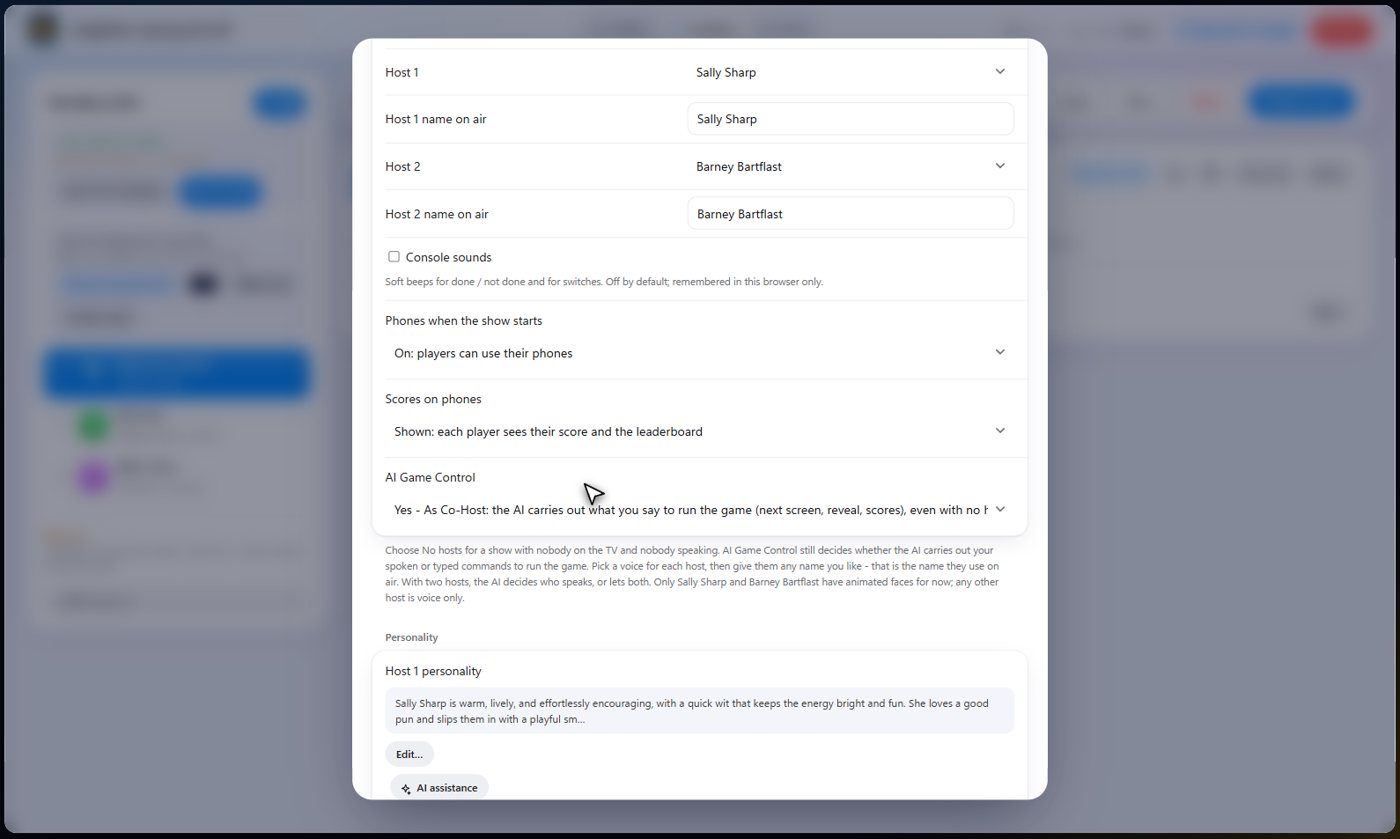
Say who the audience is, where you are and what the night is for. The cohosts use it in everything they say, and it keeps their replies short and on topic.
How they behave
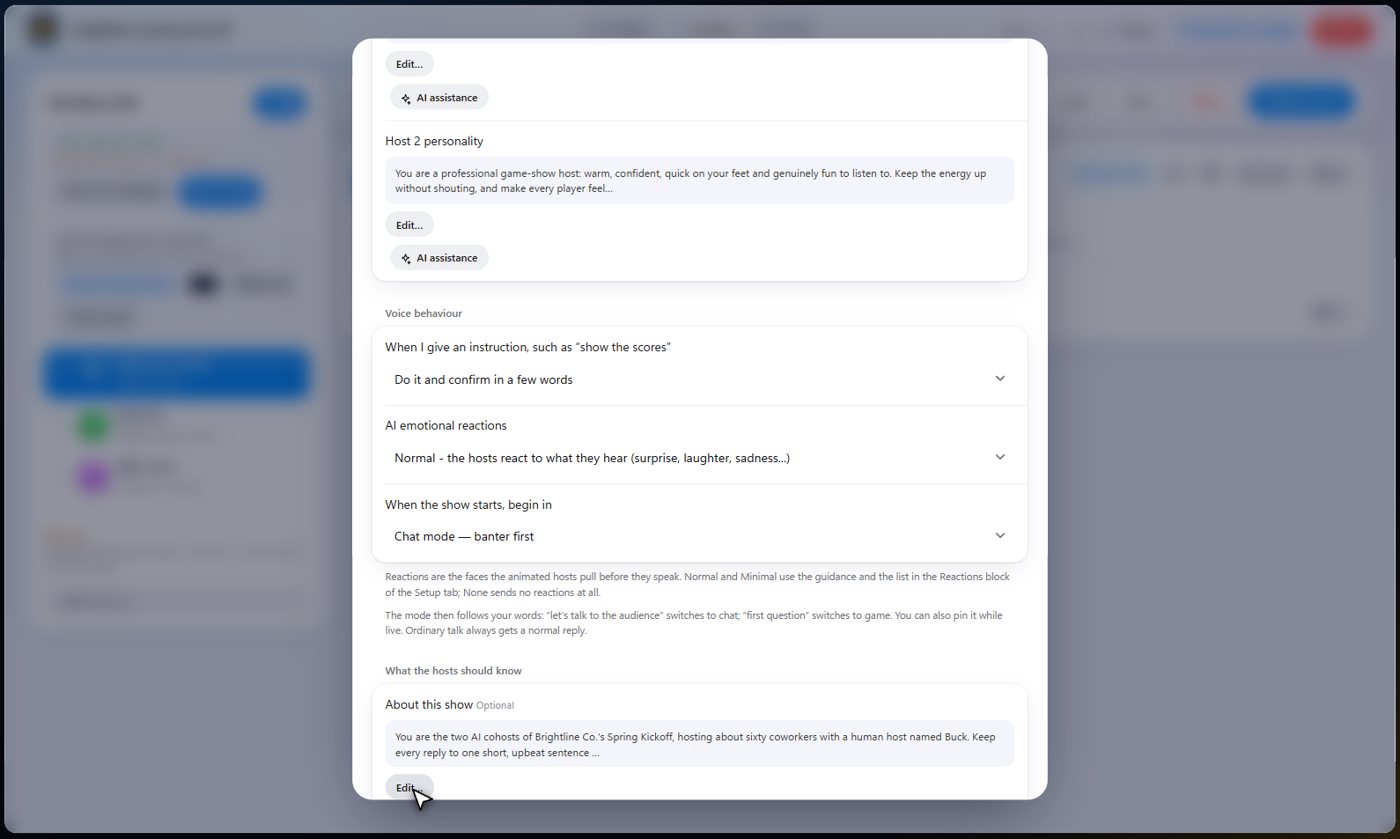
When you give an instruction, they can do it silently, confirm in a few words, or reply in full. Their emotional reactions can be normal, minimal or off. You also choose whether the show starts in chat mode, with banter first, or game mode.
AI Game Control
AI Game Control decides whether the AI may run the game for you. On, your cohosts can change screens, reveal answers and play sounds when you ask. Off, they only talk, and you press every button yourself.
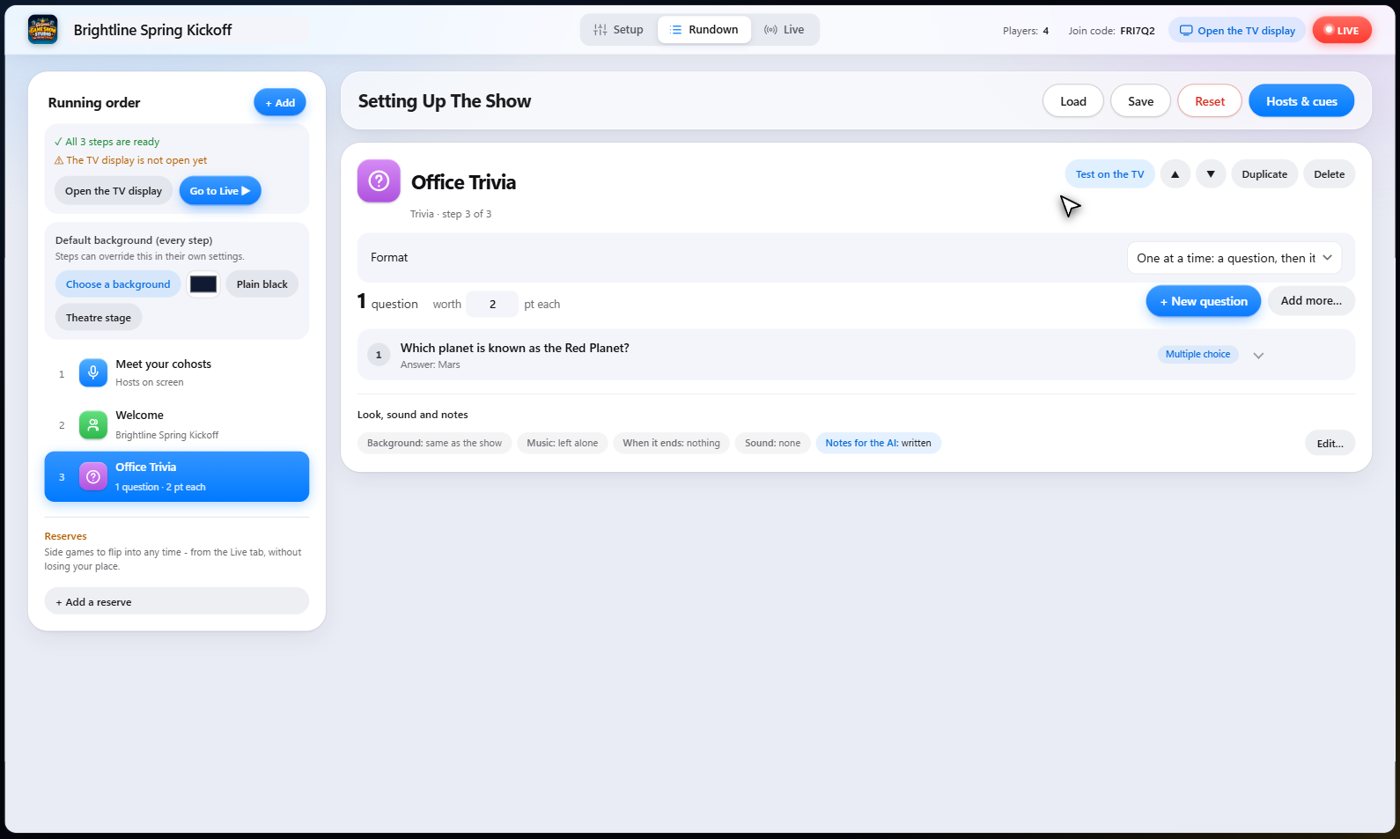
Notes for a step
Leave notes on any step, for the cohosts only. Say what to mention, or how to introduce it. The audience never sees them. Find them in the step's Look, sound and notes row.
Talk to them
Hold the button and speak, or type, and they answer out loud, in their own voices, and on the TV. On the Live tab, the Hold to talk button and the message box are always there, so you can talk to your cohosts at any moment.

Something missing or unclear? Check the FAQ or browse all guides.