Watch: Music, Picture and Price Rounds (2:20) · All videos
Three rounds
Name that tune plays a song from your music library, and guests type its title. The picture round shows a picture or an emoji, and guests type what it is. The price round shows an item, and guests type its price. Name that tune needs songs in your music library; add them in Setup.
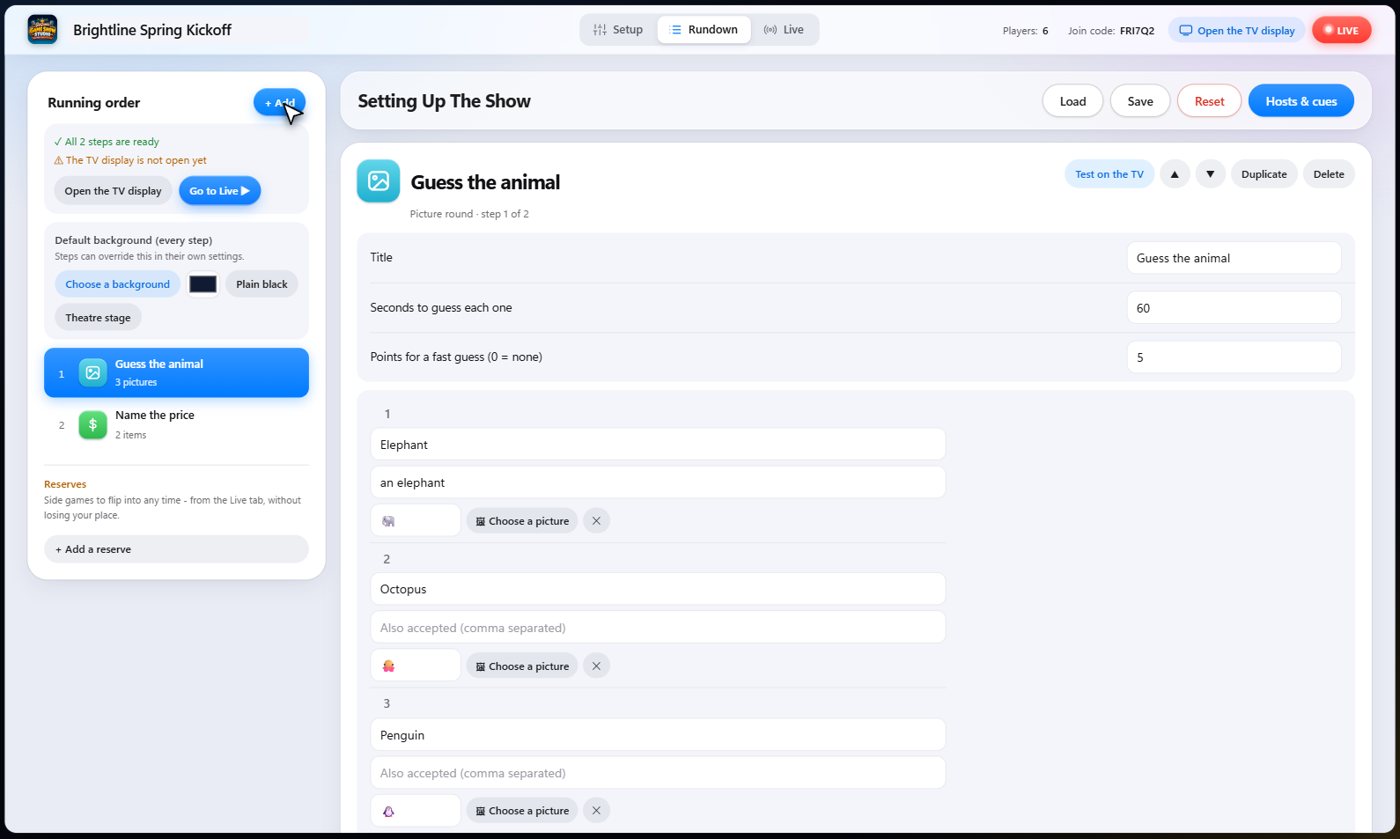
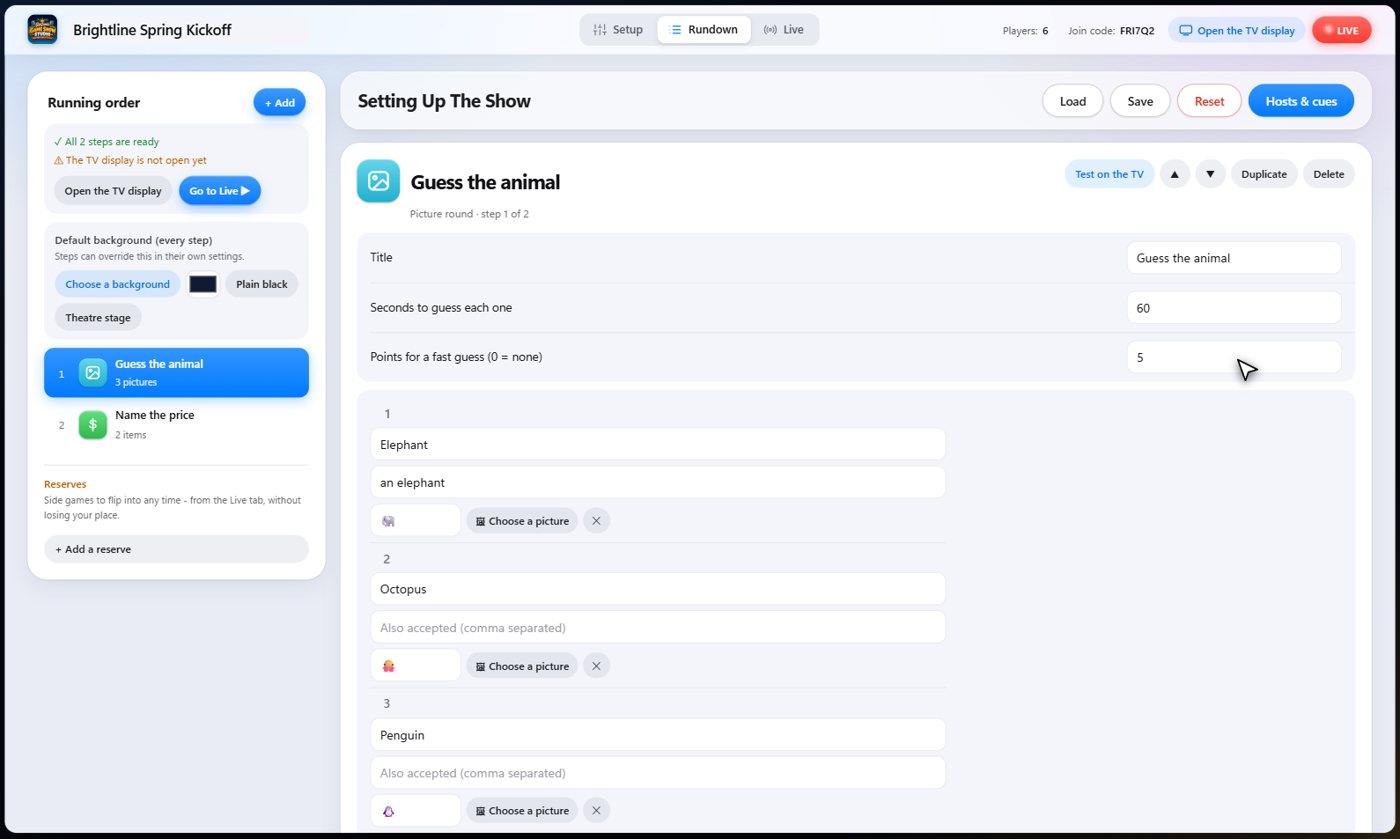
Picture round: set it up
Add each item with its answer, any other answers you will accept, and a picture from your media or an emoji. Then set the seconds per item and the points for a fast guess.
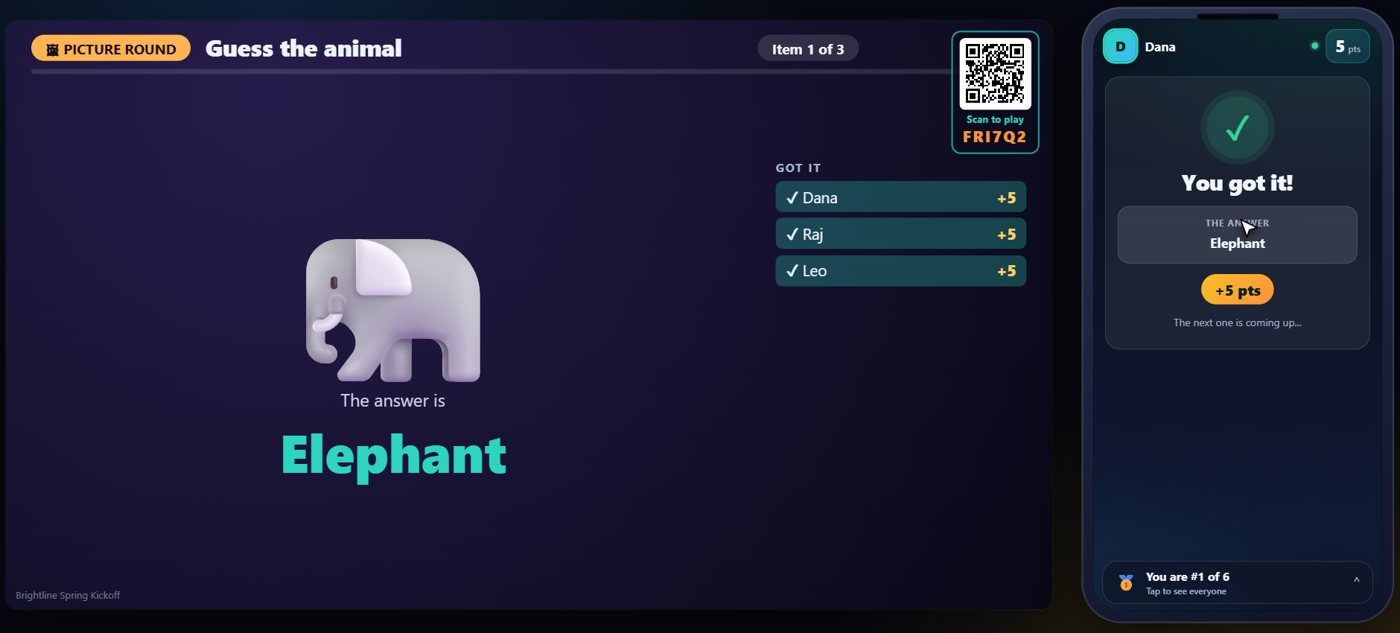
Picture round: play
The picture pops up on the TV. Guests type their guess on their phone, and the faster the right answer, the more it scores. Then reveal it and move on to the next one.
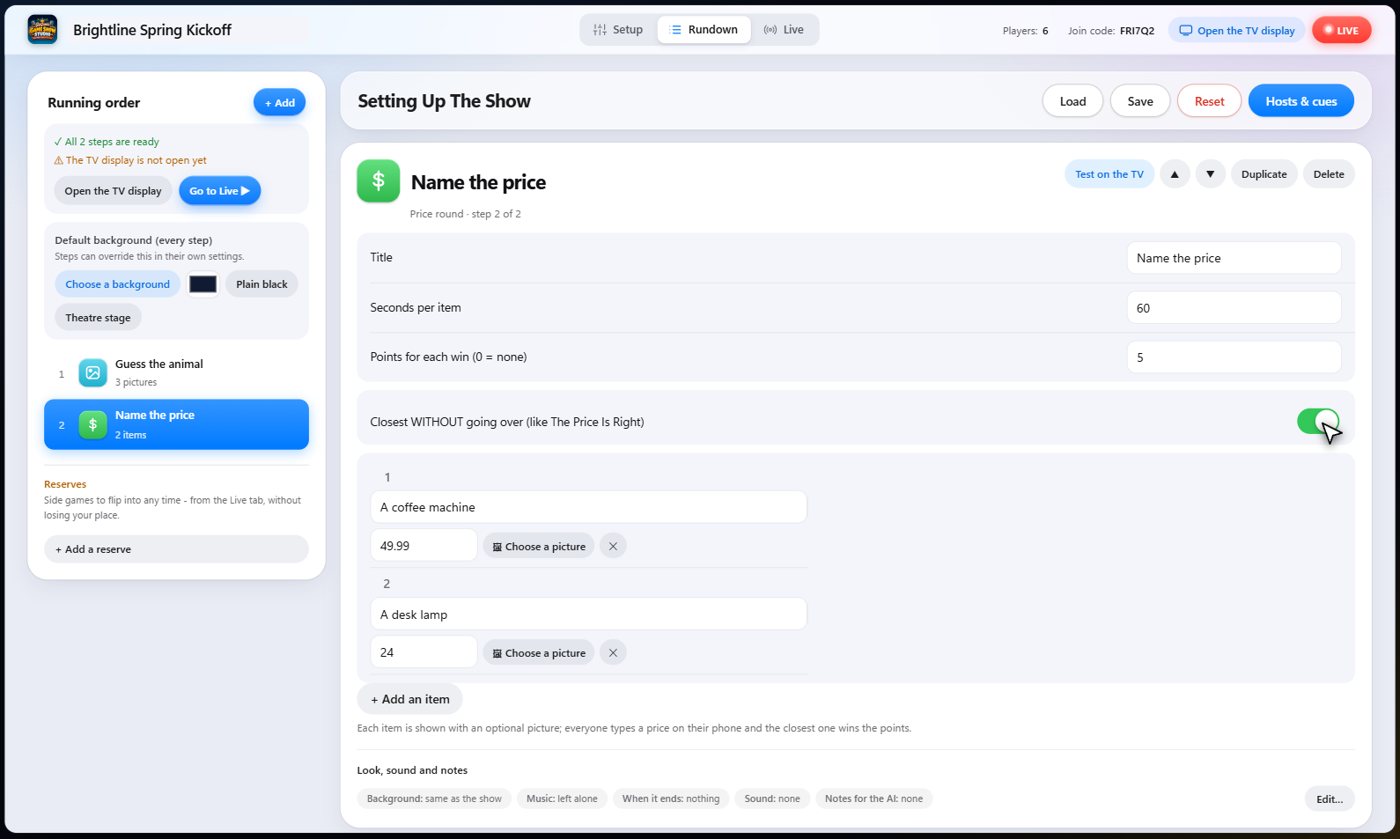
Price round
Each item has a name, its real price, and an optional picture. Choose whether the closest guess wins, or the closest without going over, like on the TV game.
Price round: play
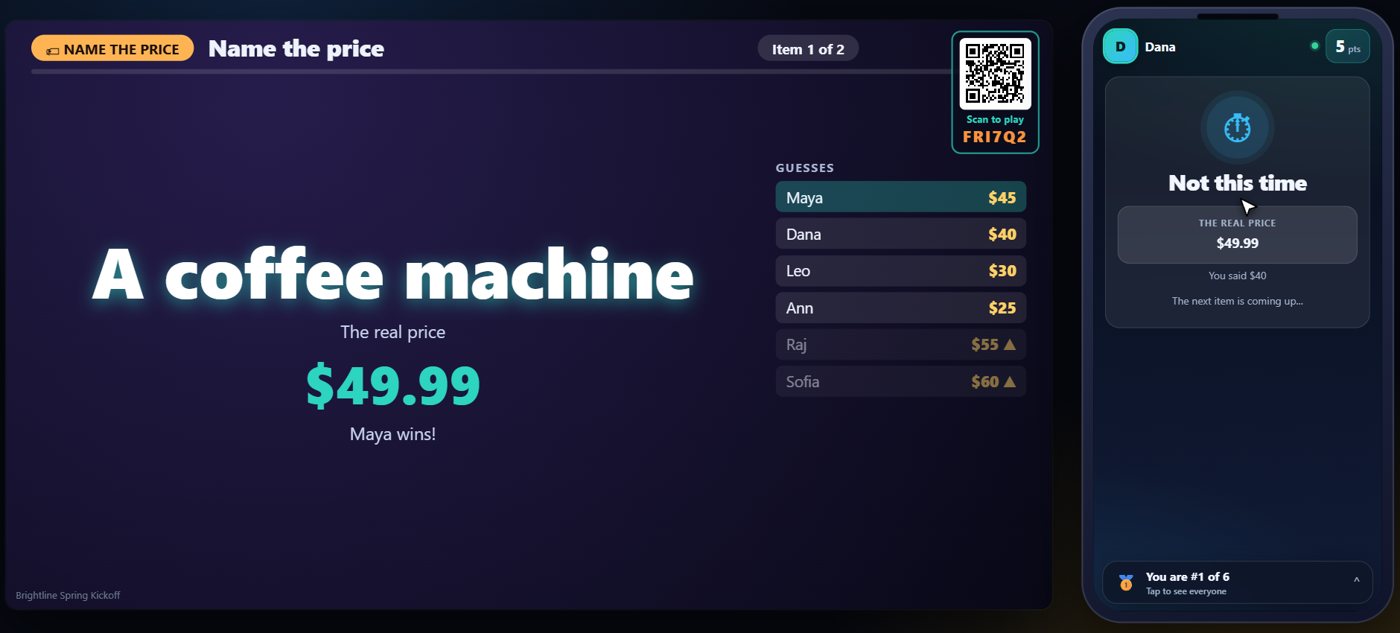
Guests type a price on their phone. When you reveal it, the closest guess wins the points, and the TV shows the real price.
One button runs each round
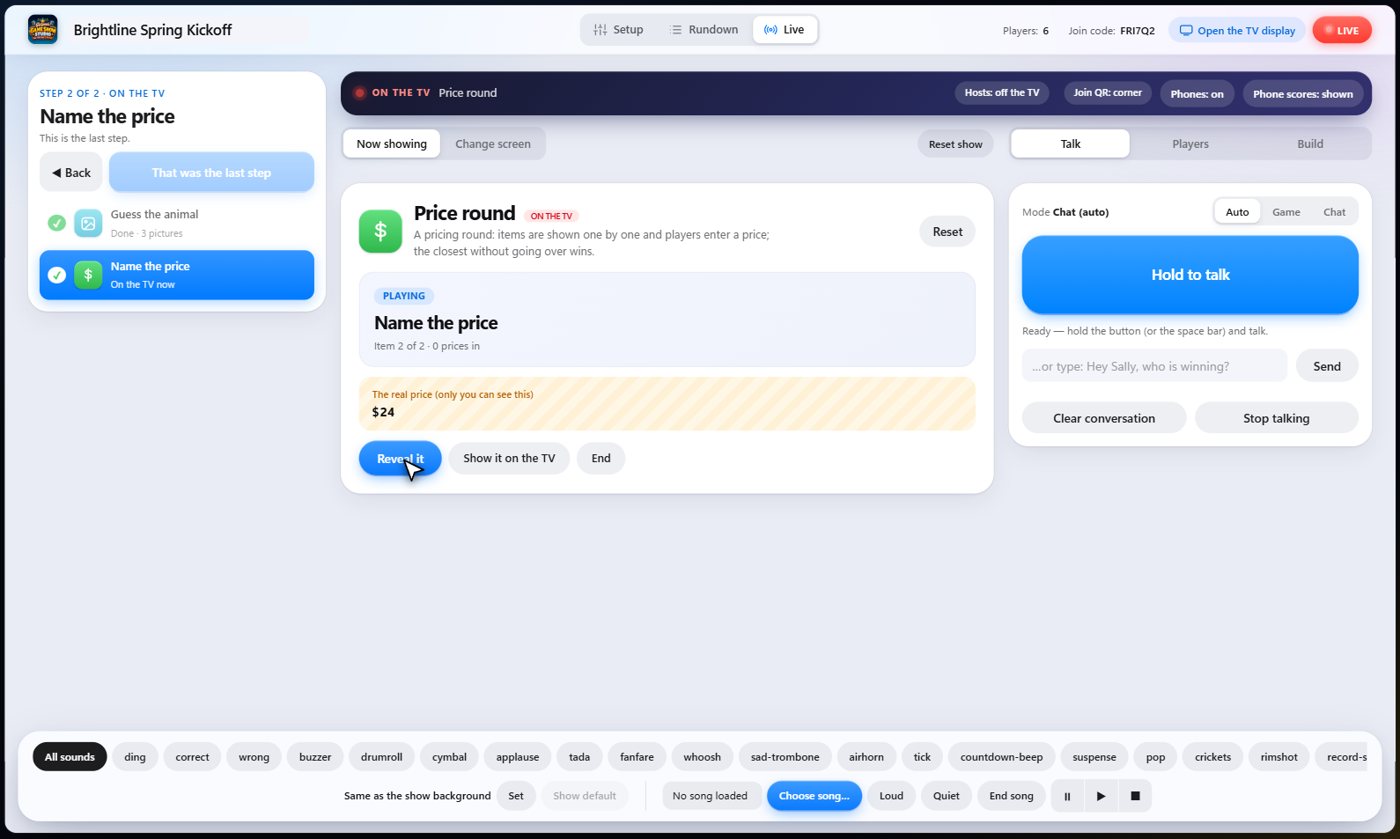
On the Live tab, one button moves each round along: start the item, reveal it, then go to the next. The answer is shown to you, and only you.
Something missing or unclear? Check the FAQ or browse all guides.