Watch: Majority Rules (2:35) · All videos
Build it from a template
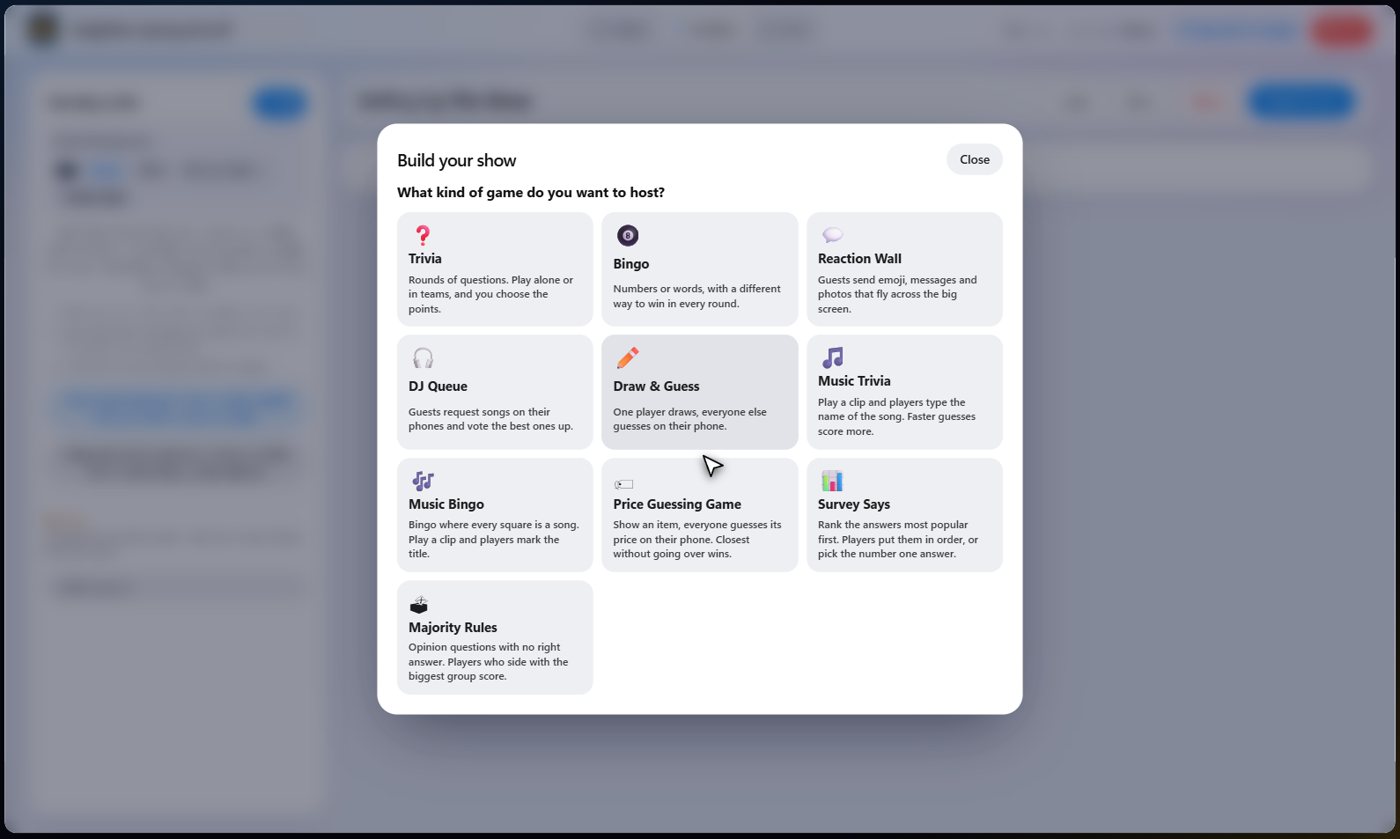
Open the game templates and choose Majority Rules. Choose how many rounds and questions, and where the questions come from. It builds the show: a welcome card, your rounds, the scoreboard and a thank-you card.
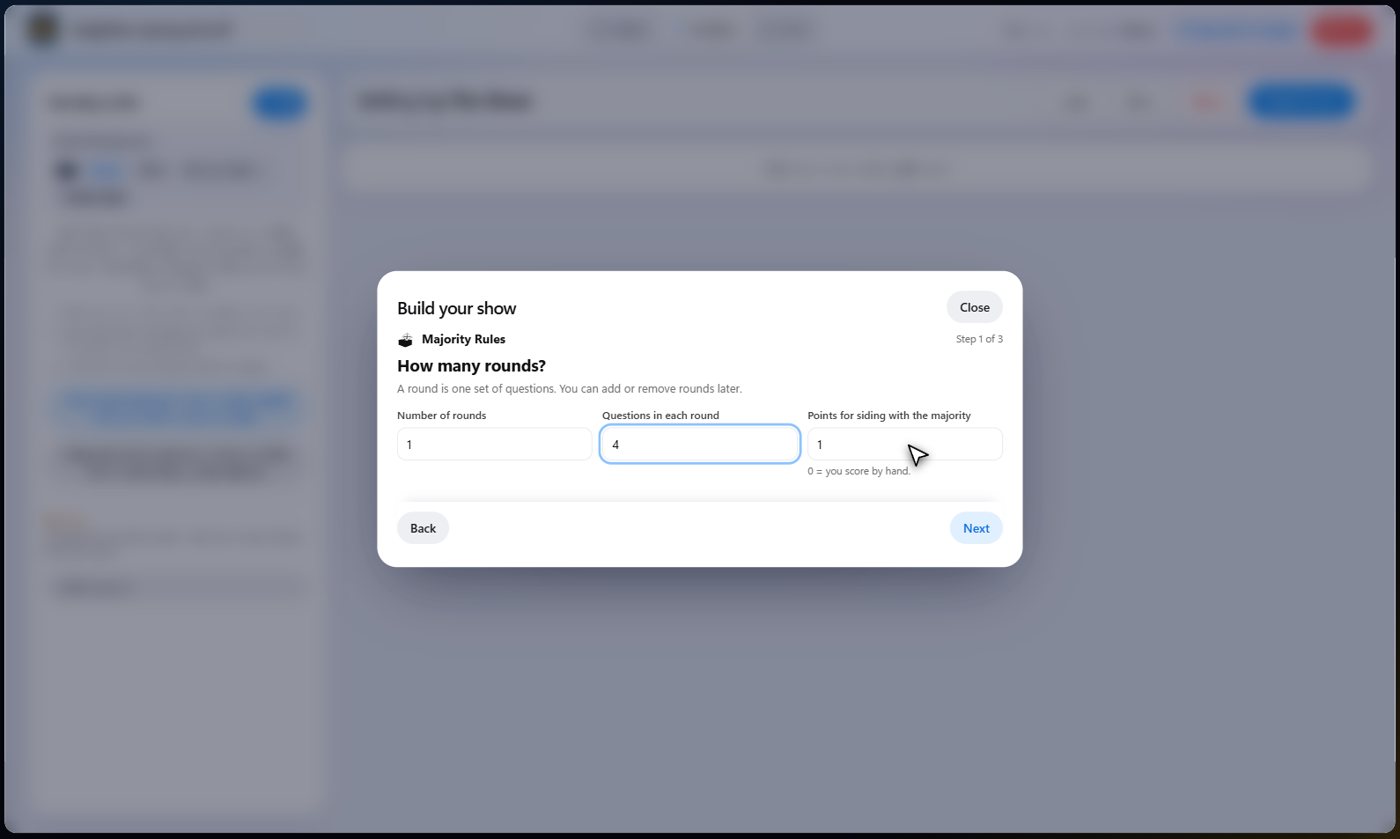
Rounds, questions and points
Choose how many rounds, how many questions in each, and the points a guest earns for siding with the majority.
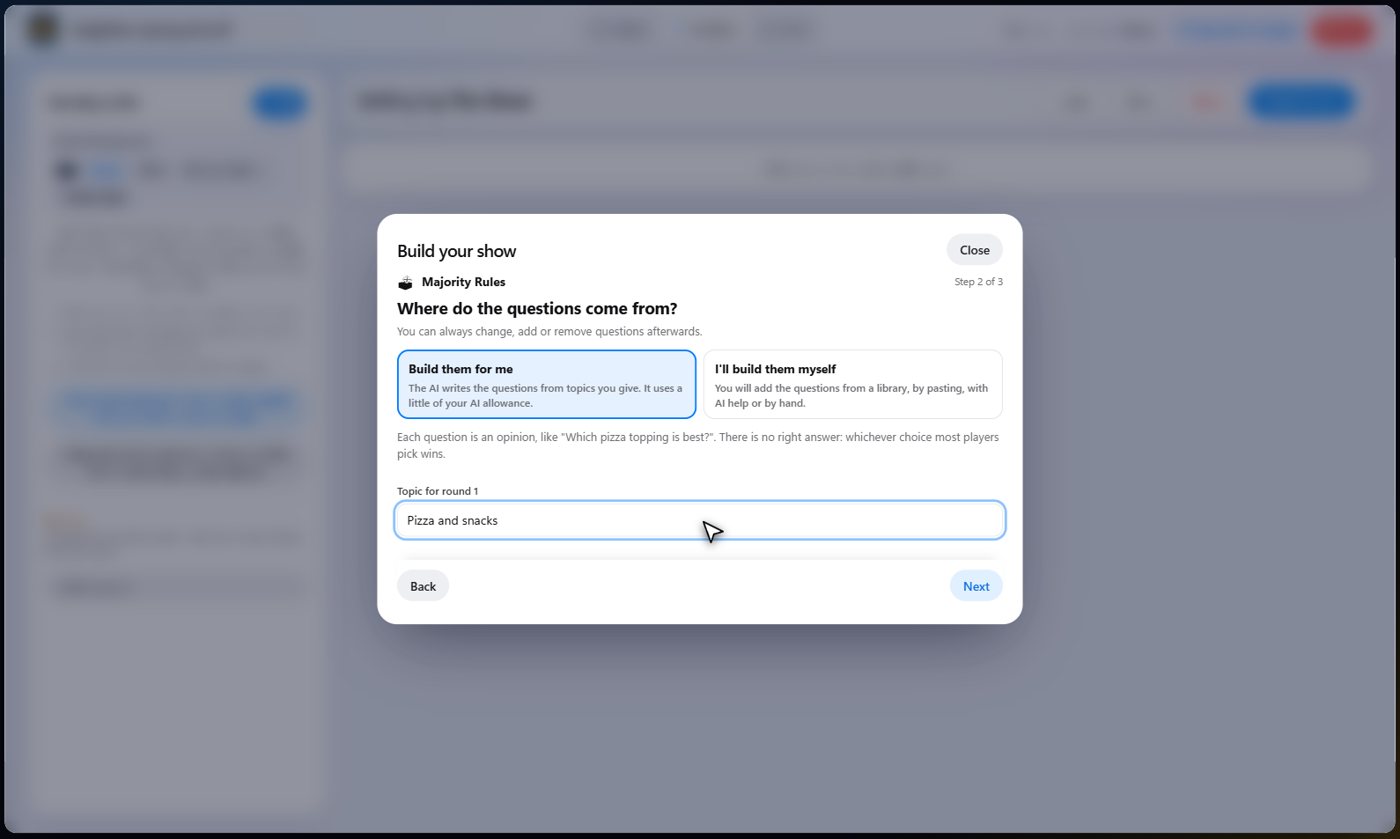
The AI writes the questions
Let the AI write the questions from a topic, or build them yourself. Each question is an opinion, like which pizza topping is best, with two to six choices, and has no right answer.
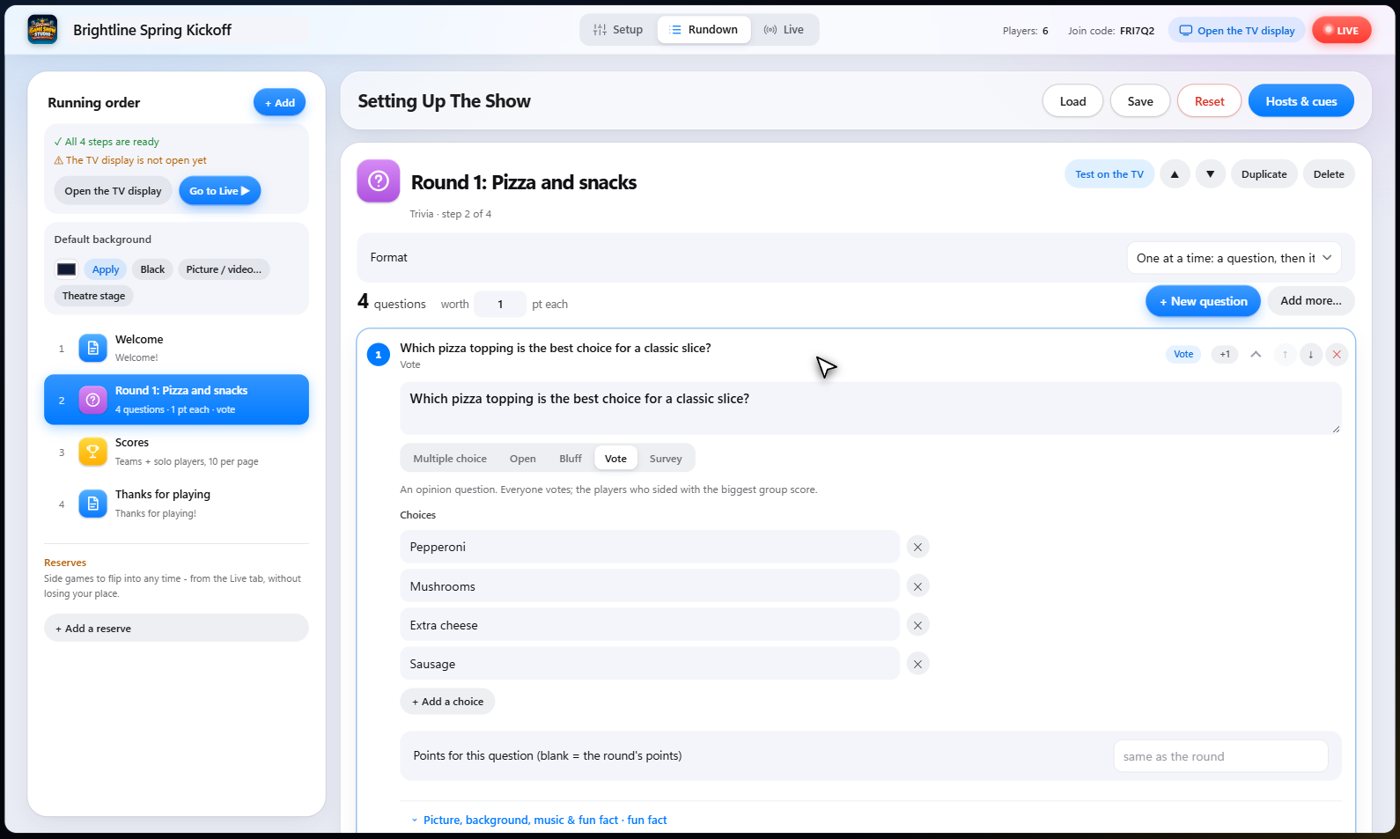
Look the questions over
Open a round to see its questions. Each is marked as a vote, with its choices. Change any of them, or write a question of your own.
Guests vote
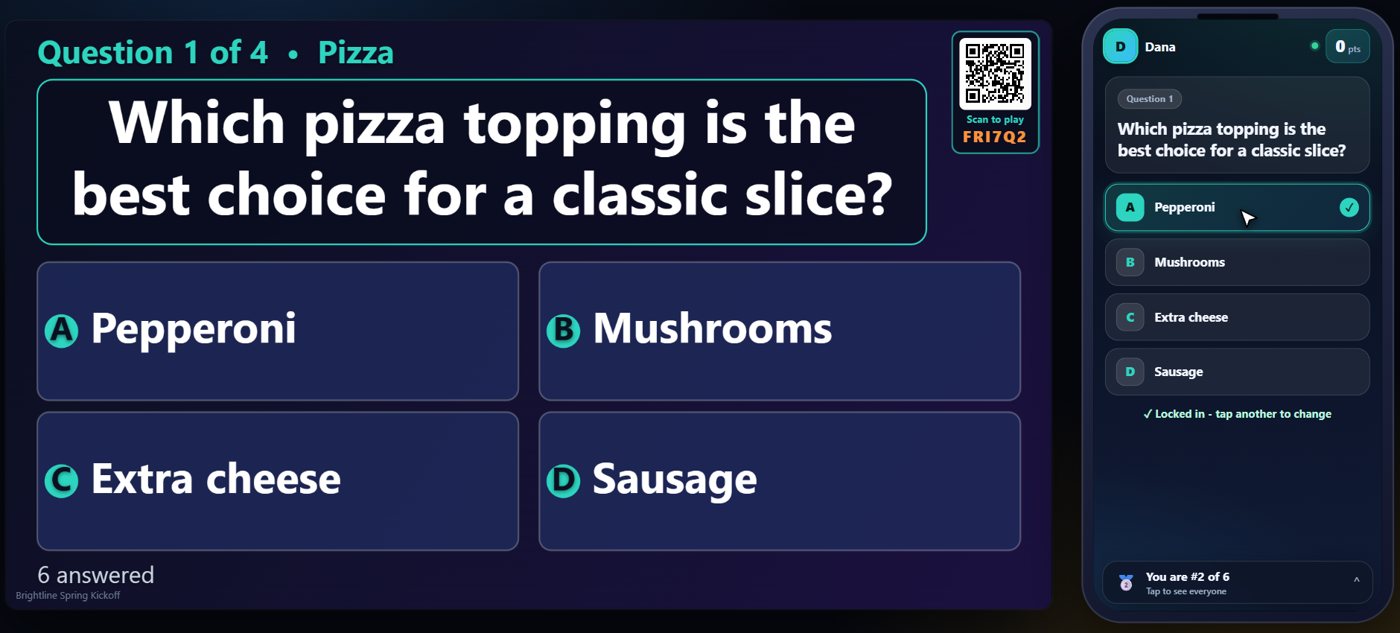
On the Live tab, start the show and move to the round. The question goes up on the TV and the choices appear on every phone. There is no right answer, so each guest simply votes for what they would pick.
The majority wins
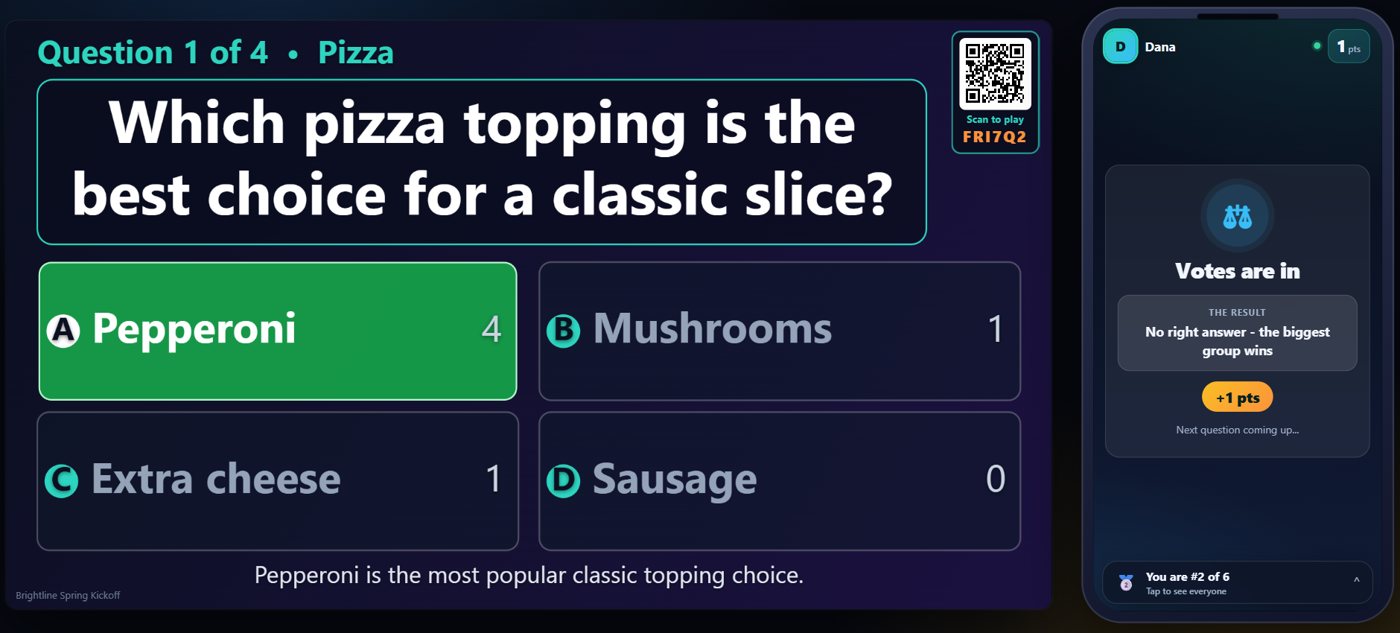
Reveal it and the TV shows how everyone voted. The biggest group wins, and every guest who sided with it scores the points, and their phone says so. If two choices tie for the most votes, both win.
Your controls
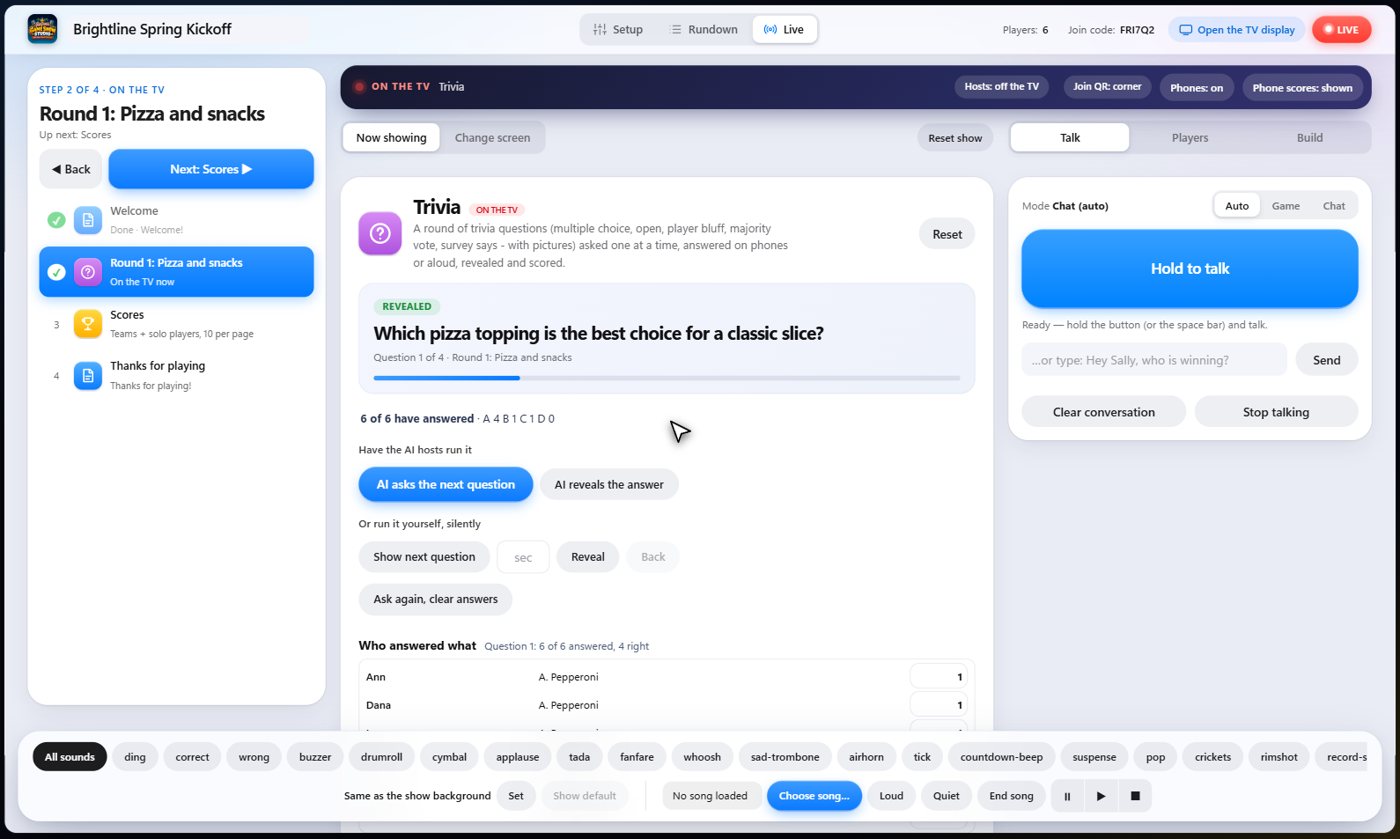
On the Live tab you see how many have voted and who voted for what, and one button moves the round along: ask, reveal, then the next question.
Something missing or unclear? Check the FAQ or browse all guides.