Watch: Survey Says (3:03) · All videos
Build it from a template
Open the game templates and choose Survey Says. Choose how many rounds and questions, where the questions come from, and how players answer. It builds the show: a welcome card, your rounds, the scoreboard and a thank-you card.
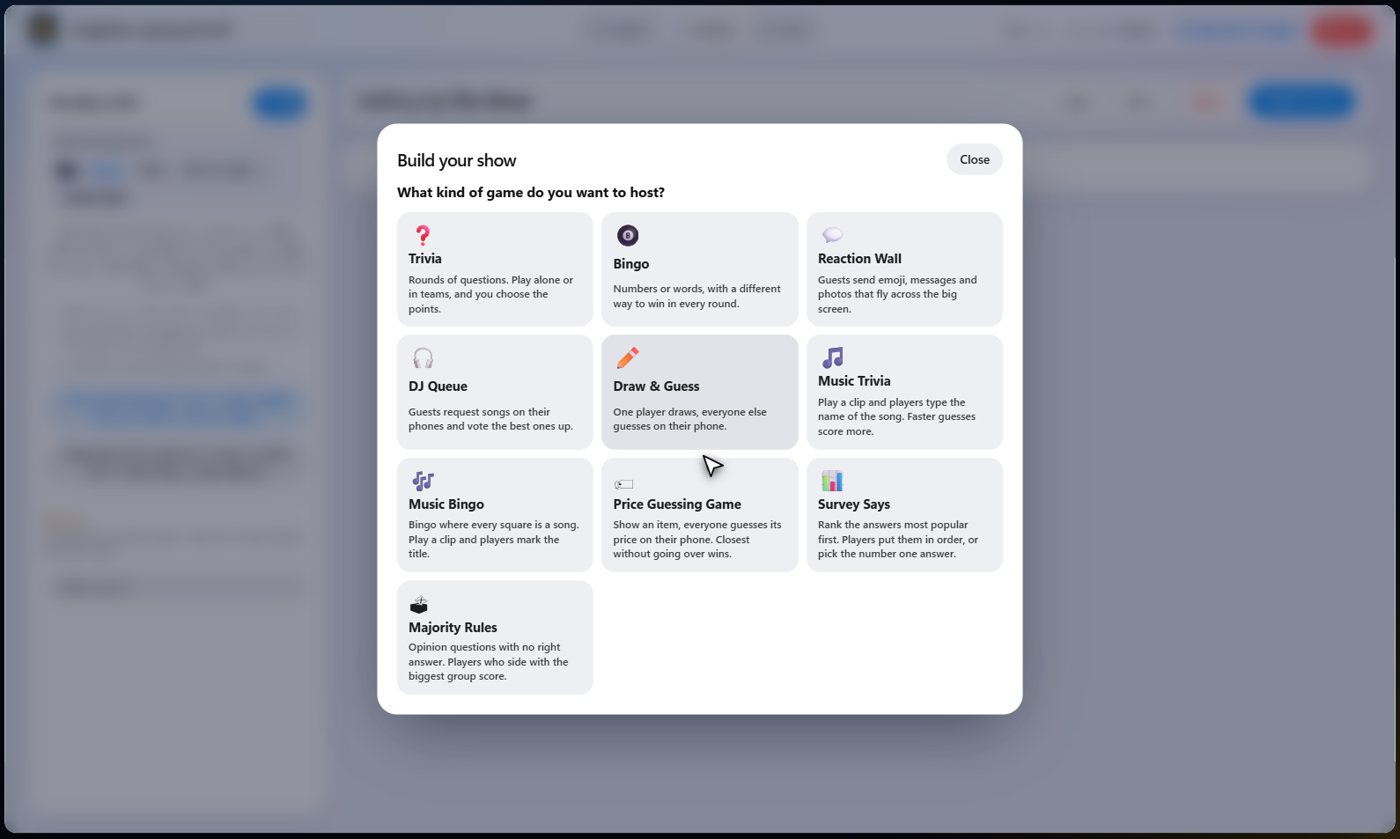
Rounds, questions and points
Choose how many rounds, how many questions in each, and the points each right answer earns. A round is one set of questions.
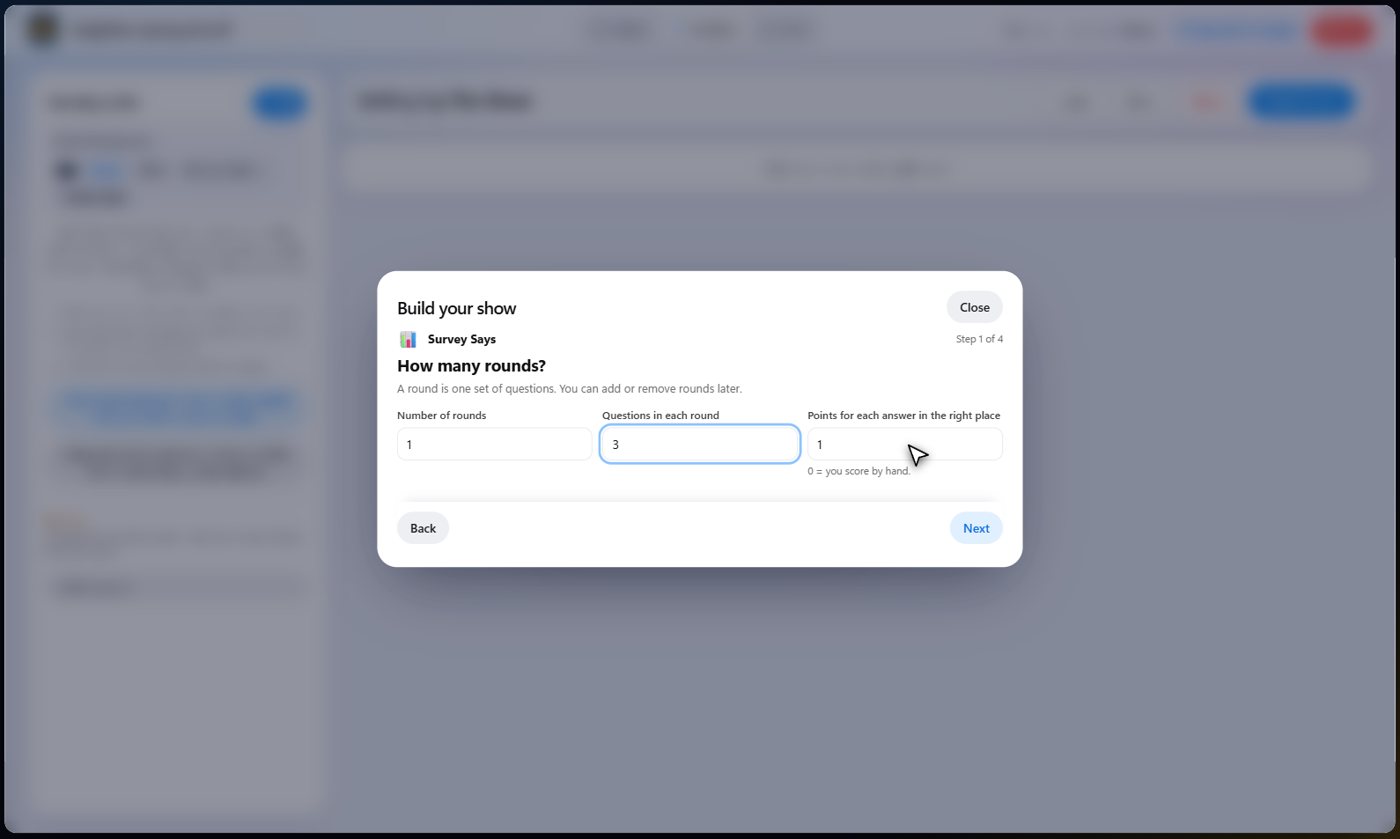
The AI writes the questions
Let the AI build the questions from a topic you give for each round, or build them yourself from the library, by pasting, or by hand. The AI lists each question's answers from most to least popular.
Tip That order is the AI's best guess of what people say. Read every question over before the show, and fix any order you disagree with.
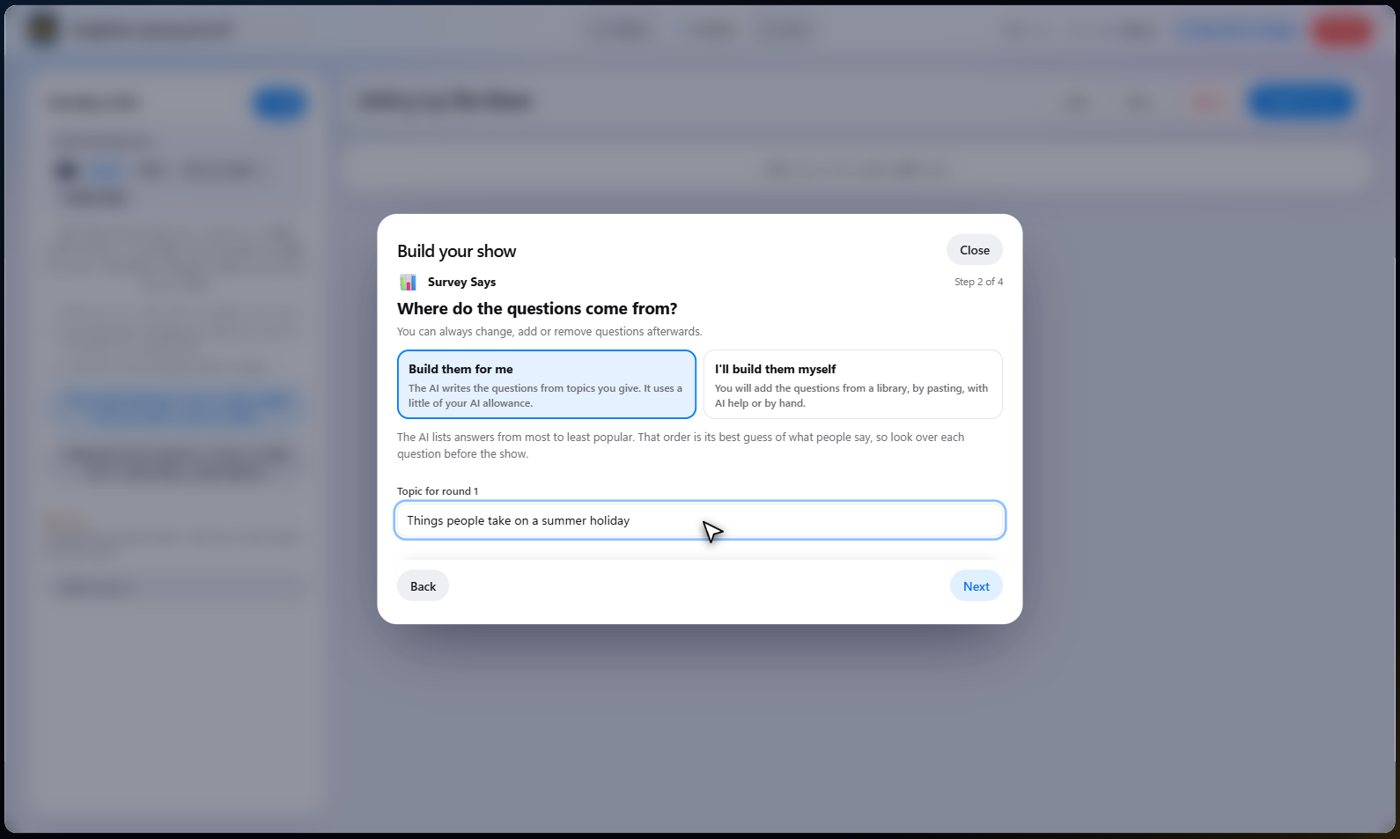
How players answer
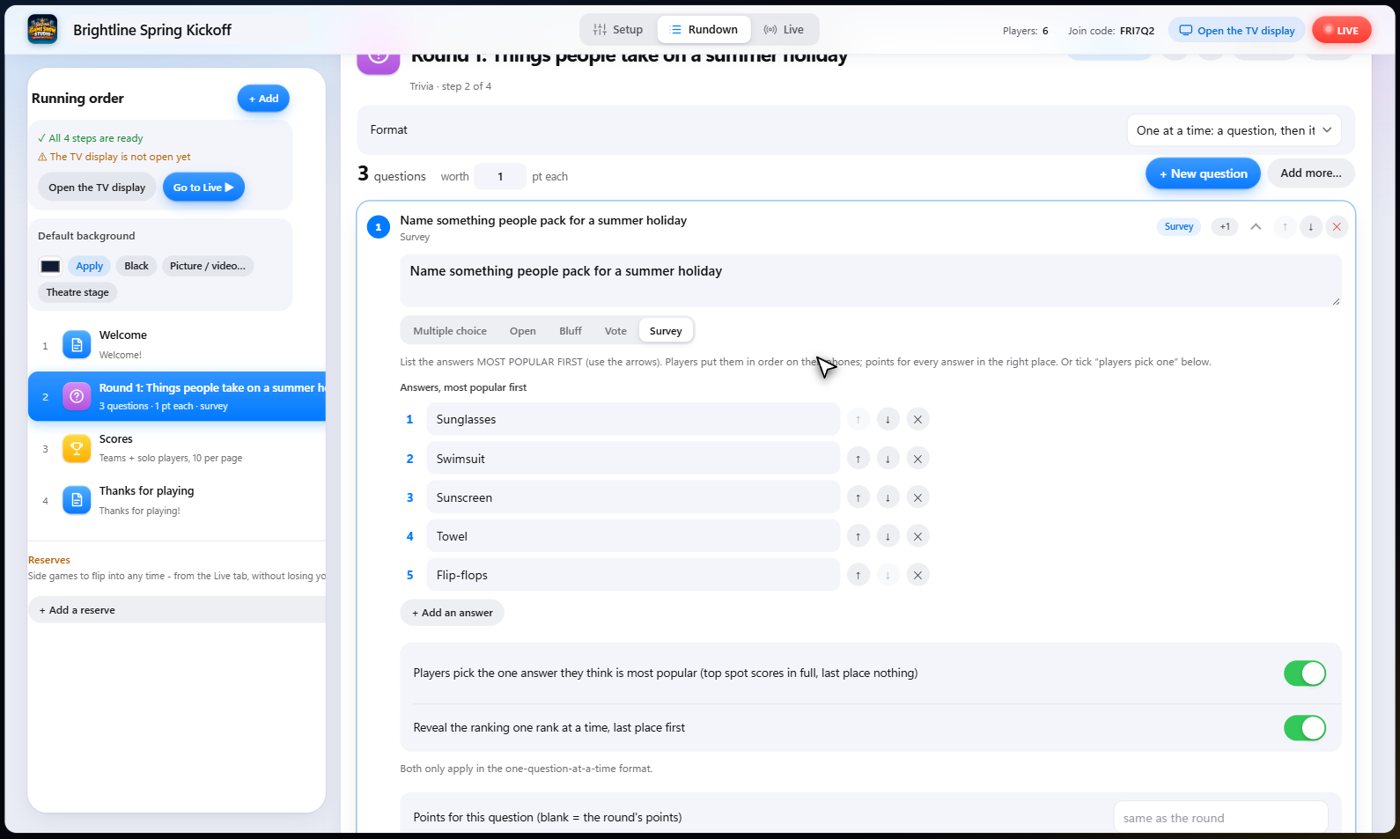
Players can put every answer in order, with points for each answer in the right place. Or they can pick the one answer they think was most popular: the top spot scores in full and last place scores nothing. You can also reveal the ranking one place at a time, last place first, for suspense.
Look the questions over
Open a round to see its questions. Each lists its answers with the most popular first. Move them with the arrows, change any answer, or write a question of your own.
Ask the question
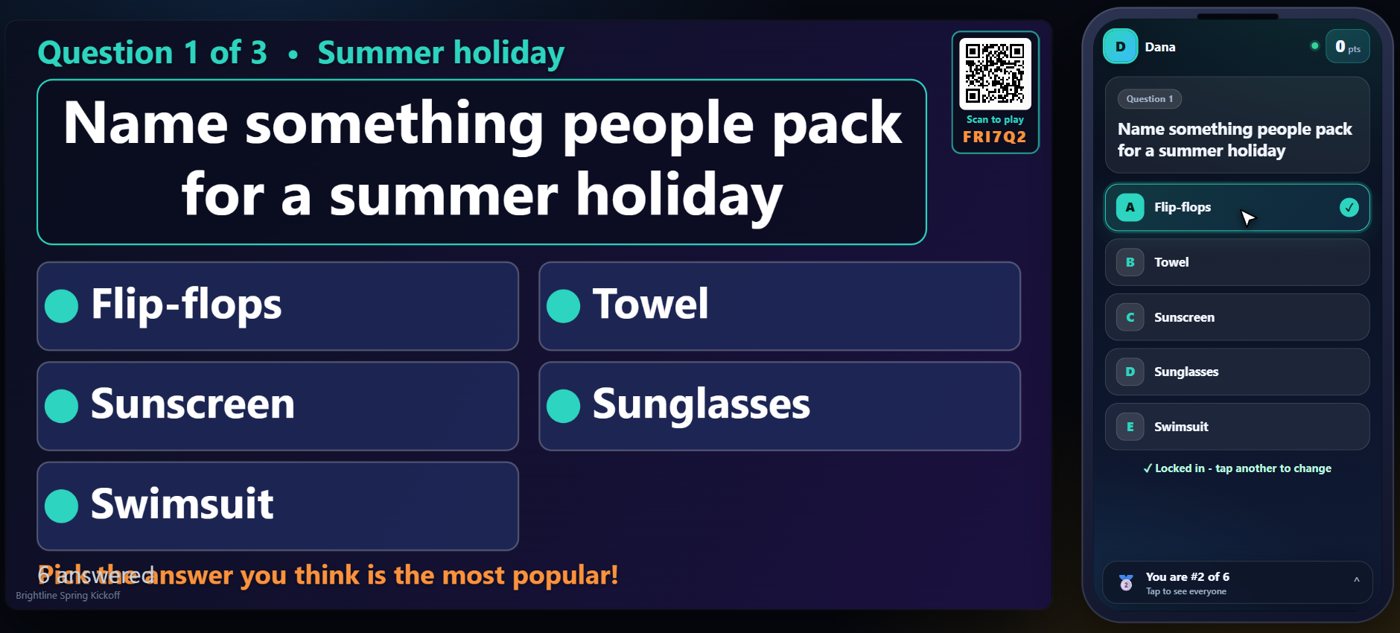
On the Live tab, start the show and move to the round. The question goes up on the TV and the answers appear on every phone. Each guest picks the answer they think the survey ranked first.
Reveal one place at a time
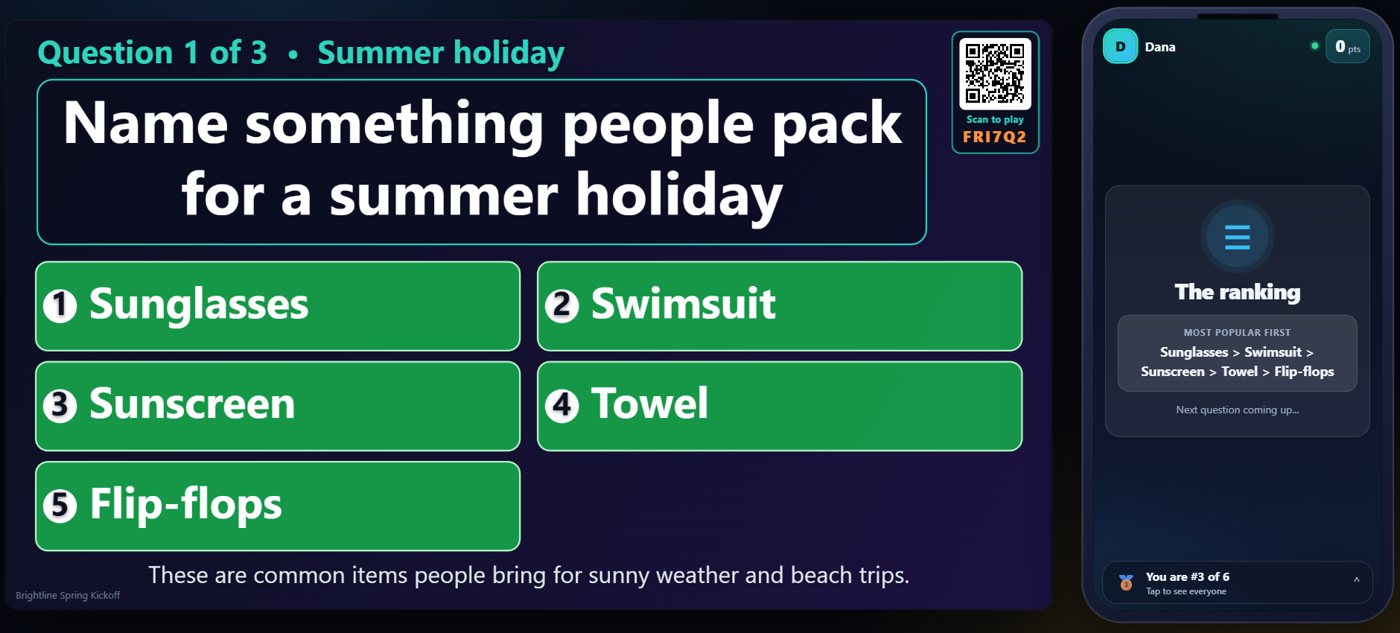
Press Reveal and the ranking appears one place at a time, starting from the bottom, so the room waits for number one. Guests who picked the top answer score in full, and every phone shows the ranking.
Your controls
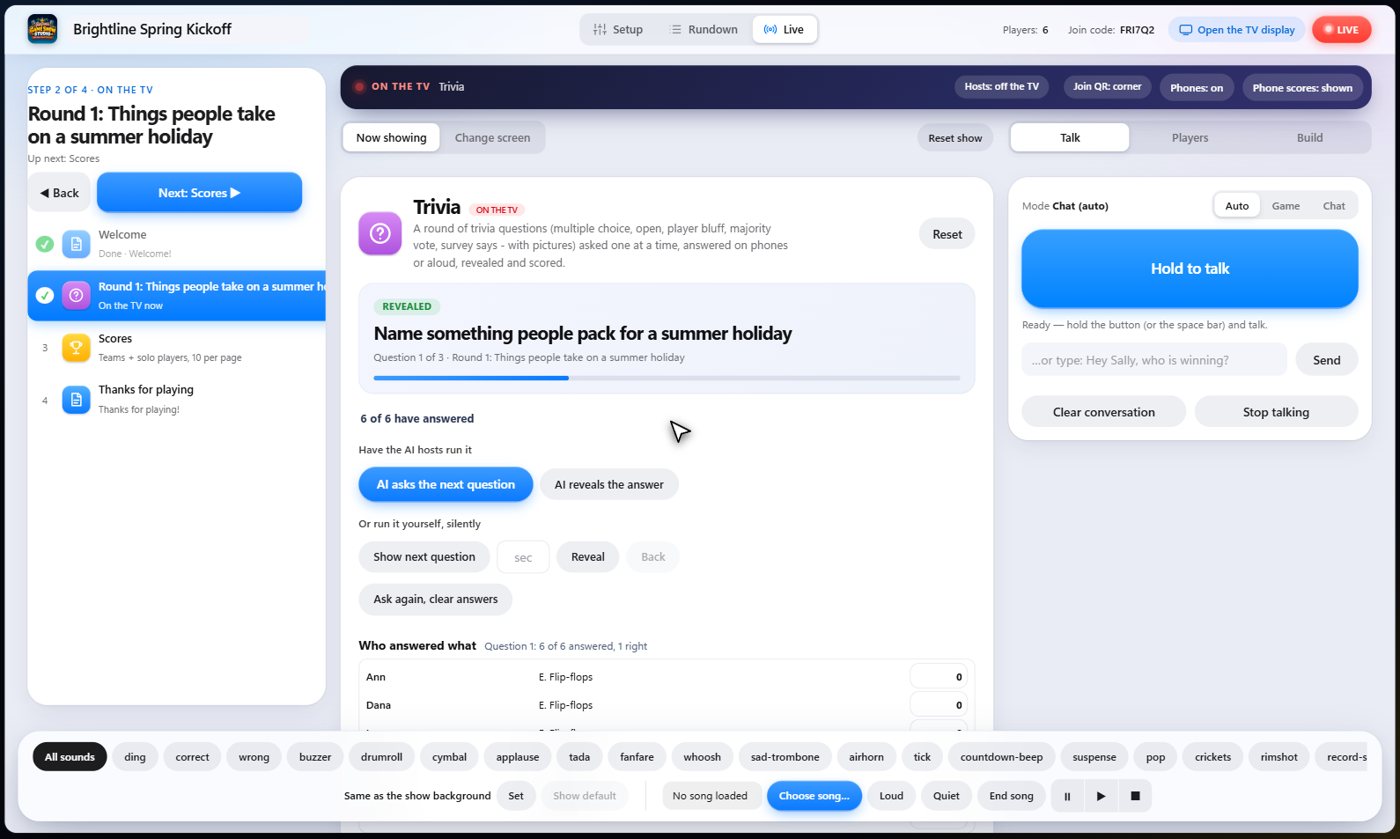
On the Live tab you see how many have answered and who picked what, and one button moves the round along: ask, reveal, then the next question. The correct order is shown to you, and only you.
Something missing or unclear? Check the FAQ or browse all guides.