Watch: Music Trivia (3:01) · All videos
Build it from a template
Open the game templates and choose Music Trivia. It asks for your songs, how each song plays, and whether to play in teams, then builds the show: a welcome card, the music round with your songs, the scoreboard and a thank-you card.
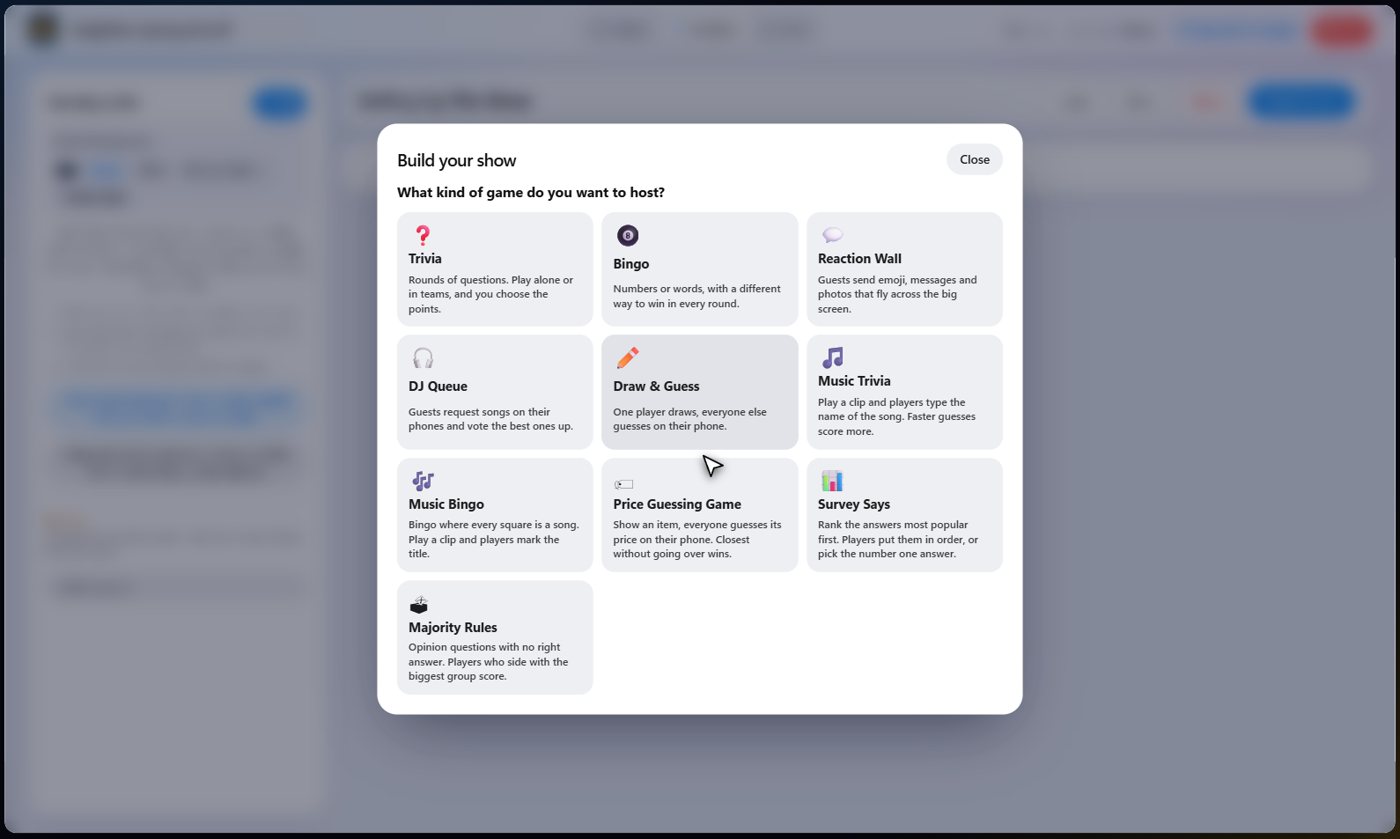
Pick your songs
Choose songs from your Spotify songs, from the songs that come with the platform, or from music on your own computer. Music from your own computer stays on your computer. Or let the wizard pick some at random from the places you tick. You can also add a song by hand with a title, the artist and a Spotify link.
Tip To use Spotify songs, add a playlist on the Spotify tab of the music picker first. Songs there that have no short clip are played from Spotify instead of the TV.
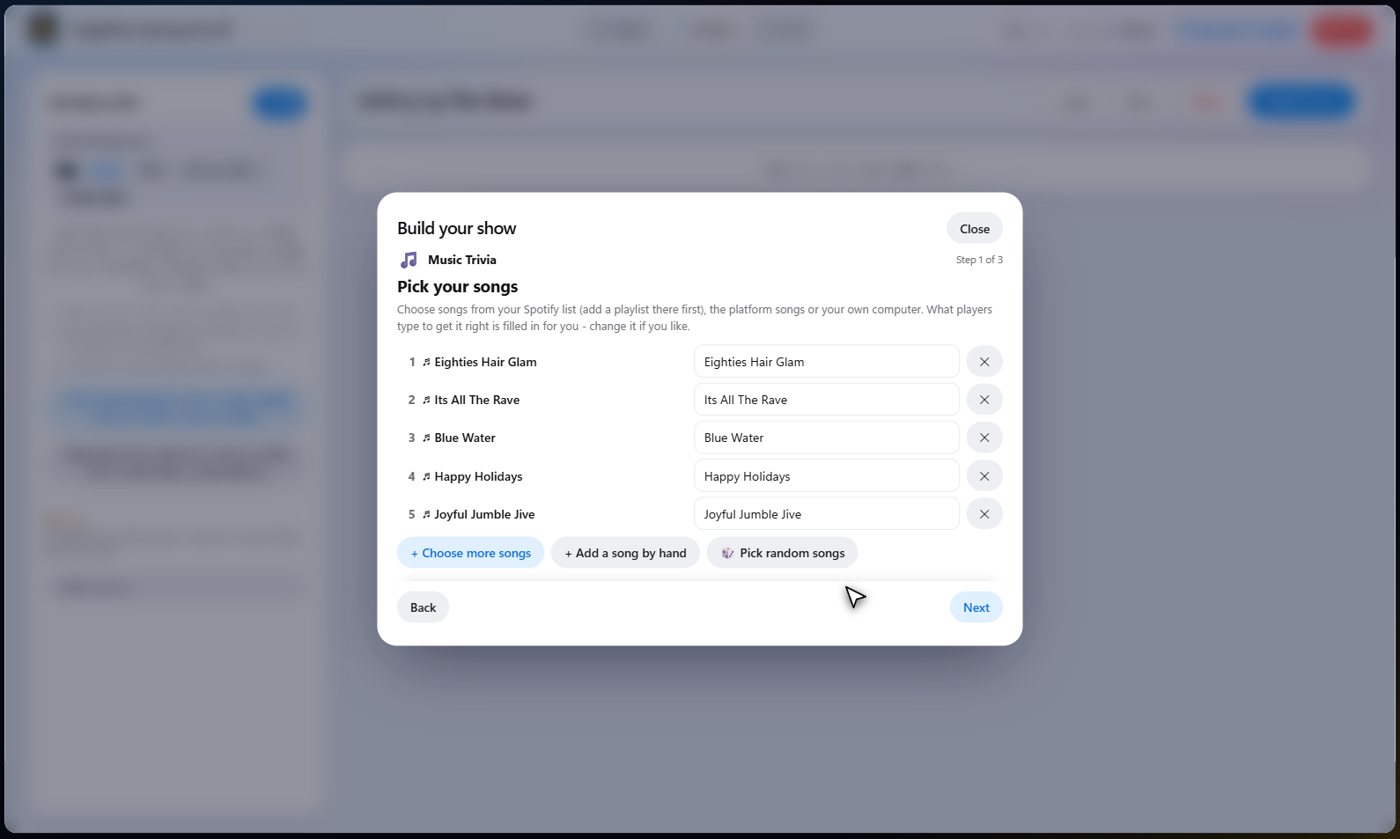
What players type
Each song comes with the answer players have to type, filled in from its title. Tags such as Remastered or Live are dropped, because nobody would type them. Change it if you like, and remove any song you do not want. Later, open the step to add other answers you will accept.
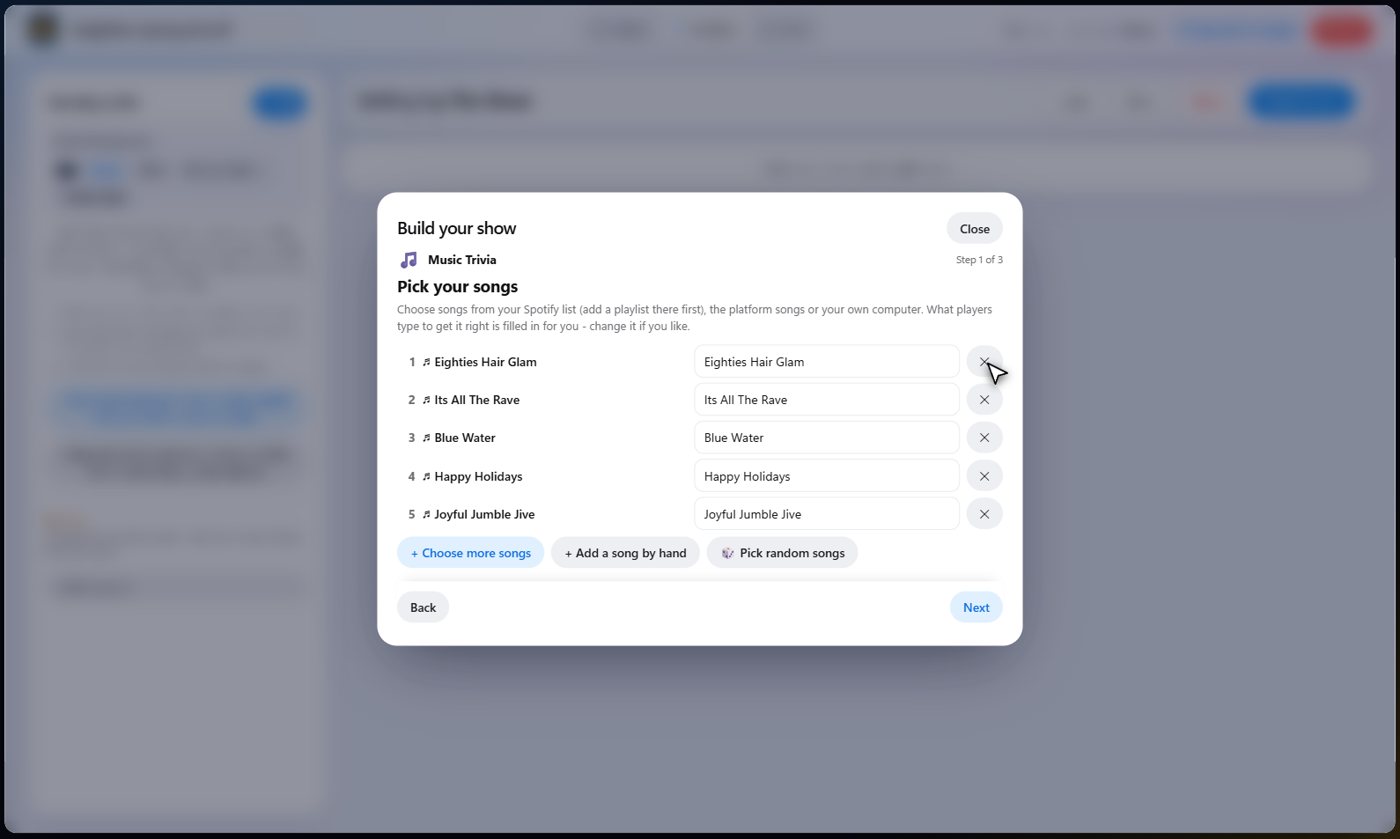
How each song plays
Set how many seconds guests get to guess each song, how many points a fast guess earns, and how long the clip plays. A clip length of zero plays until you reveal the song.
Listen and guess
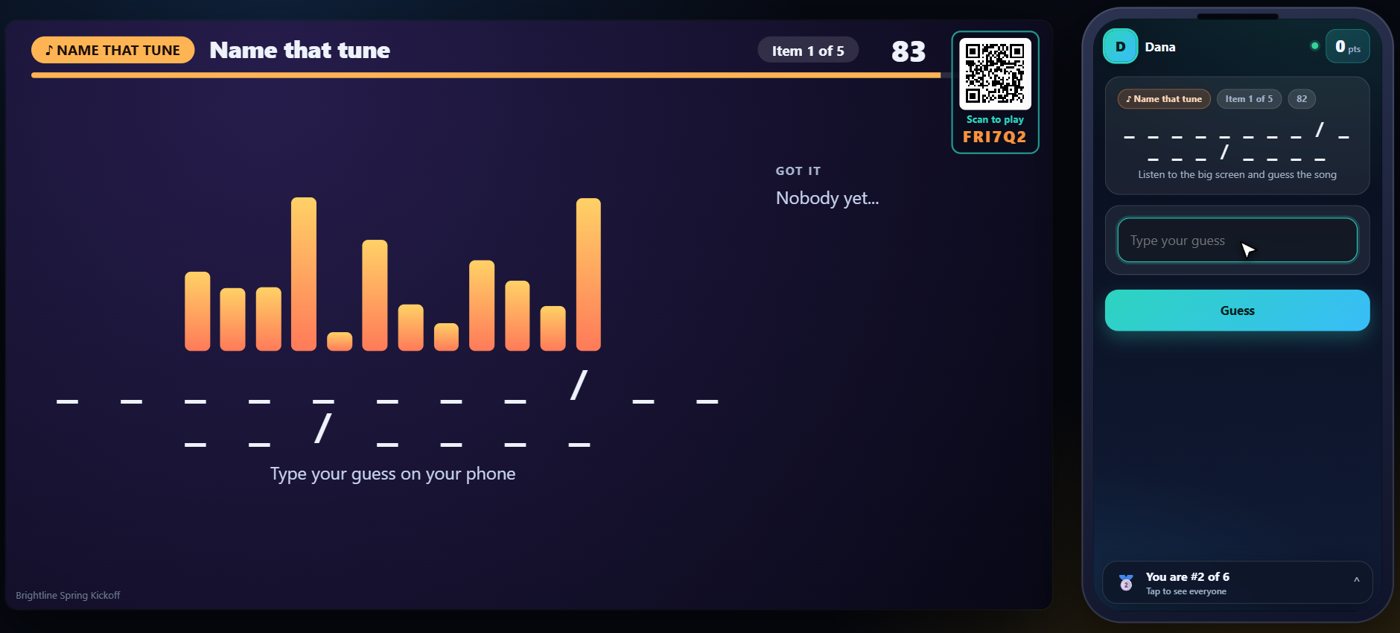
On the Live tab, start the show and move to the music round. Press the item button and the first clip plays on the TV. Guests type their guess on their phone as soon as they know it, and can keep trying until the time is up. A wrong guess just says try again.
Reveal the song
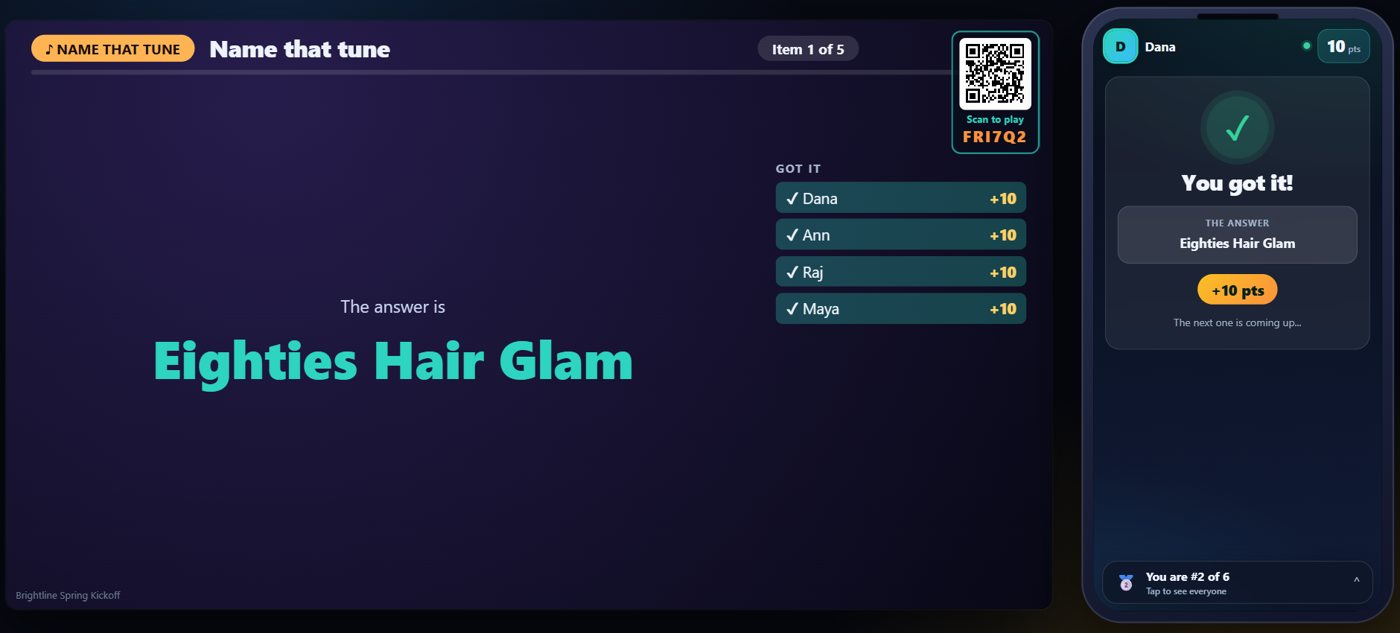
When time is up, or when you choose, reveal the song. The TV shows its title and a Got it list of who guessed it, with their points, and the points go on the scoreboard. One button moves each song along: start it, reveal it, then go to the next. The answer is shown to you, and only you.
Songs that are only on Spotify
Many Spotify songs have no short clip we can play on the TV. For those, the panel on the Live tab offers Open in Spotify, and by default the song opens by itself in its own window when it comes up, whoever moved the show on, you or your cohosts. Your browser only allows a new window after a click, so press Open in Spotify once; after that every song loads into the same window. Close Spotify window closes it.
Tip Open Spotify songs automatically when they come up is a switch in the panel. Switch it off to open songs yourself.
Something missing or unclear? Check the FAQ or browse all guides.