Watch: Music Bingo (3:50) · All videos
Build it from a template
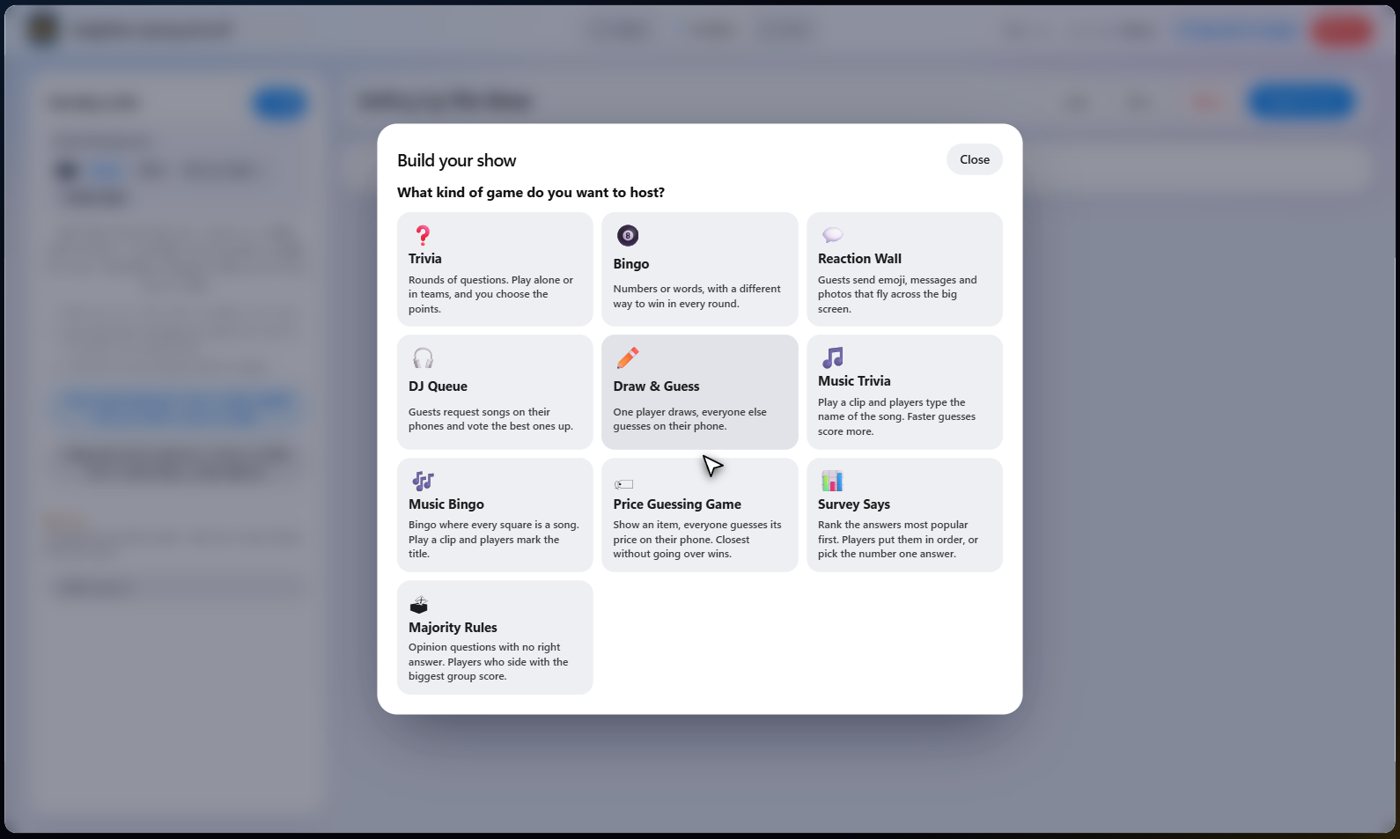
Open the game templates and choose Music Bingo. It asks how many rounds, how many cards each guest gets and what the first Bingo is worth, then what wins each round, then your songs.
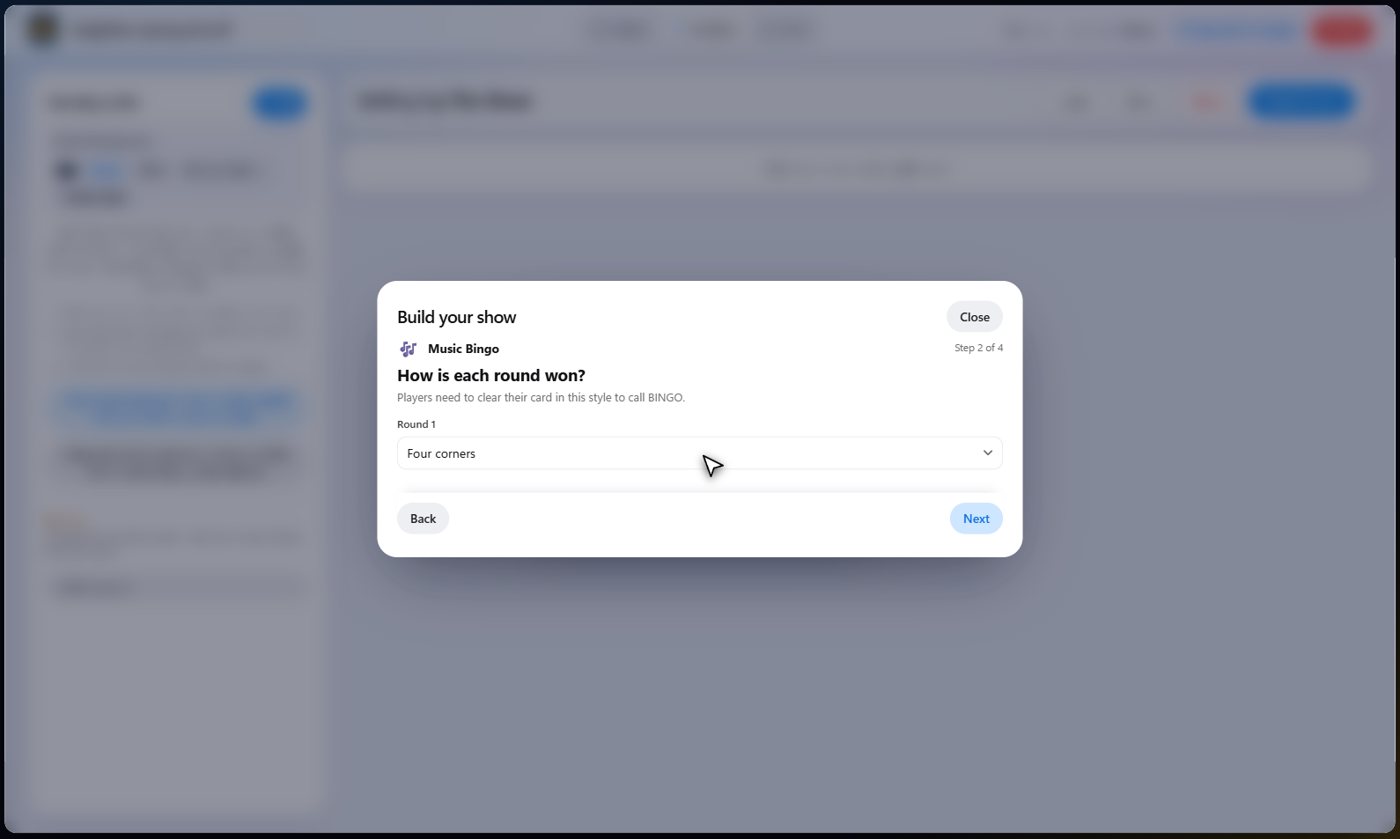
Rounds, cards and what wins
Choose how many rounds, how many cards each guest starts with, and the points for the first Bingo. Then choose what wins each round: any line, four corners, the X, the picture frame, the plus sign, or the whole card.
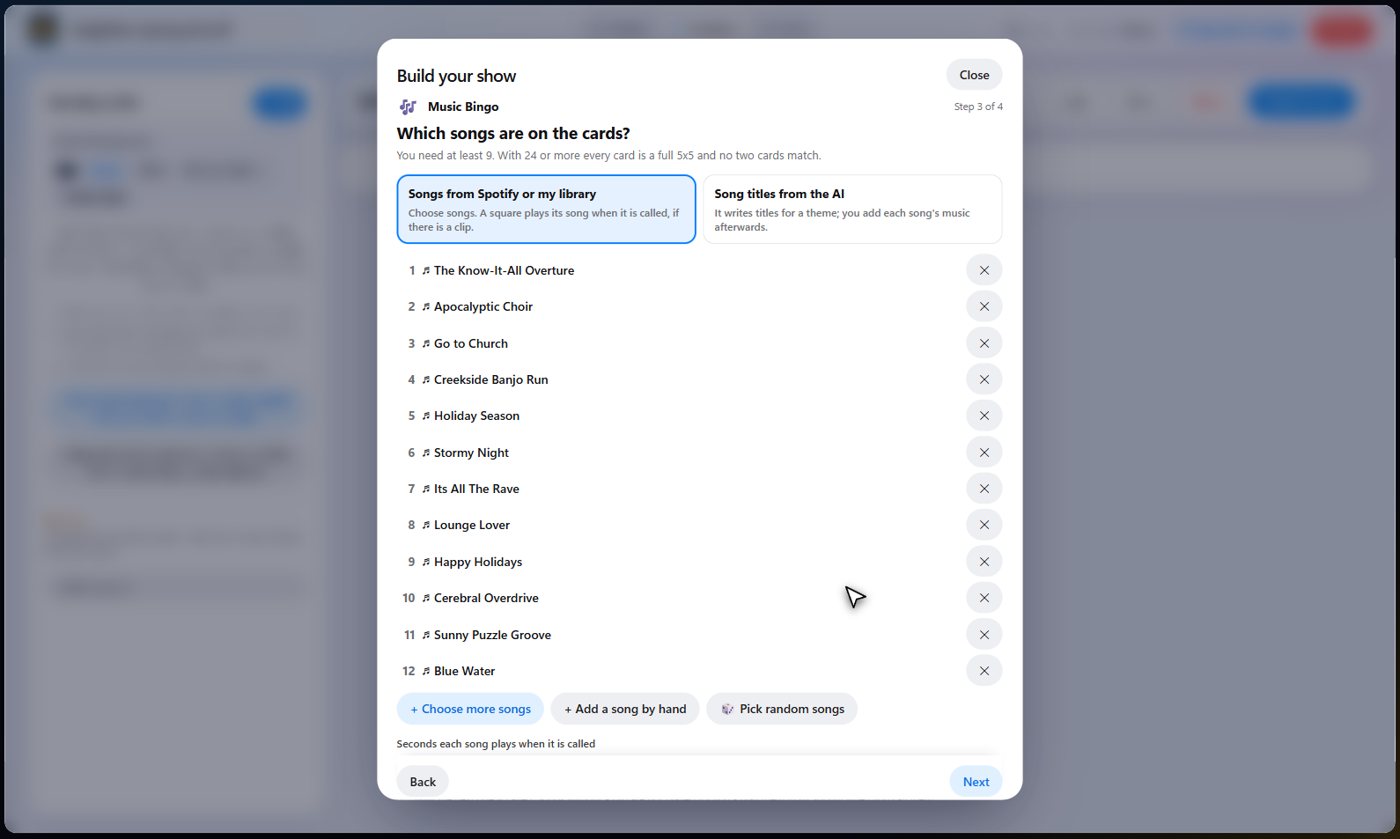
Pick the songs on the cards
Choose songs from your Spotify songs, from the songs that come with the platform, or from music on your own computer, or let the wizard pick some at random. You need at least nine. With twenty-four or more, every card is a full five by five and no two cards match. With fewer, cards are three by three.
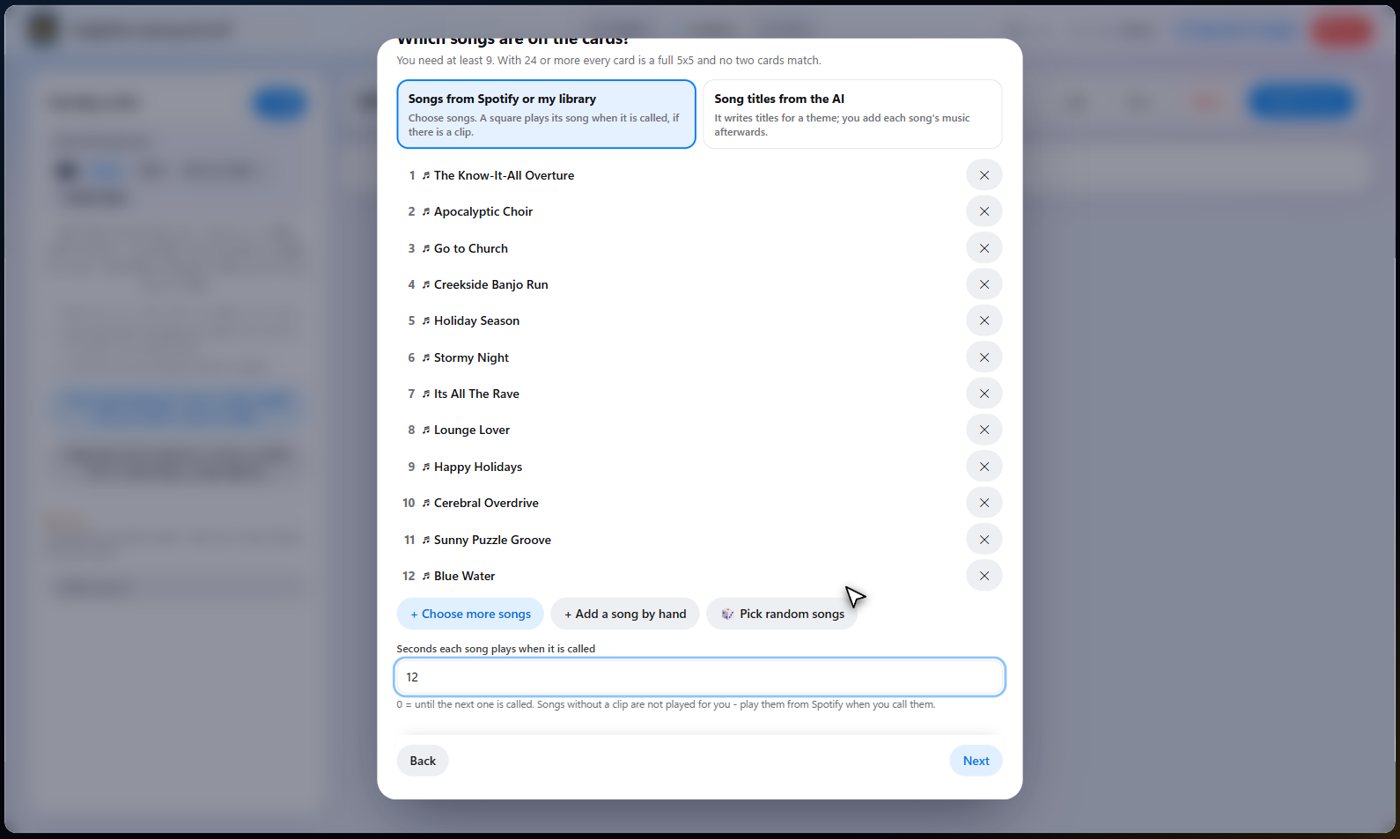
How long each song plays
Choose how many seconds each song plays when you call it. Zero plays it until you call the next one. Songs that only have a Spotify link are not played on the TV: you open them from the Live tab.
Look it over
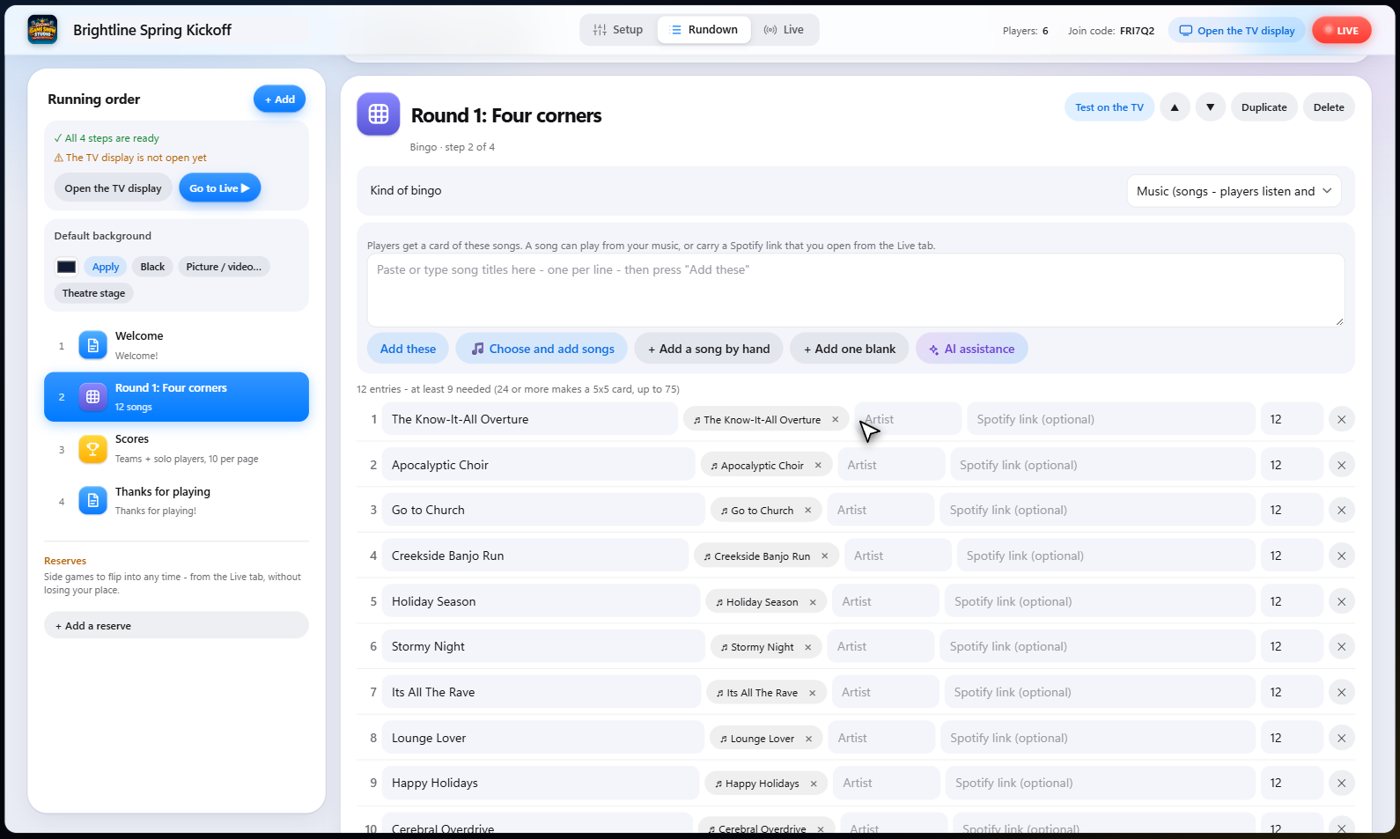
Open the bingo round to see the board. The kind of bingo is Music, and every square is a song. Give each one an artist or a Spotify link, or add more songs by hand. For music bingo, what has been called stays hidden from the room, so guests have to listen.
Call a song
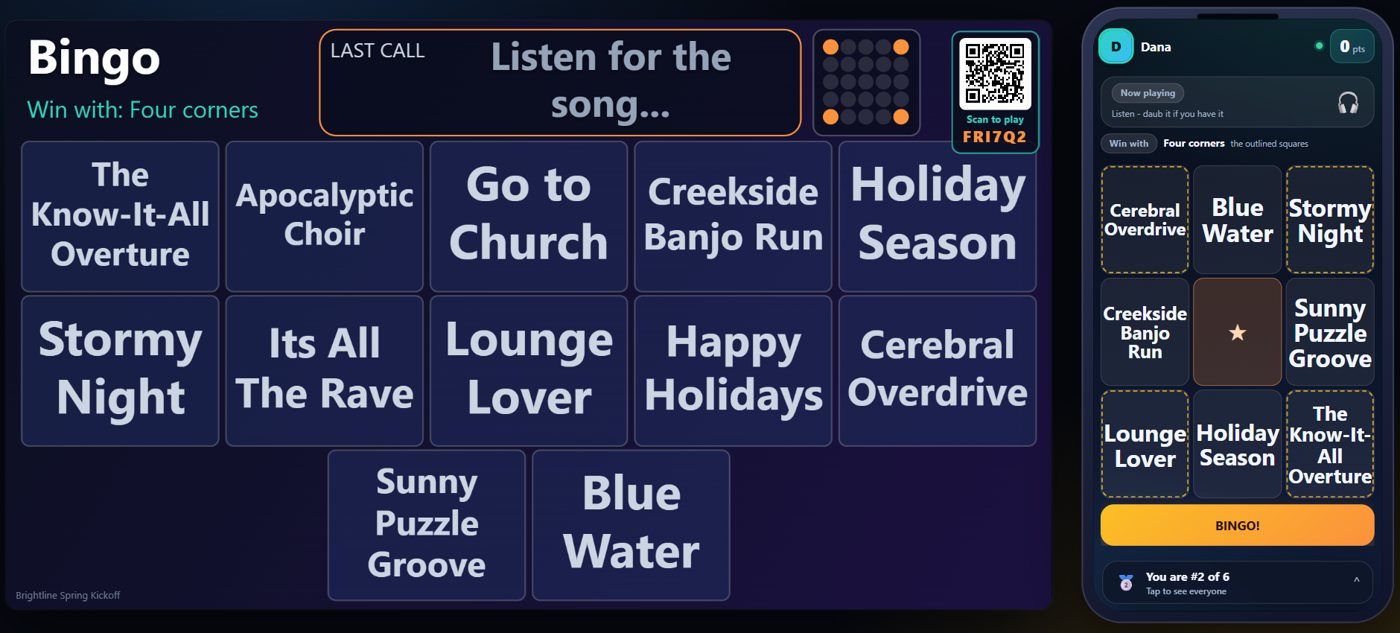
On the Live tab, start the show and move to the bingo round. Every guest has their own card of song titles, and no two are the same. Press Call next and the next song plays on the TV. Guests listen, find the title on their card, and tap it to mark it.
Your controls
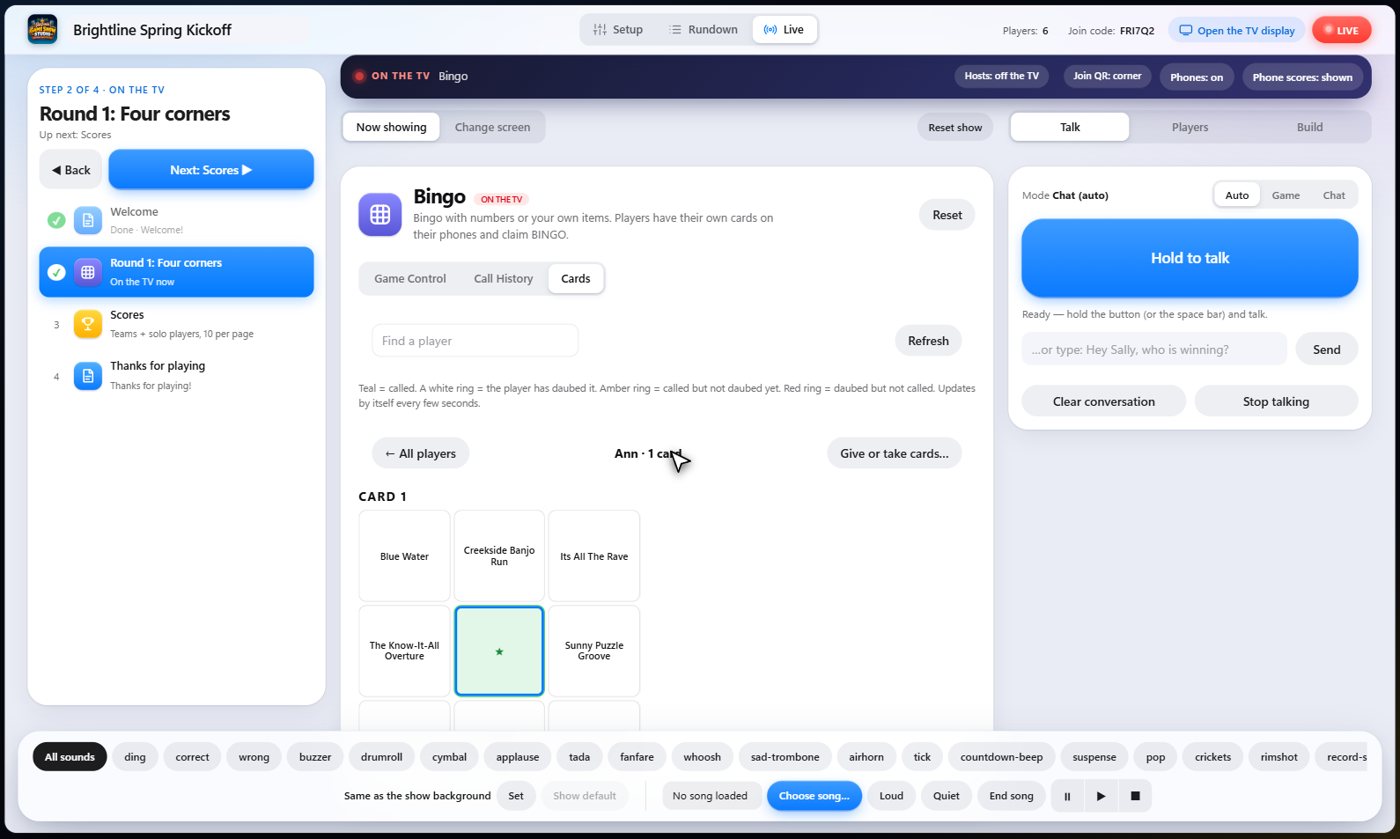
The Live panel shows the song that was just called, with Play the song to hear it again, and Open in Spotify for songs that only have a link. Call History lists every song in order. Cards lists your players: pick one to see their card, what they marked and what is correct, and give them another card or take one away. Press Unlock: show what has been called when you want the room to see the calls, for example to settle a win.
A win
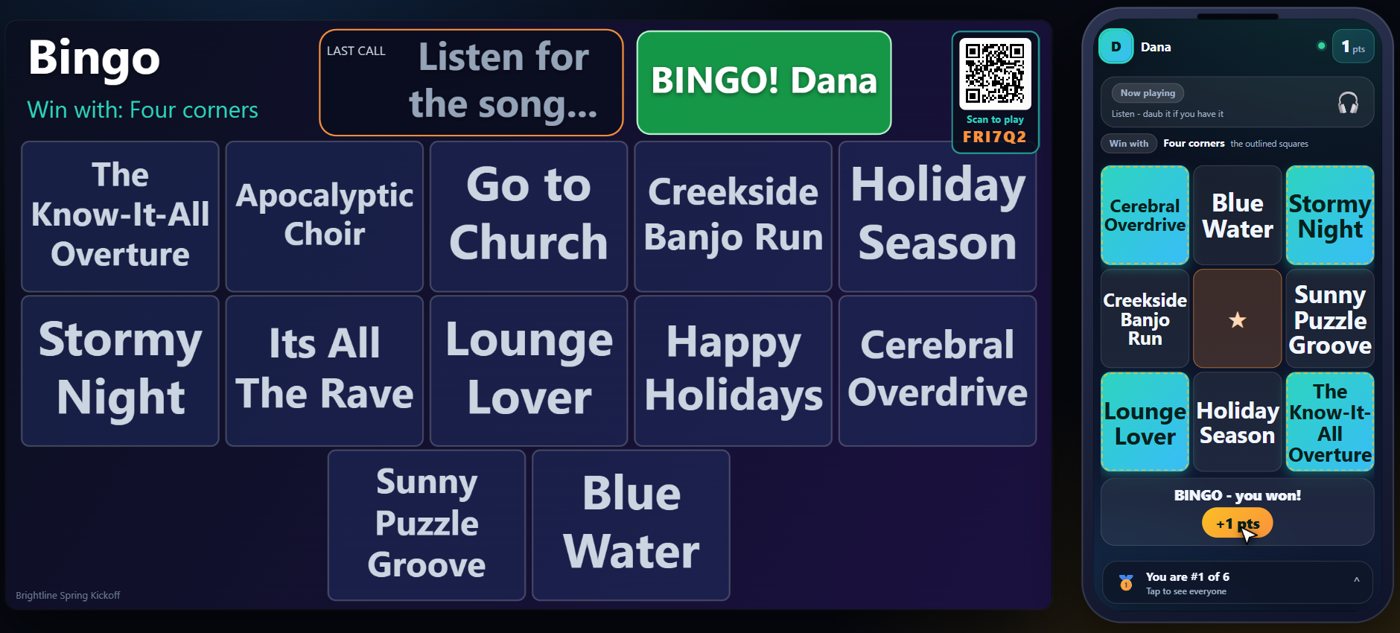
When a guest completes the winning pattern, they tap Bingo. The game checks it against the songs that were really played, so only real wins count. The TV announces the winner, and the points go on the scoreboard.
Tip A Spotify-only song opens by itself in its own window when it is called. See Music trivia, Songs that are only on Spotify.
Something missing or unclear? Check the FAQ or browse all guides.