Watch: Price Guessing Game (2:56) · All videos
Build it from a template
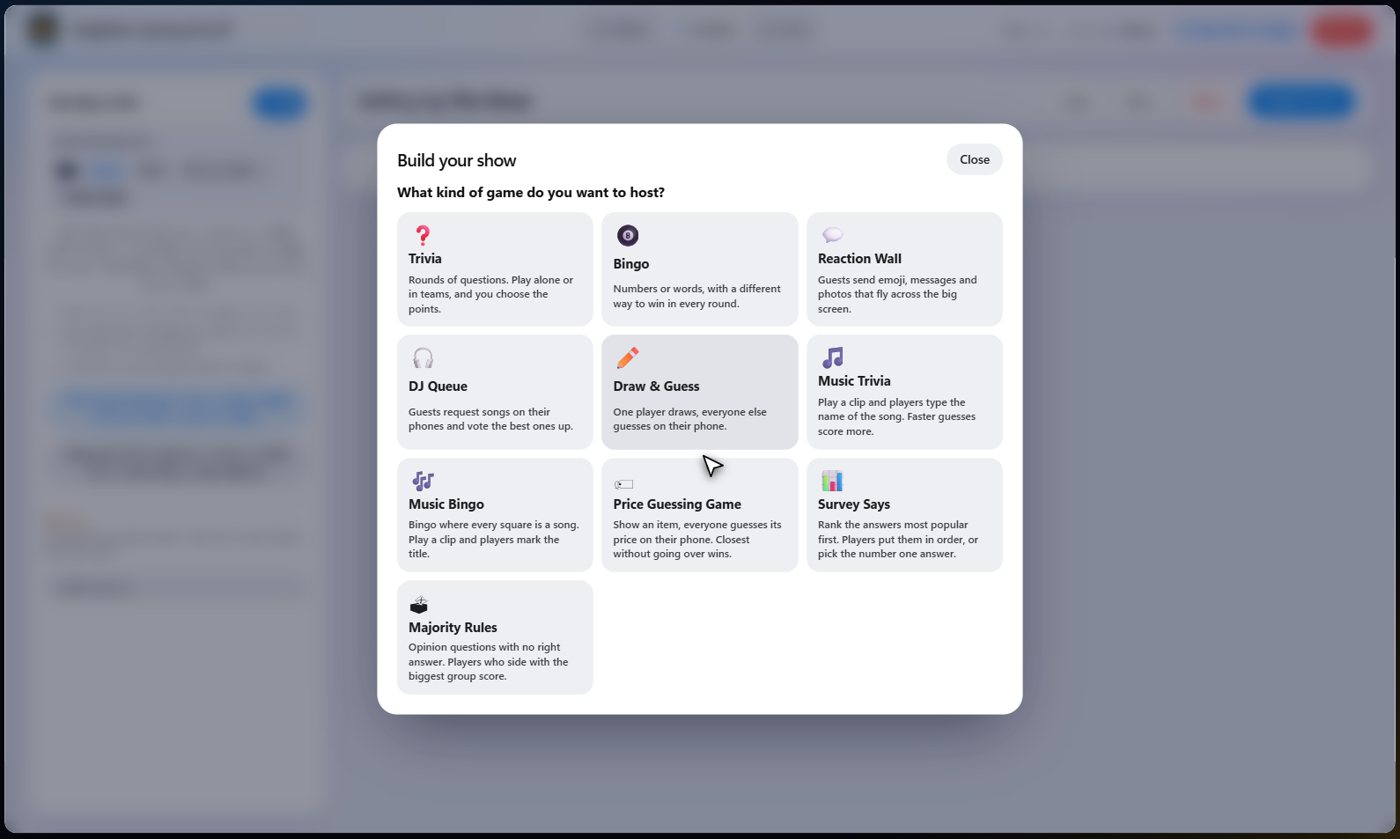
Open the game templates and choose Price Guessing Game. Choose your items, set how each item plays, and build the show: a welcome card, the price round, the scoreboard and a thank-you card.
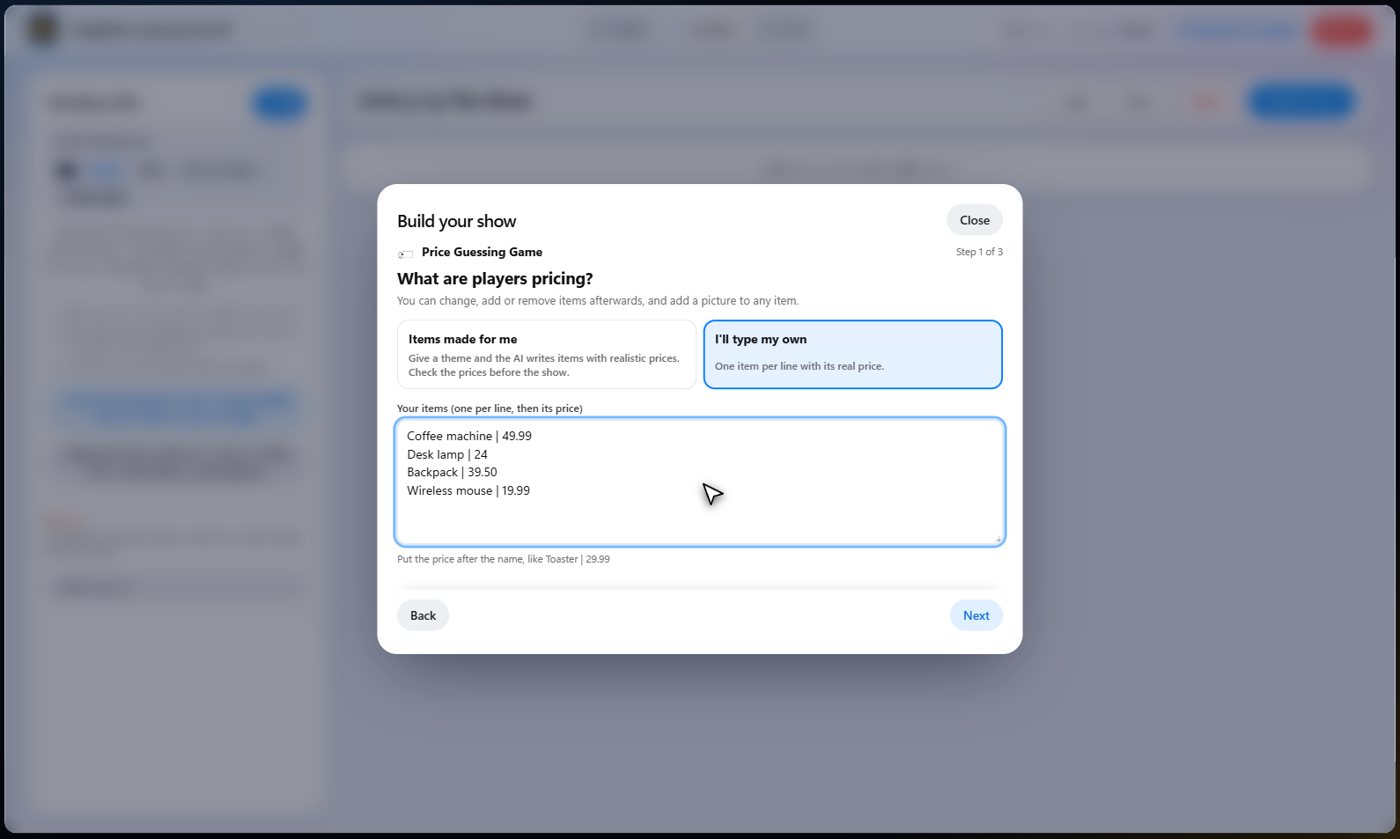
Choose the items
Have the AI write items with prices, or type your own, one per line with the price after the name, like Toaster | 29.99. Any of a bar, a dash or a space works, and a dollar sign or a comma in the price is fine.
Tip The AI only estimates prices. If it wrote them, check each one before the show.
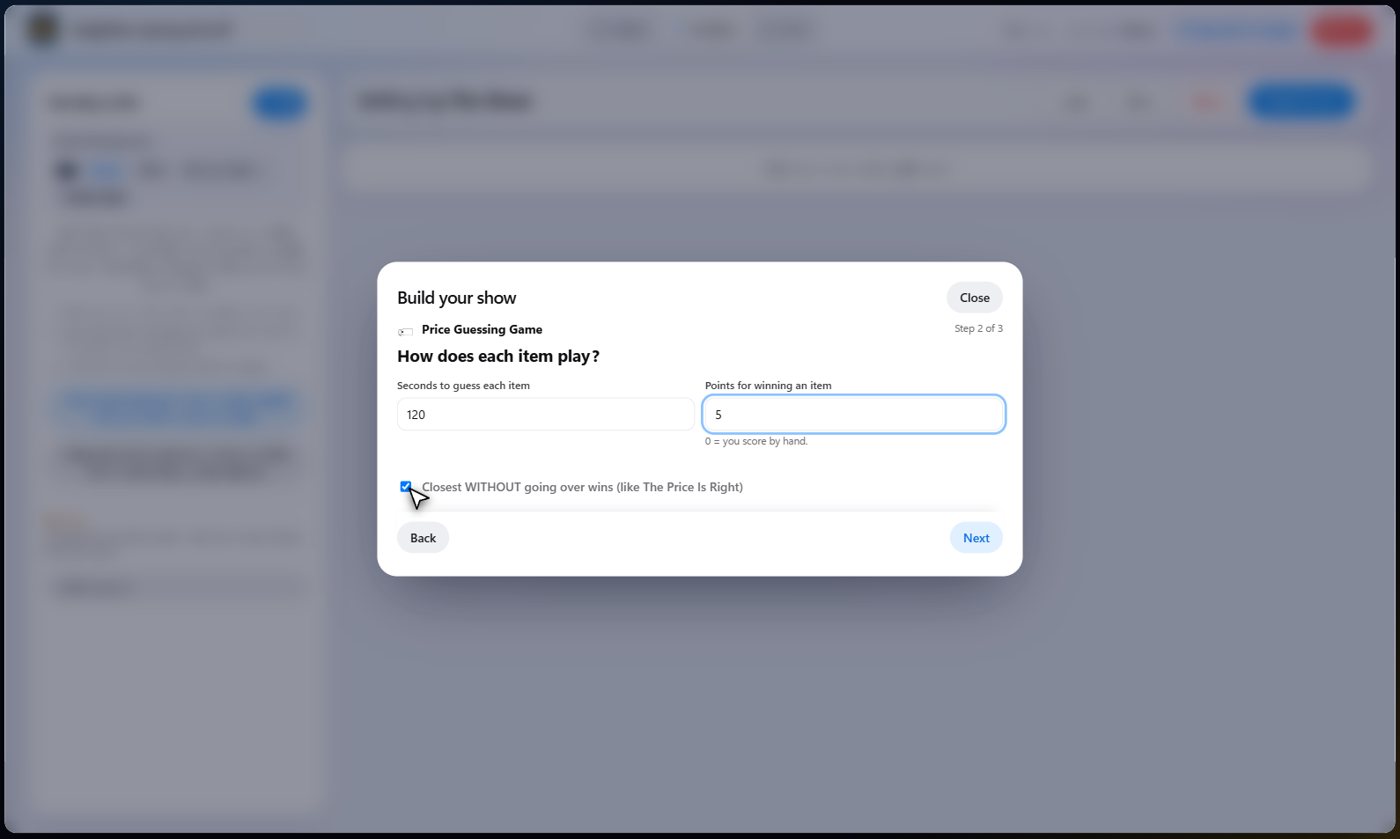
How each item plays
Set the seconds guests get for each item, and the points the winner of an item earns. Closest without going over is on by default, like the TV game. Turn it off and the closest guess wins, even if it is over.
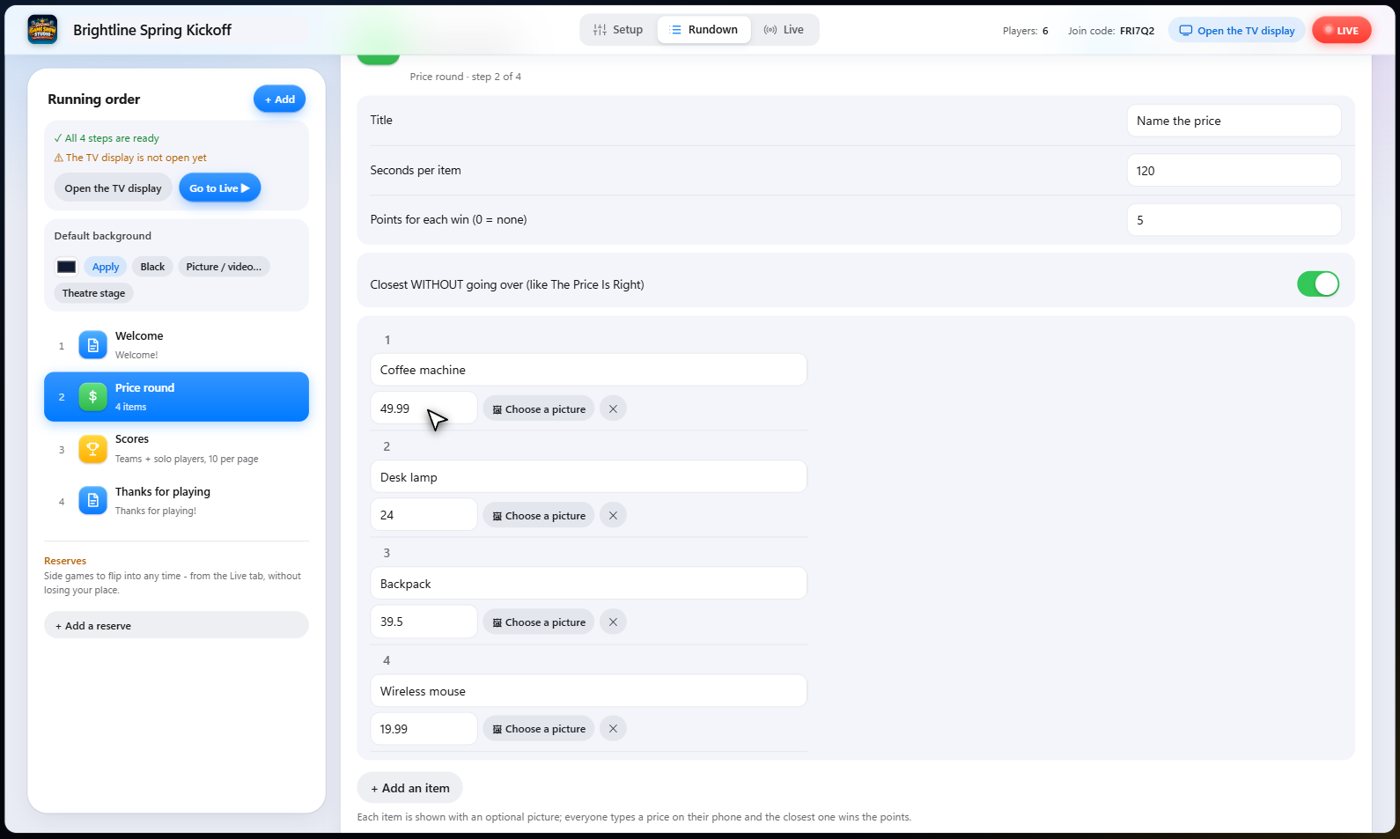
Look it over
Open the price round to see your items. Each one has a name, its real price and an optional picture. Change anything, or add more items.
Guess the price
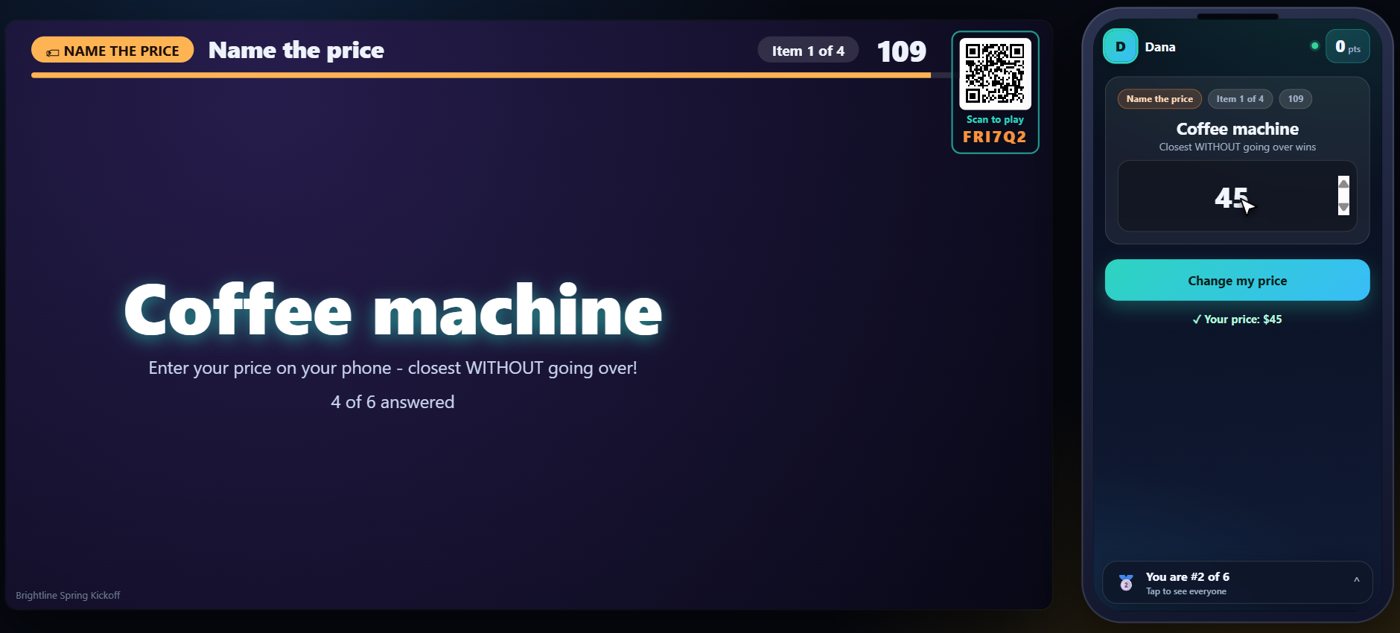
On the Live tab, press the item button and the first item goes up on the TV. Every guest types a price on their phone and locks it in.
The real price
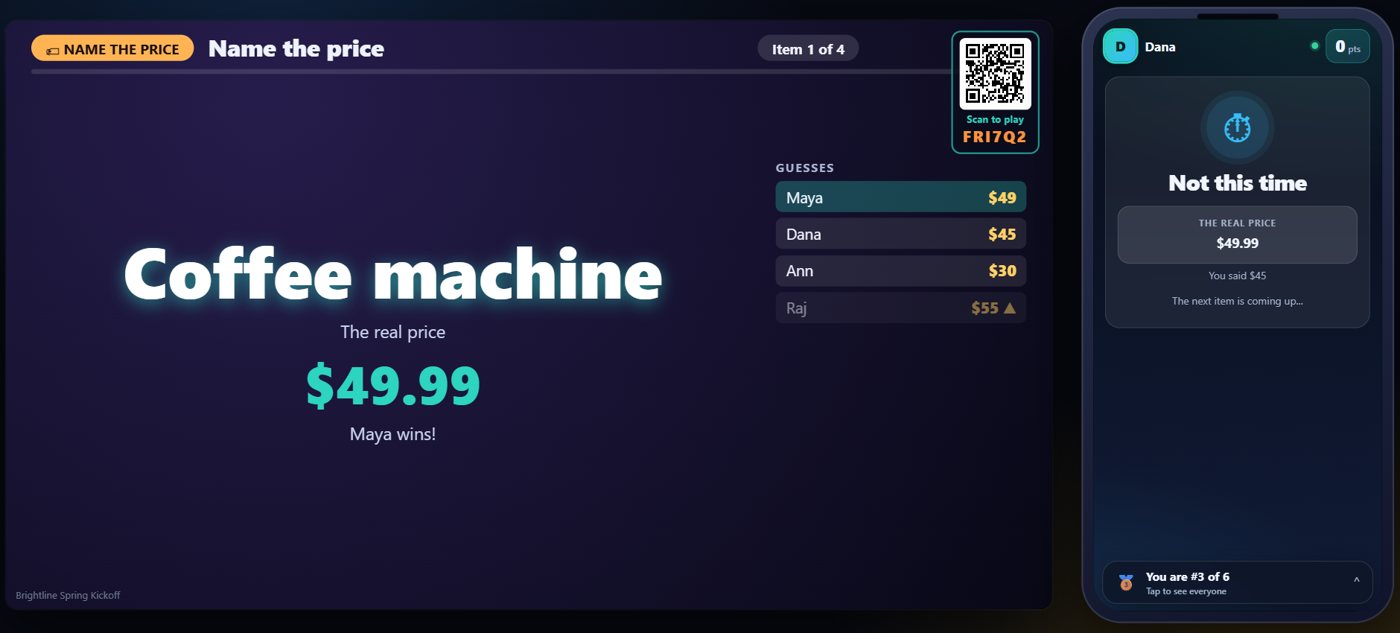
Reveal it and the TV shows the real price, every guess, and the winner: the closest guess, without going over if you chose that. The winner gets the points, and every phone shows how close the guess was.
One button runs each item
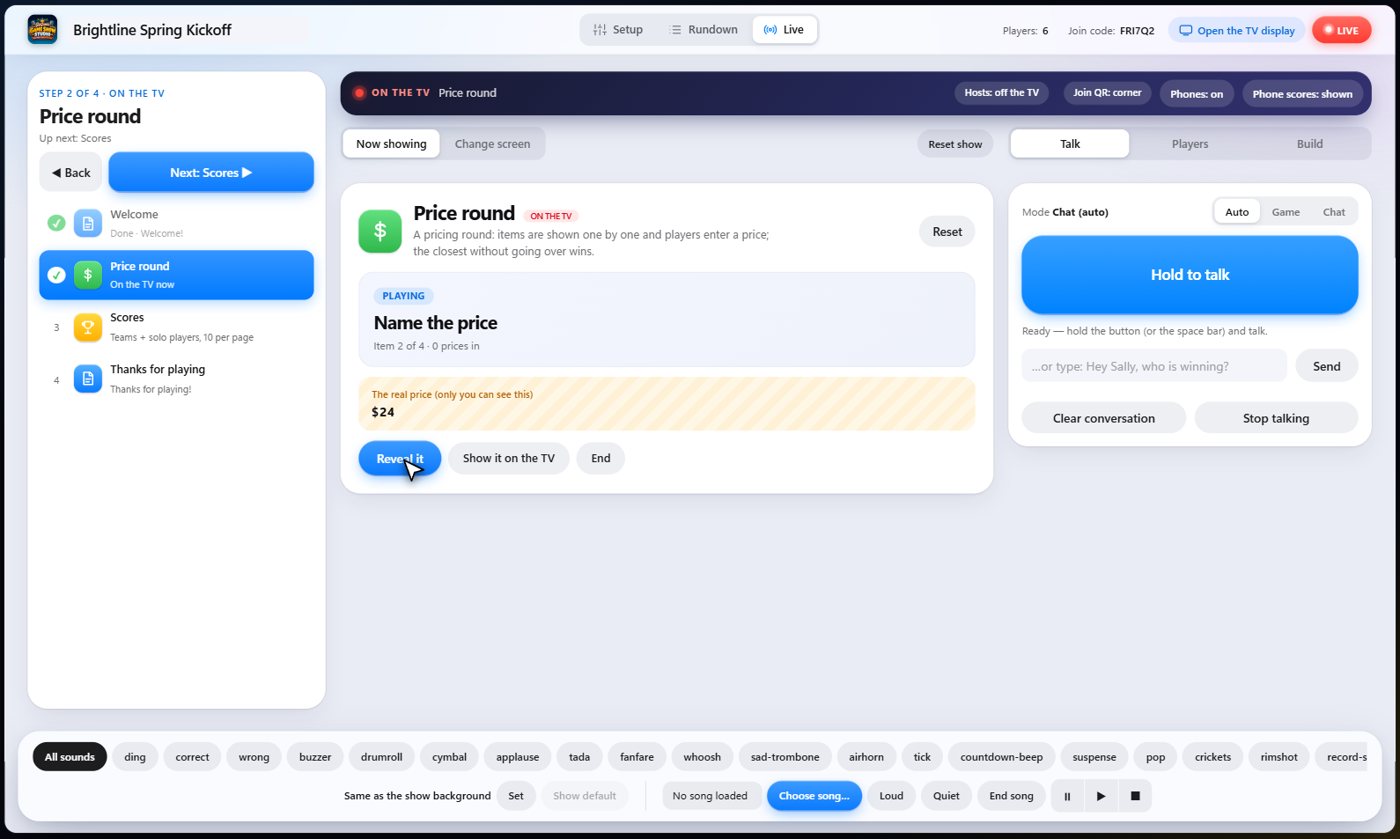
On the Live tab, one button moves each item along: start it, reveal it, then go to the next. The real price is shown to you, and only you, before the guests see it.
Something missing or unclear? Check the FAQ or browse all guides.